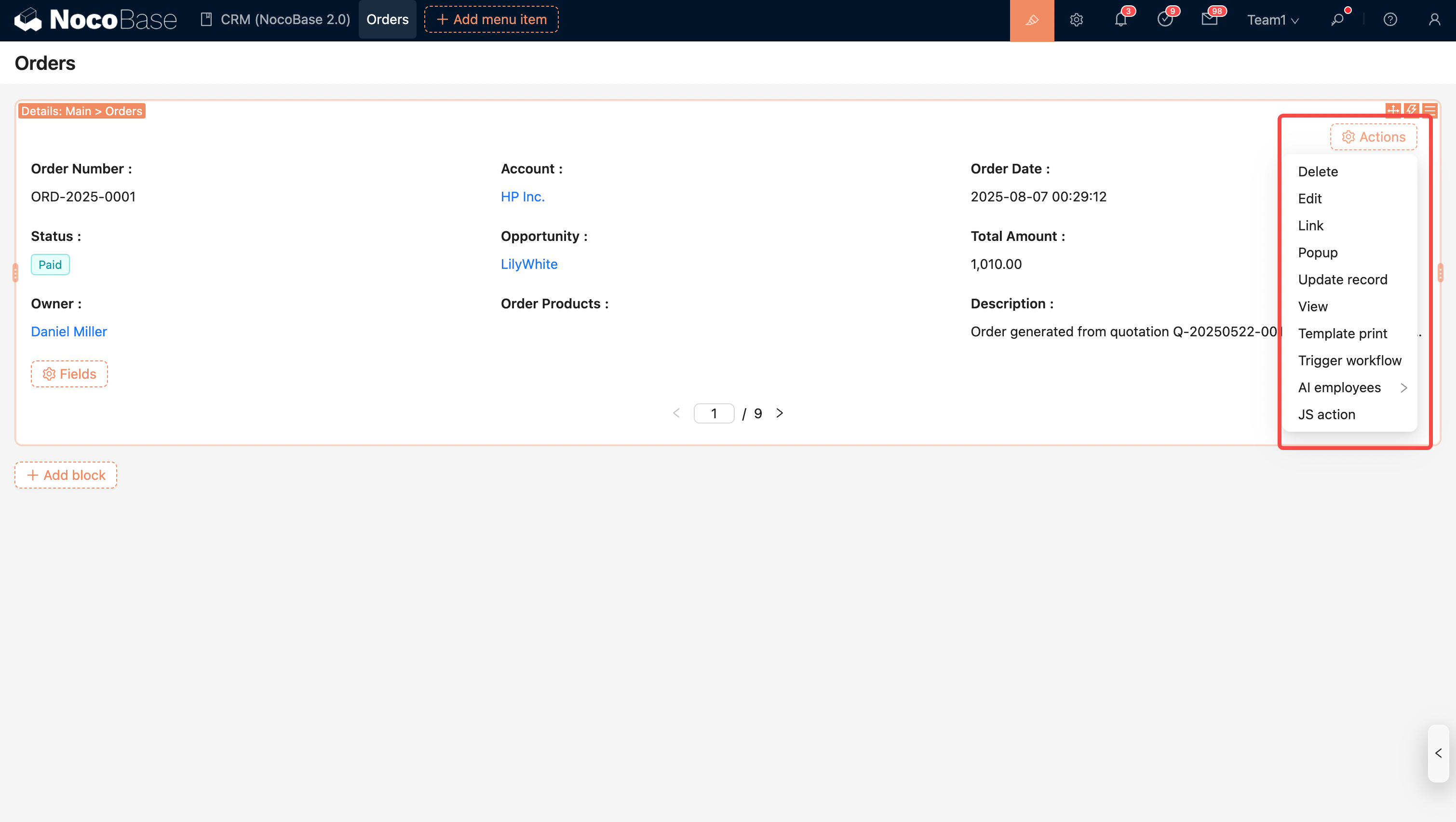
Details Block
Introduction
The Details block is used to display the field values of each data record. It supports flexible field layouts and has built-in data action functions, making it convenient for users to view and manage information.
Block Settings
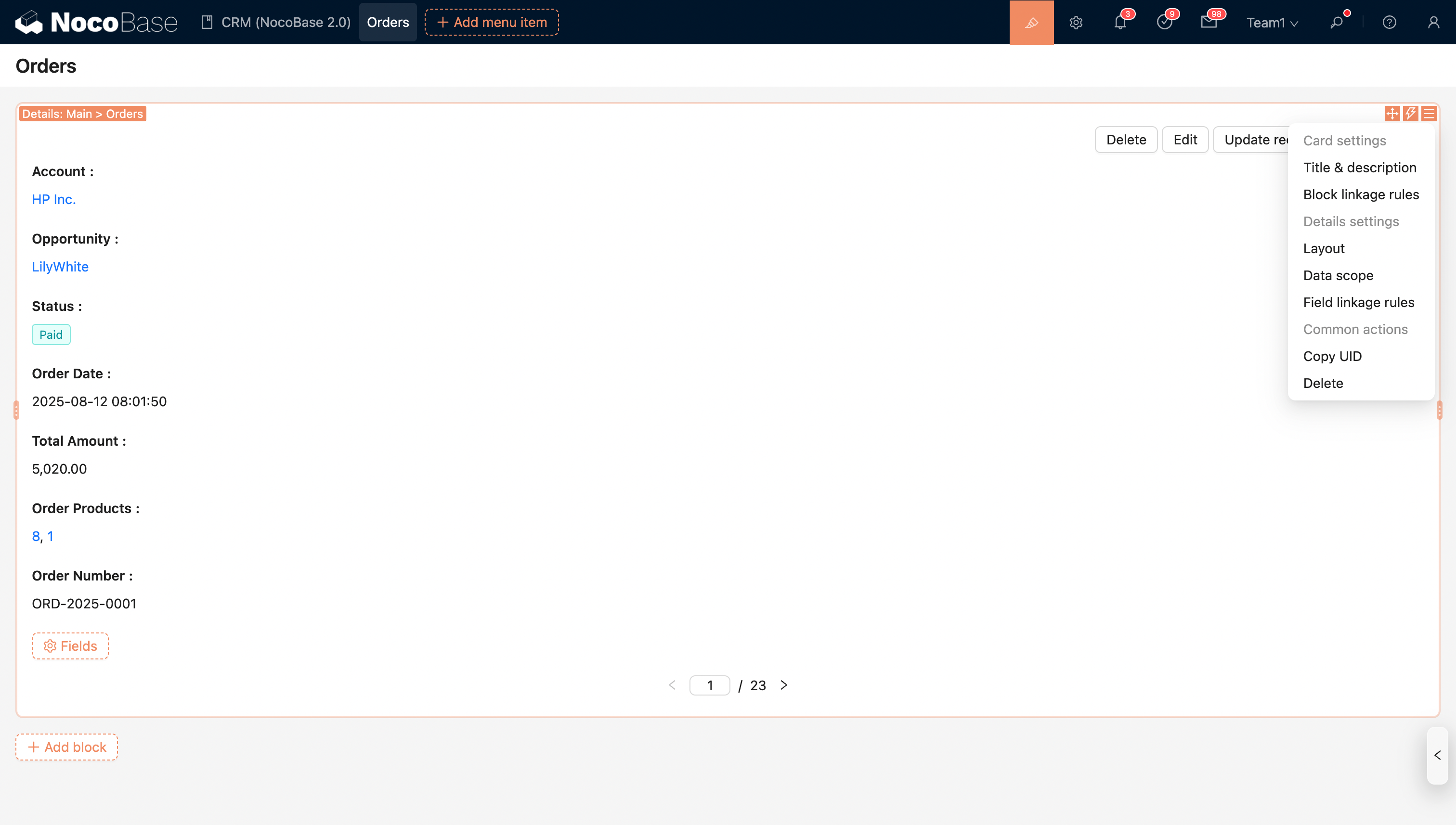
Block Linkage Rules
Control block behavior (e.g., whether to display it or execute JavaScript) through linkage rules.
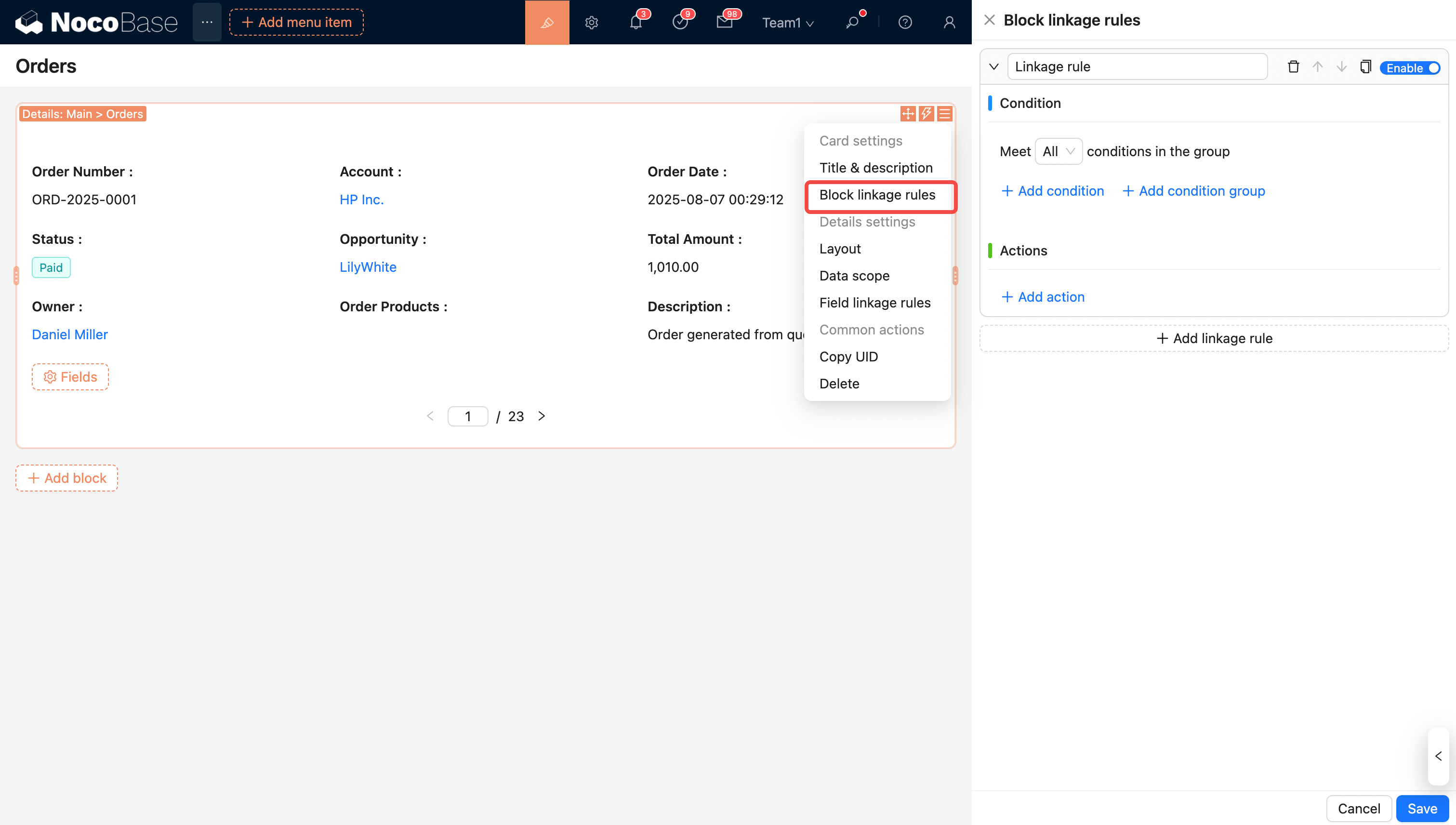
For more details, see Linkage Rules
Set Data Scope
Example: Only display paid orders
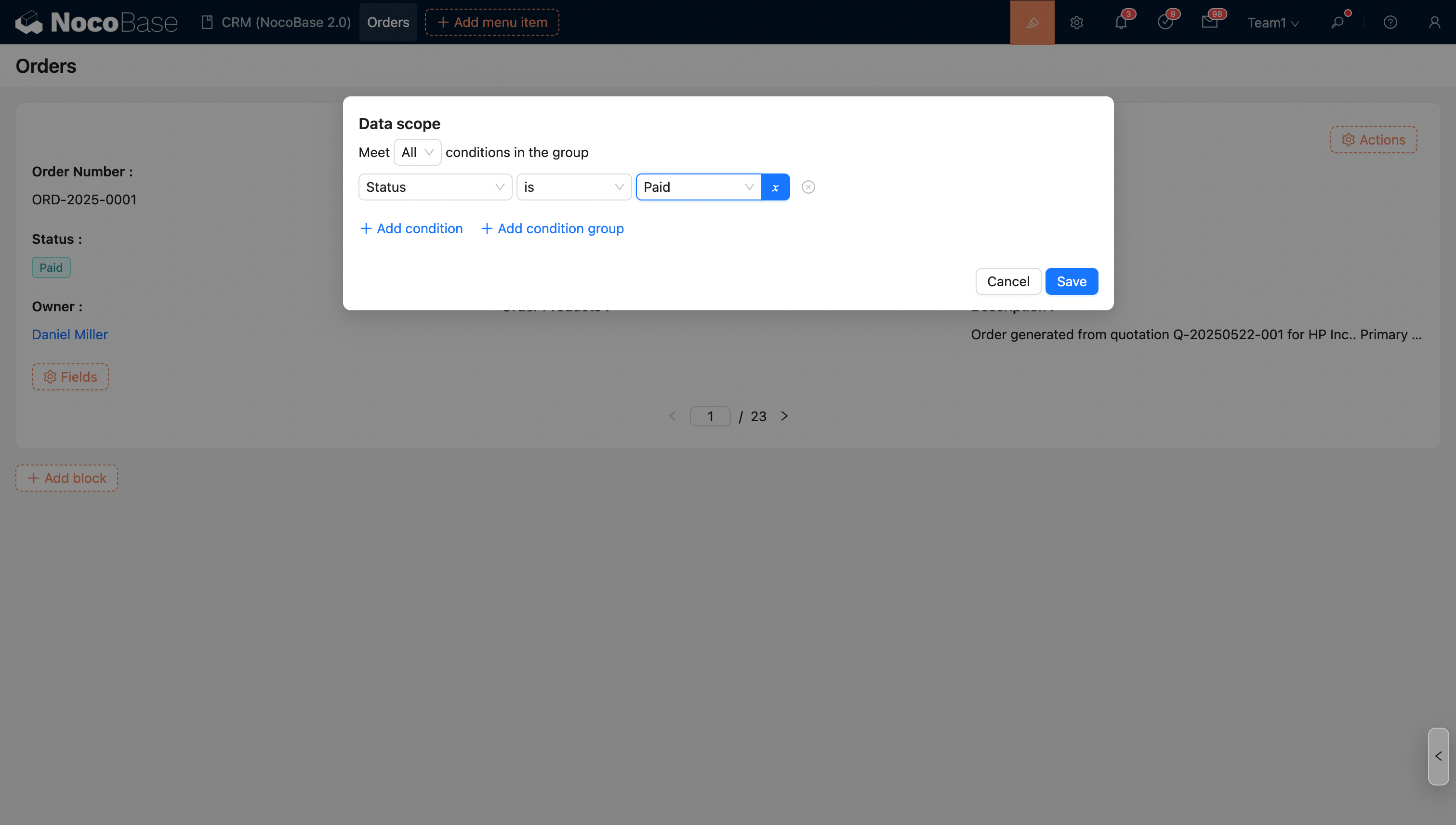
For more details, see Set Data Scope
Field Linkage Rules
Linkage rules in the Details block support dynamically setting fields to be shown/hidden.
Example: Do not display the amount when the order status is "Cancelled".
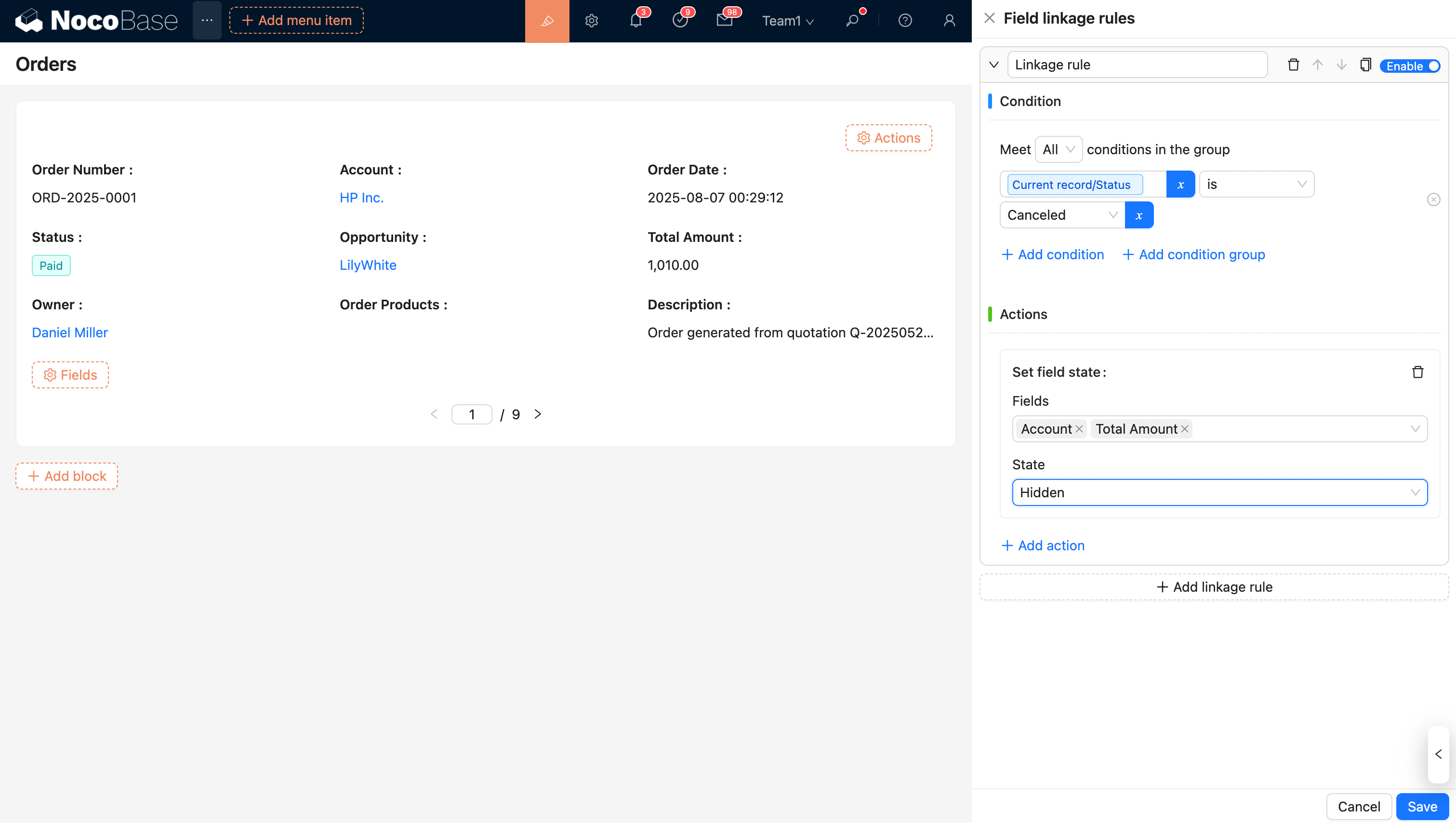
For more details, see Linkage Rules
Configure Fields
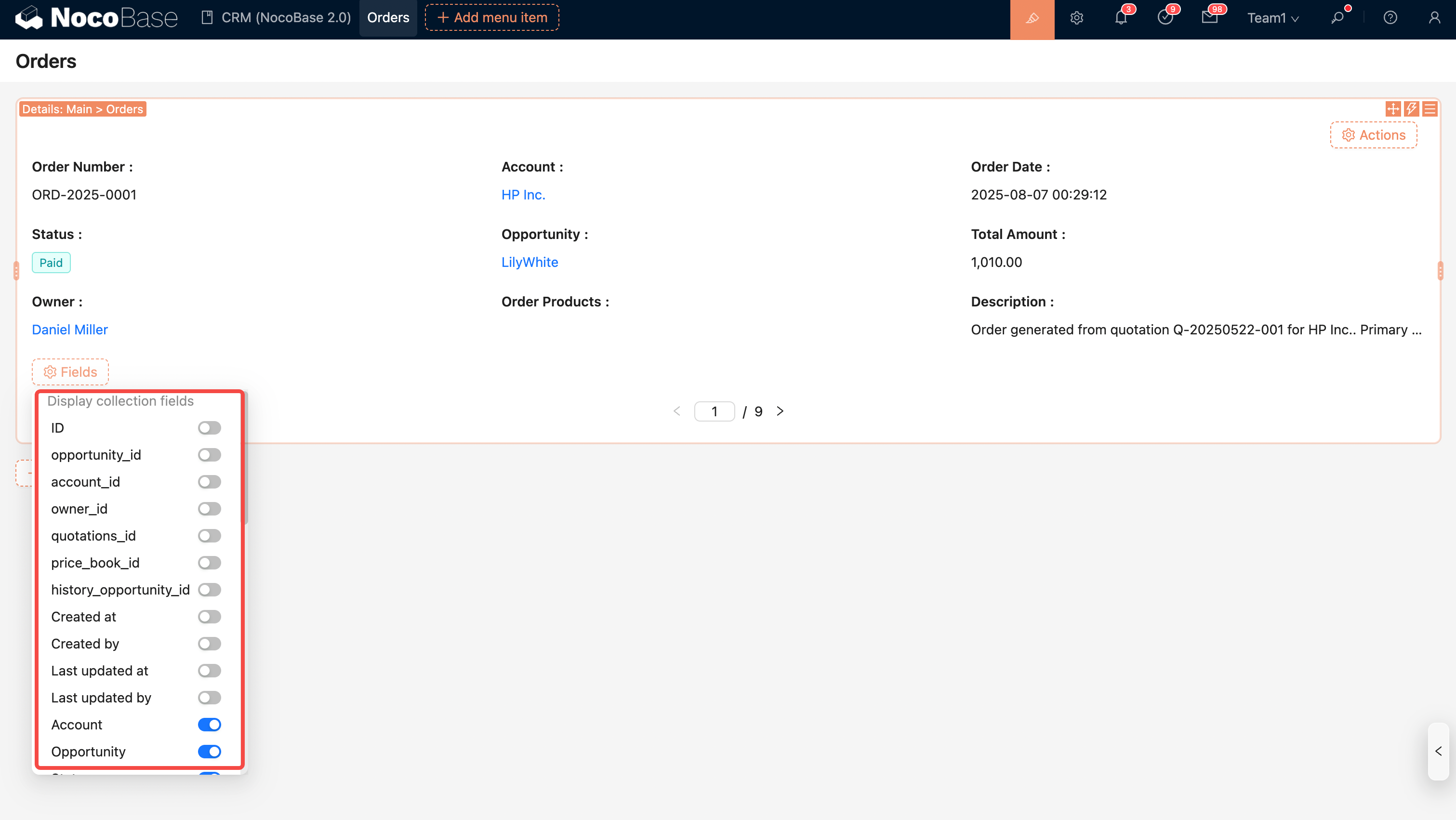
Fields from This Collection
Note: Fields from inherited collections (i.e., parent collection fields) are automatically merged and displayed in the current field list.
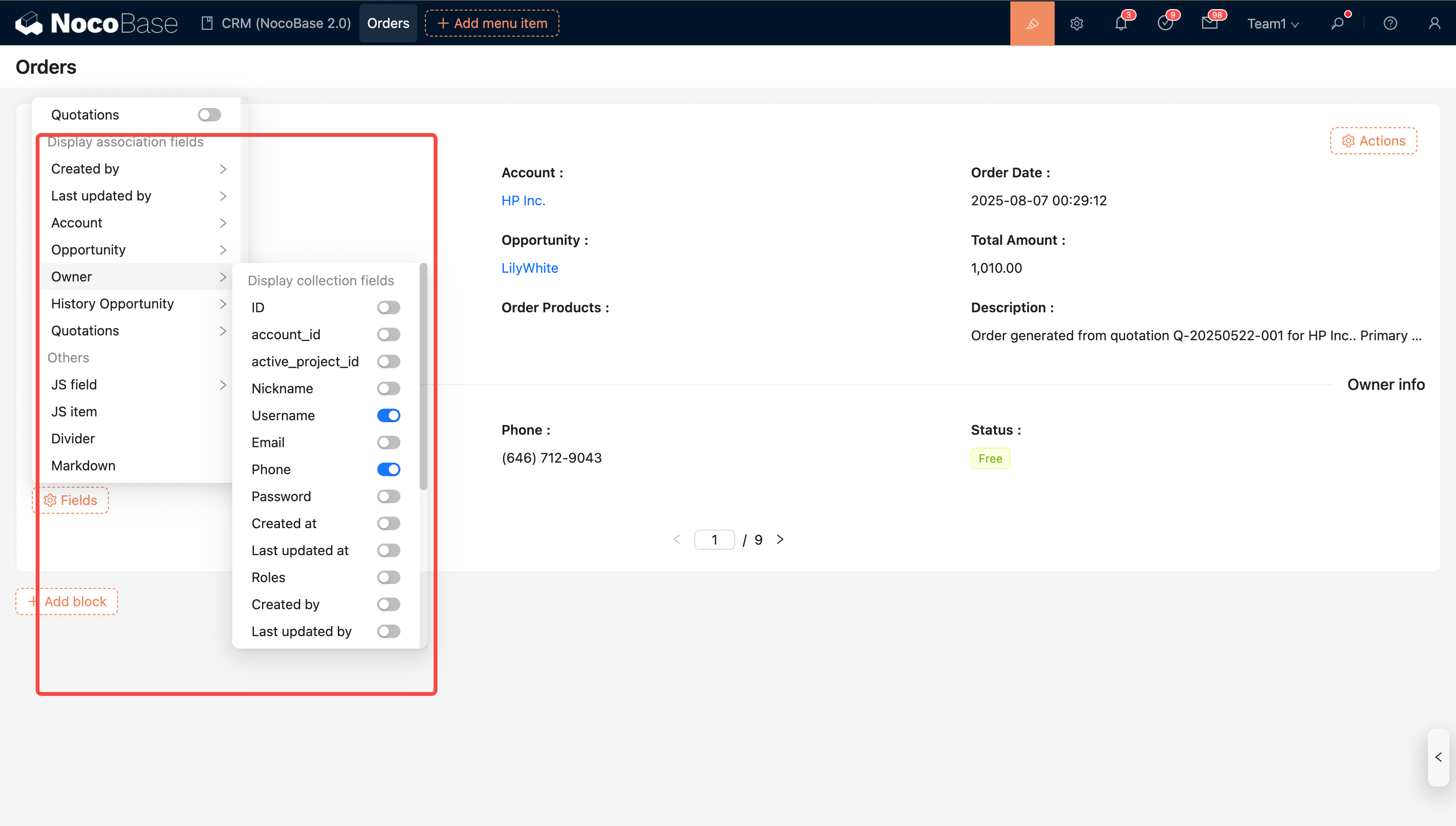
Fields from Associated Collections
Note: Displaying fields from associated collections is supported (currently only for to-one relationships).
Other Fields
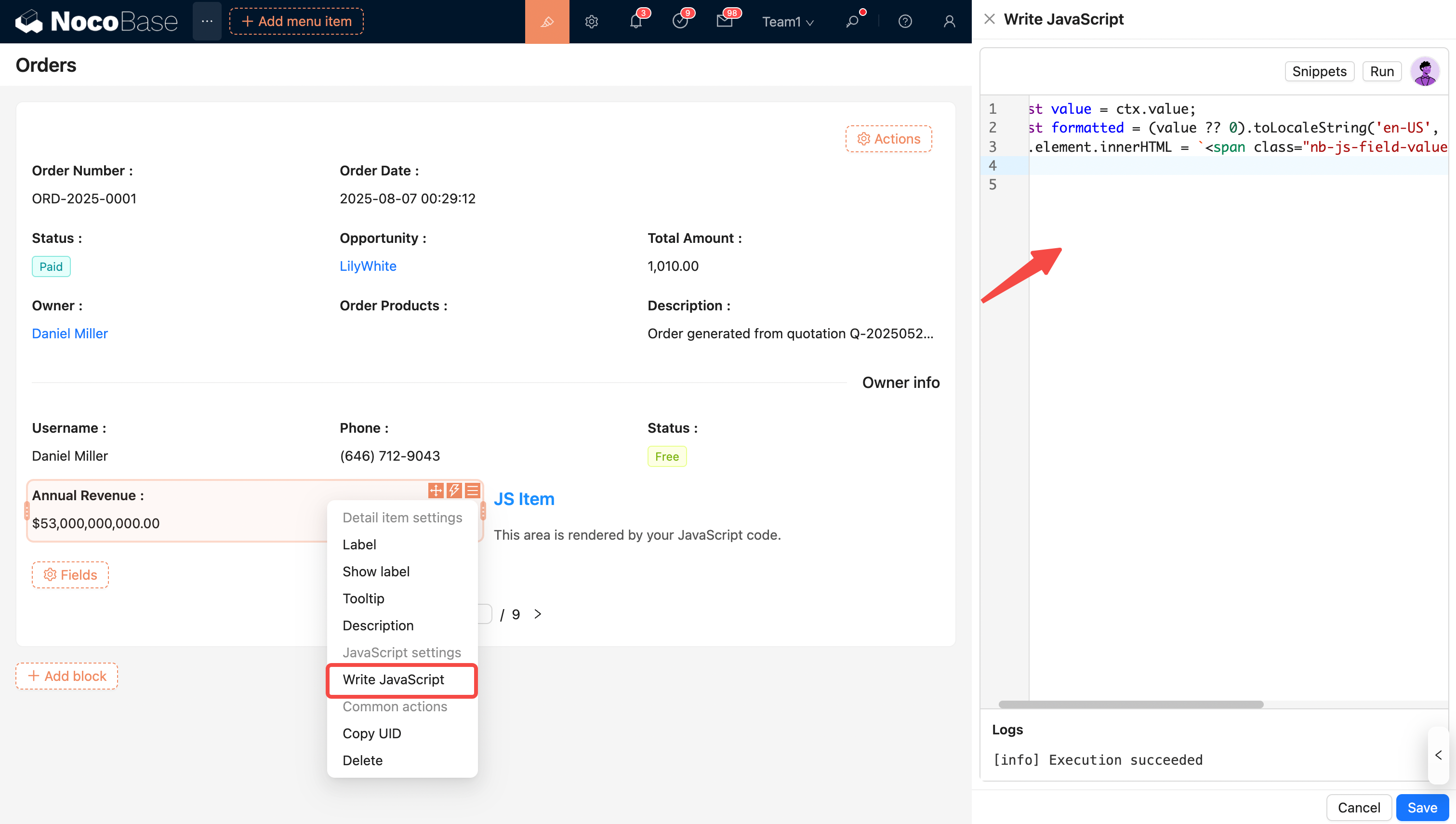
- JS Field
- JS Item
- Divider
- Markdown
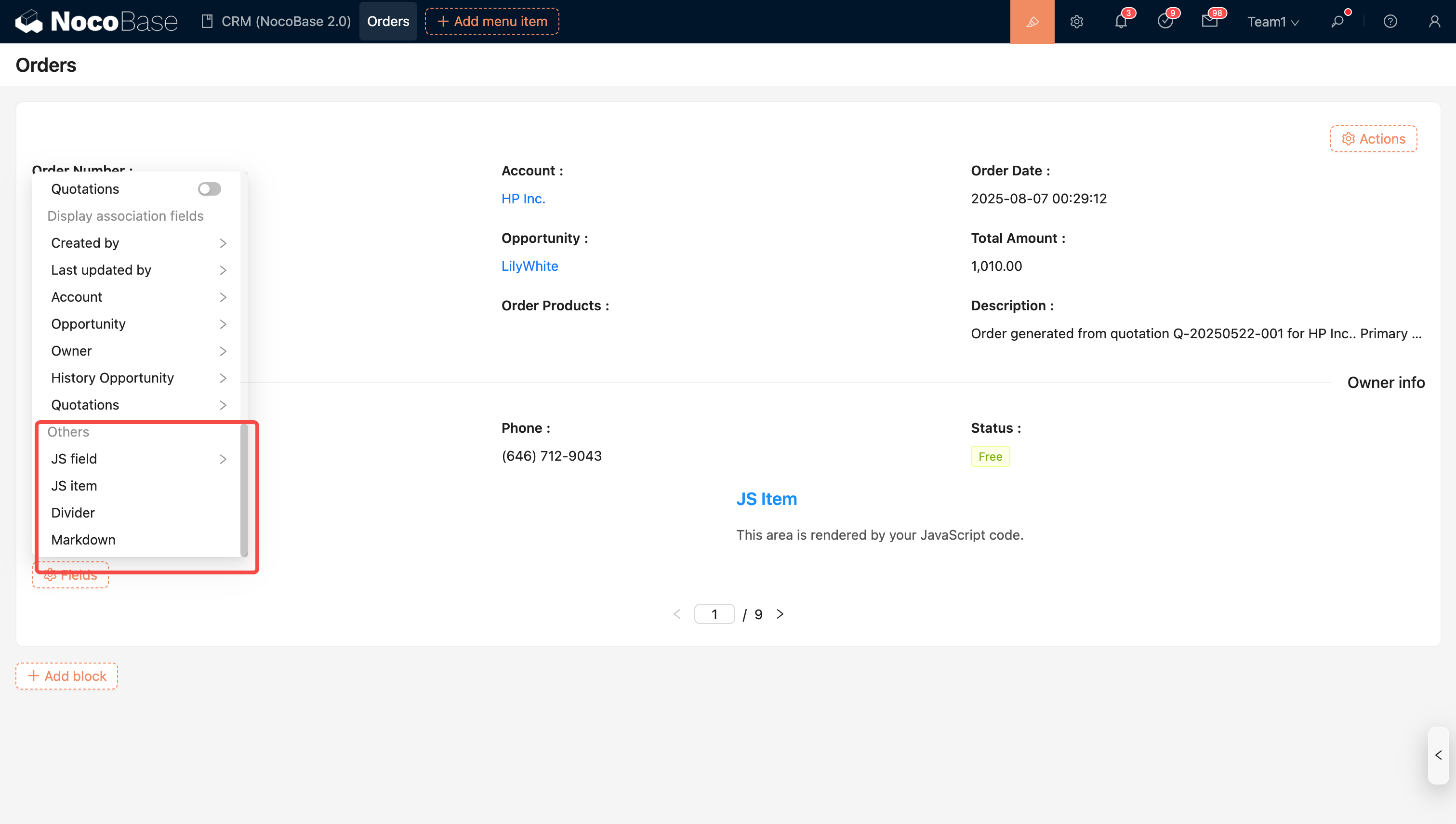
Tip: You can write JavaScript to implement custom display content, allowing you to show more complex information.
For example, you can render different display effects based on different data types, conditions, or logic.
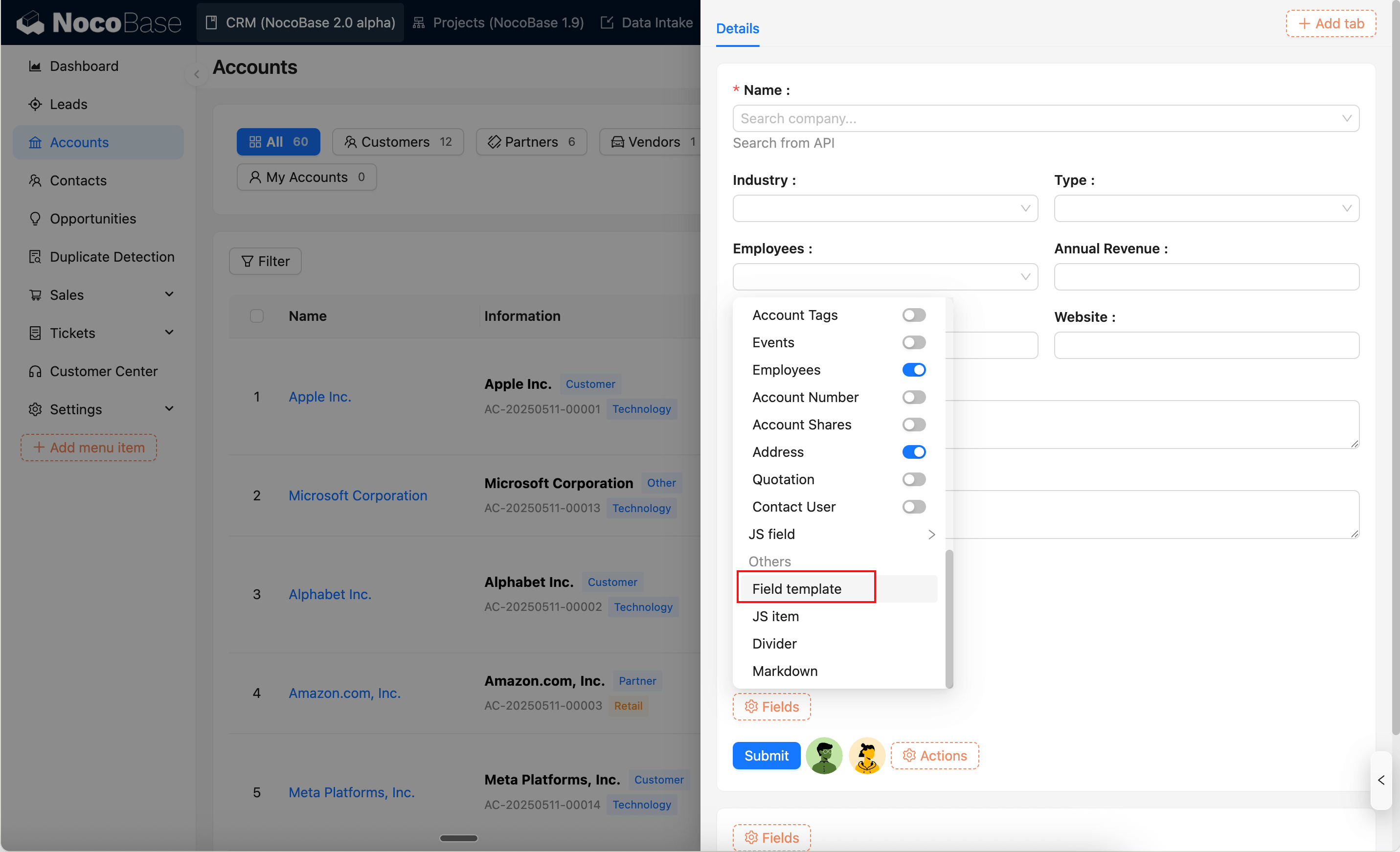
Field template
Field templates let you reuse the field section configuration (selected fields, layout, and field settings) in Details blocks. See Field template.
Configure Actions