Grid Card
Block: GridCardCommunity Edition+Introduction
The Grid Card block displays summary information of data records in a card format. It supports configuring the number of columns for different screen sizes to ensure a user-friendly display on various devices.
Block Settings
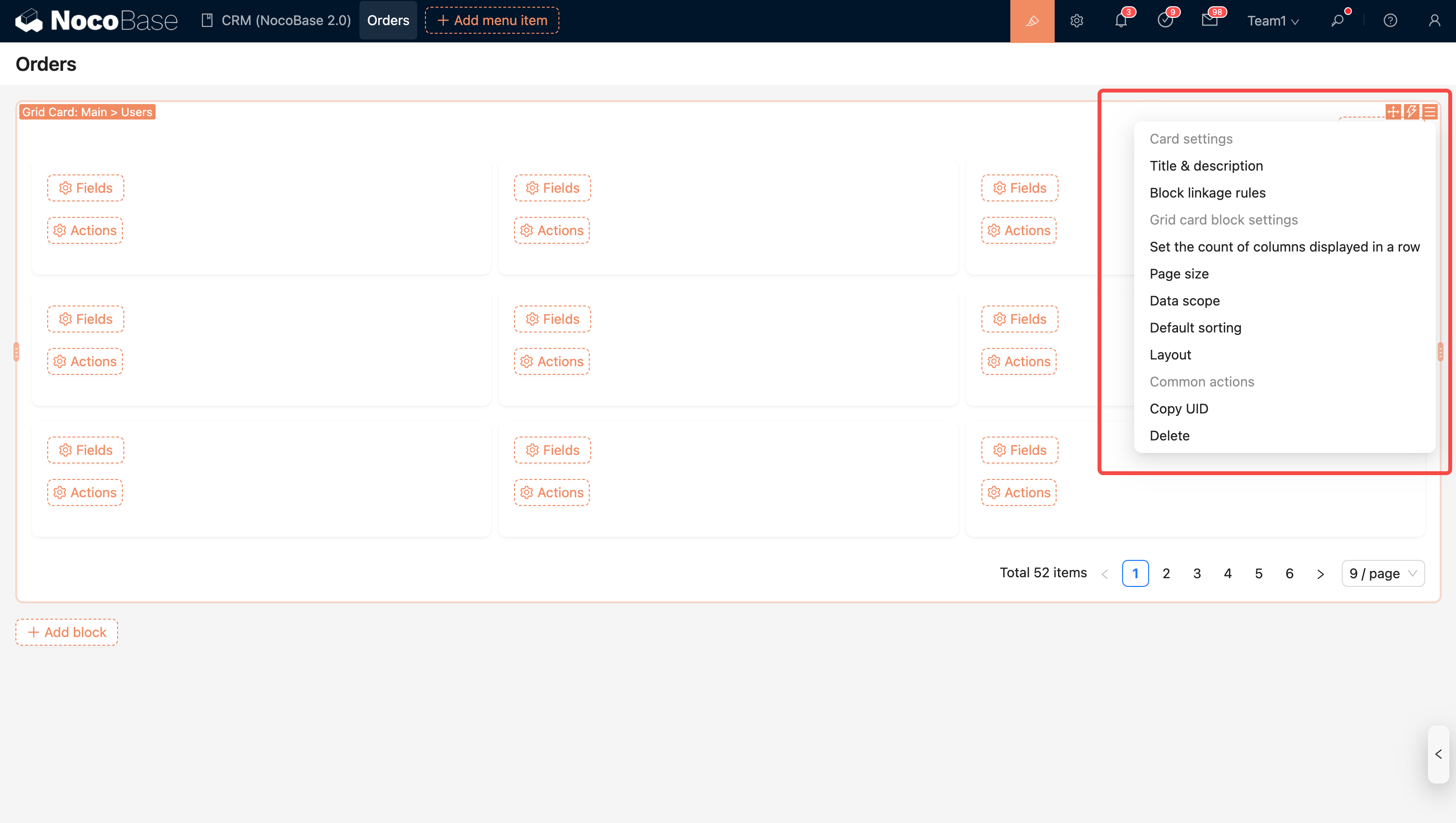
Data Scope
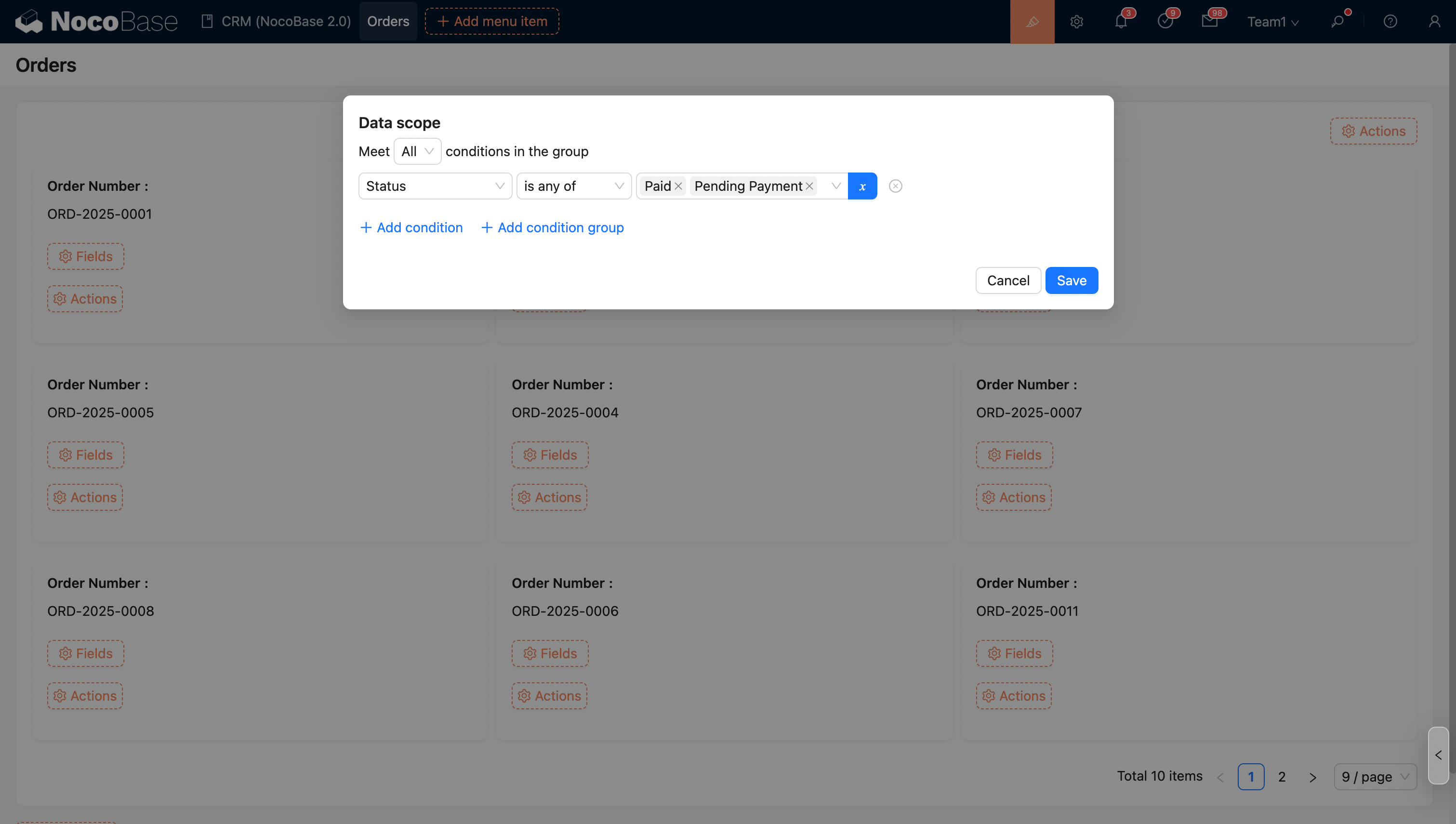
For more information, see Set data scope
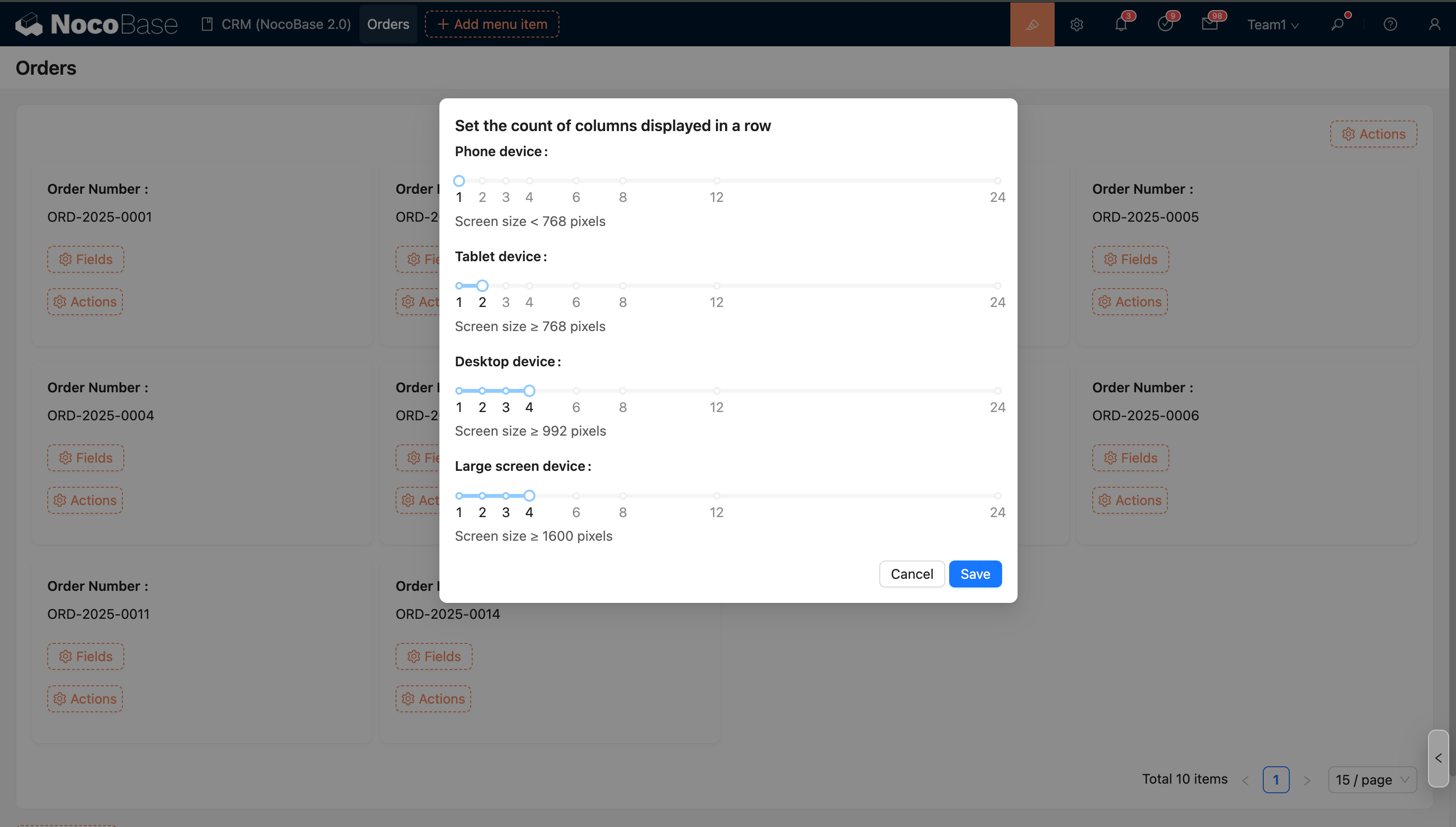
Set the number of columns per row
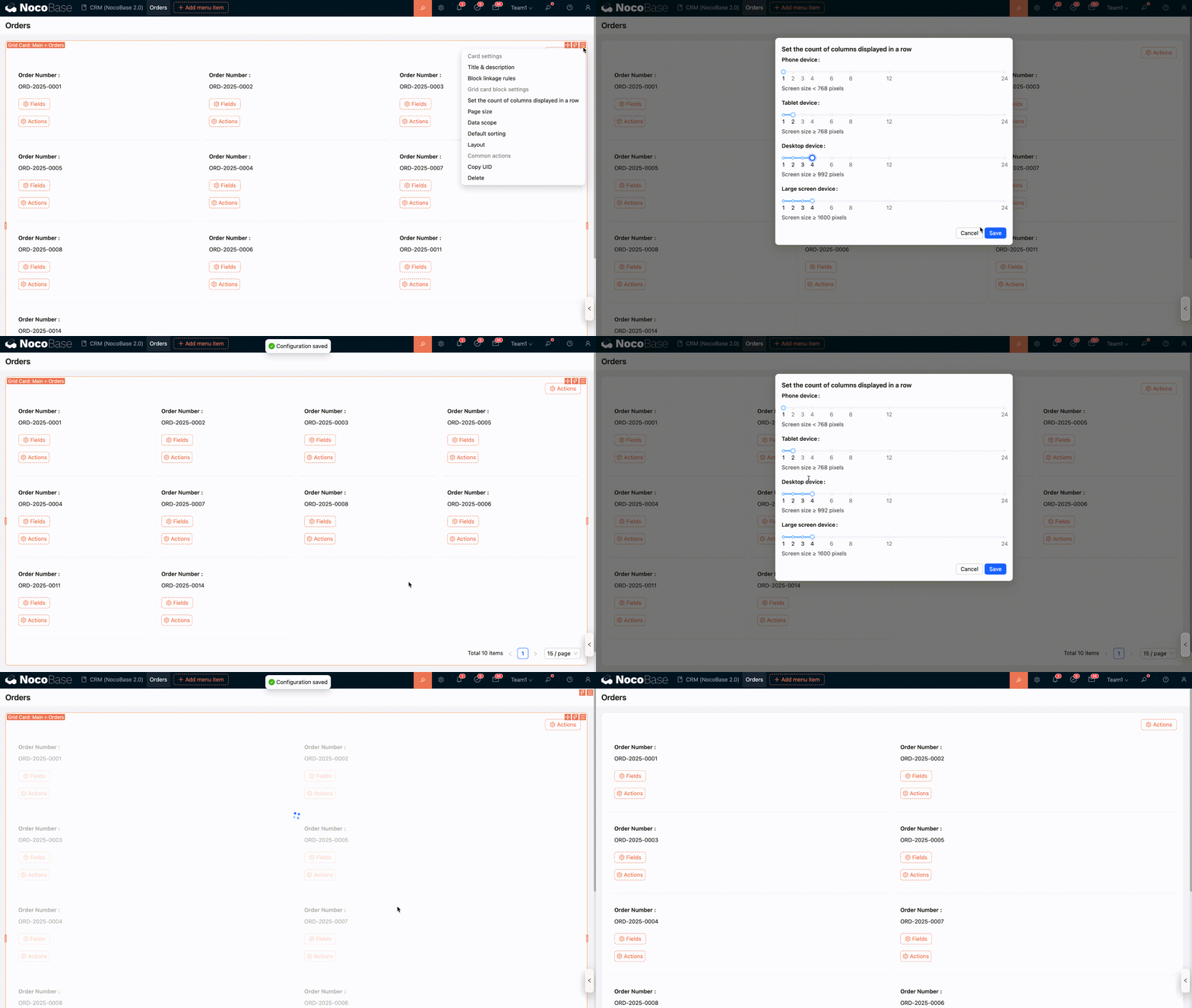
Supports configuring the number of columns for different screen sizes.
Configure Fields
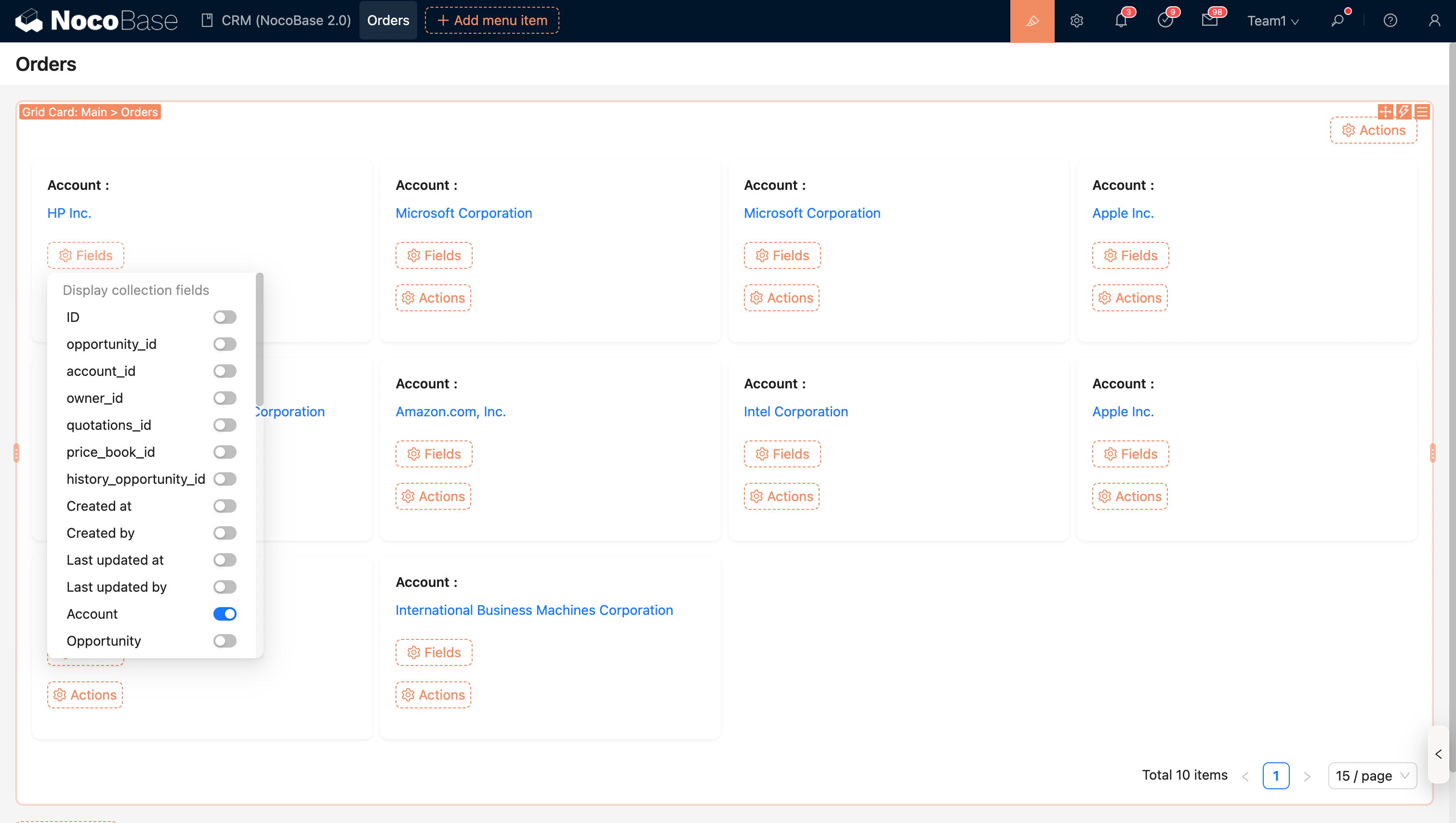
Fields from this collection
Fields from associated collections
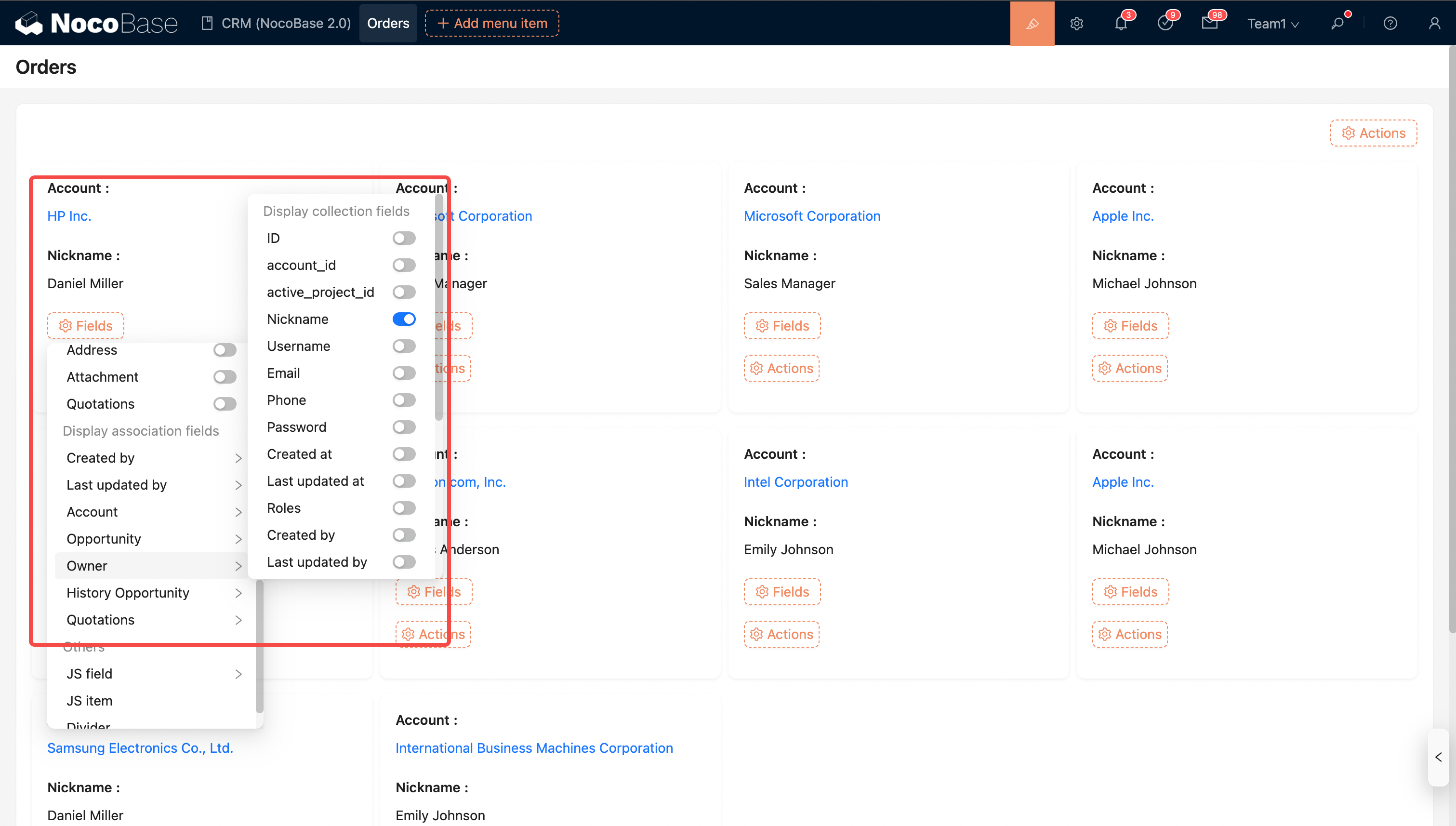
For Grid Card block field settings, see Details Field
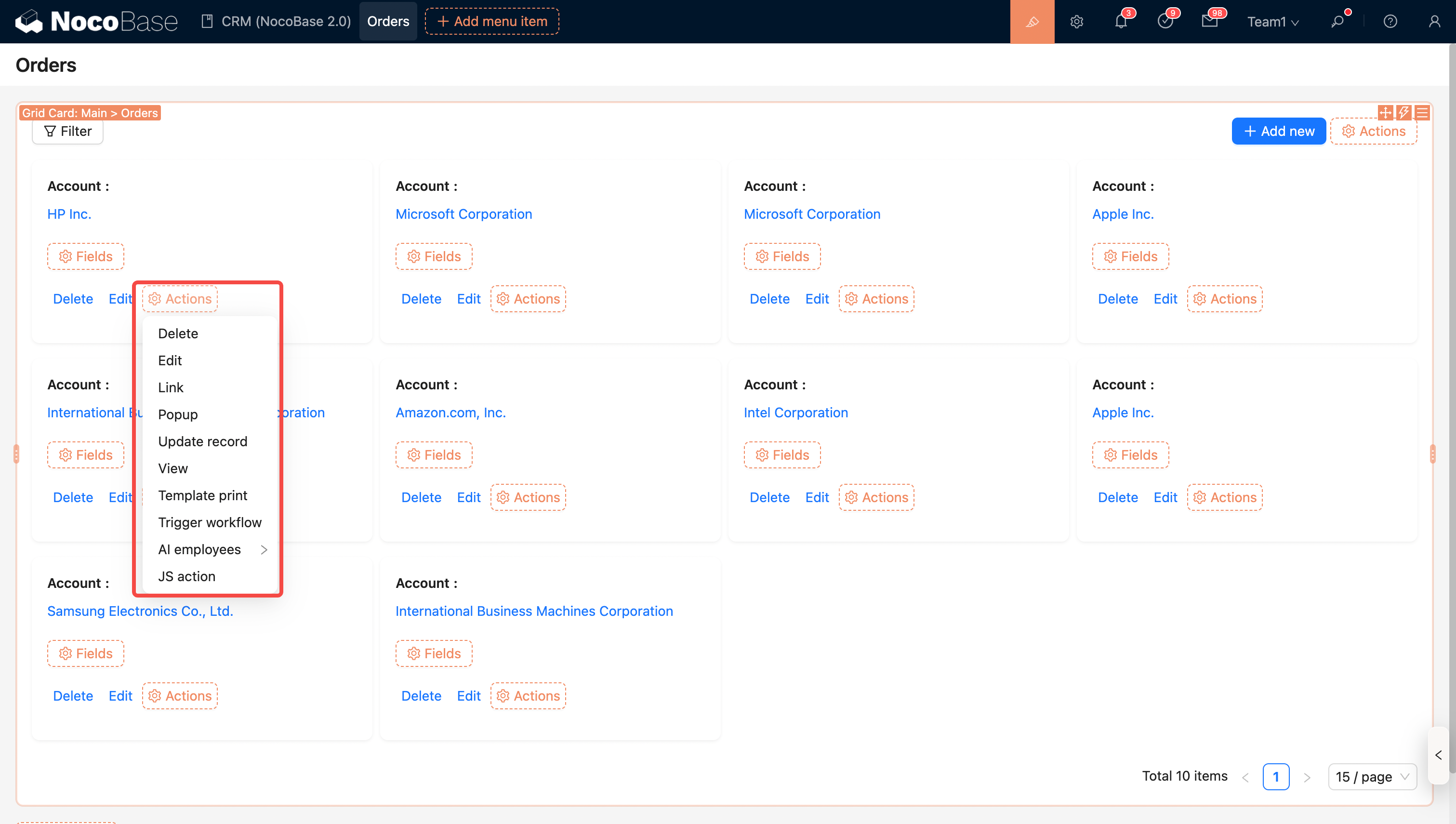
Configure Actions
Global Actions
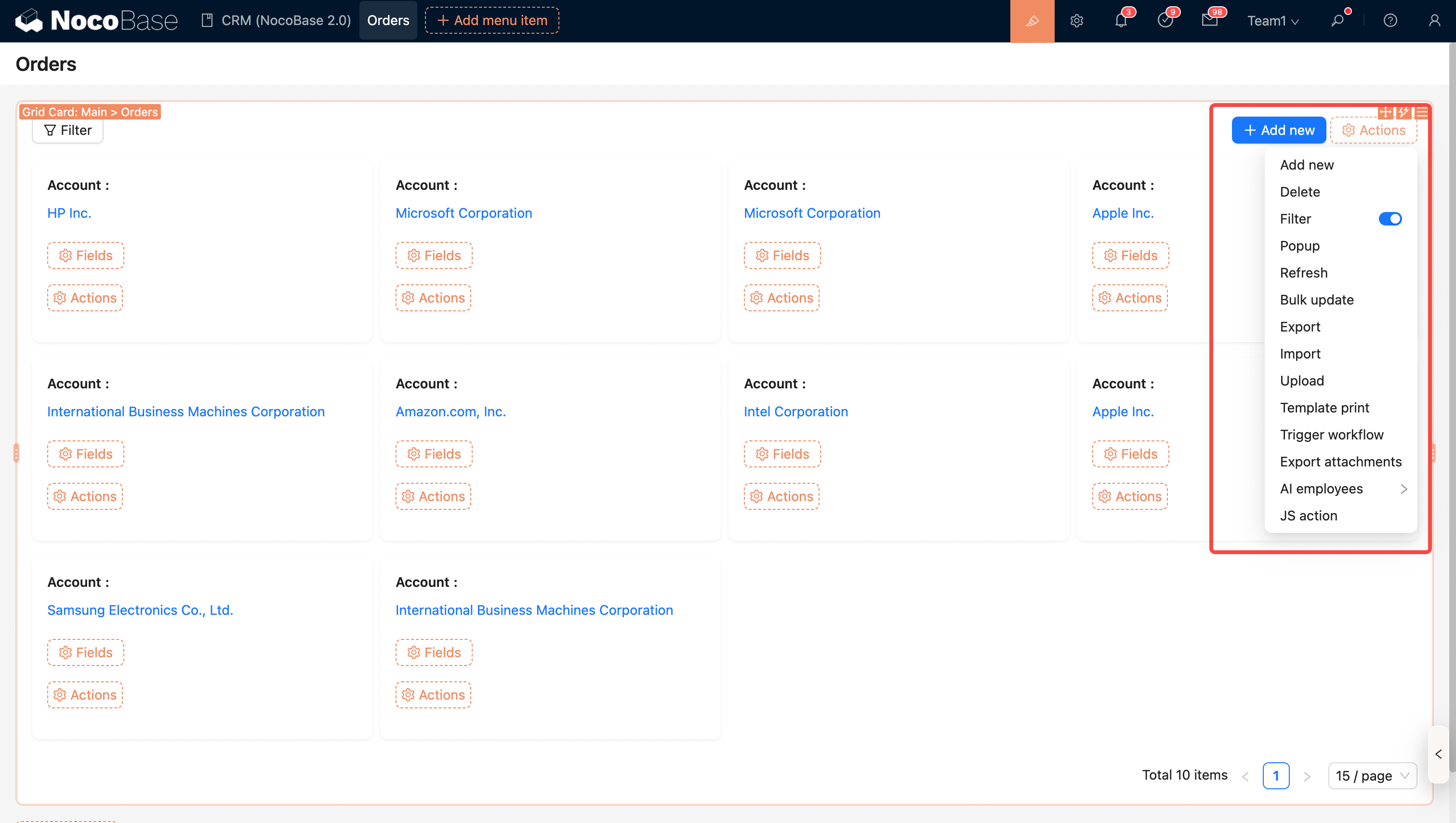
- Filter
- Add new
- Delete
- Refresh
- Import
- Export
- Template print
- Bulk update
- Export attachments
- Trigger workflow
- AI employee
- JS Action
Row Actions