Field Component
Introduction
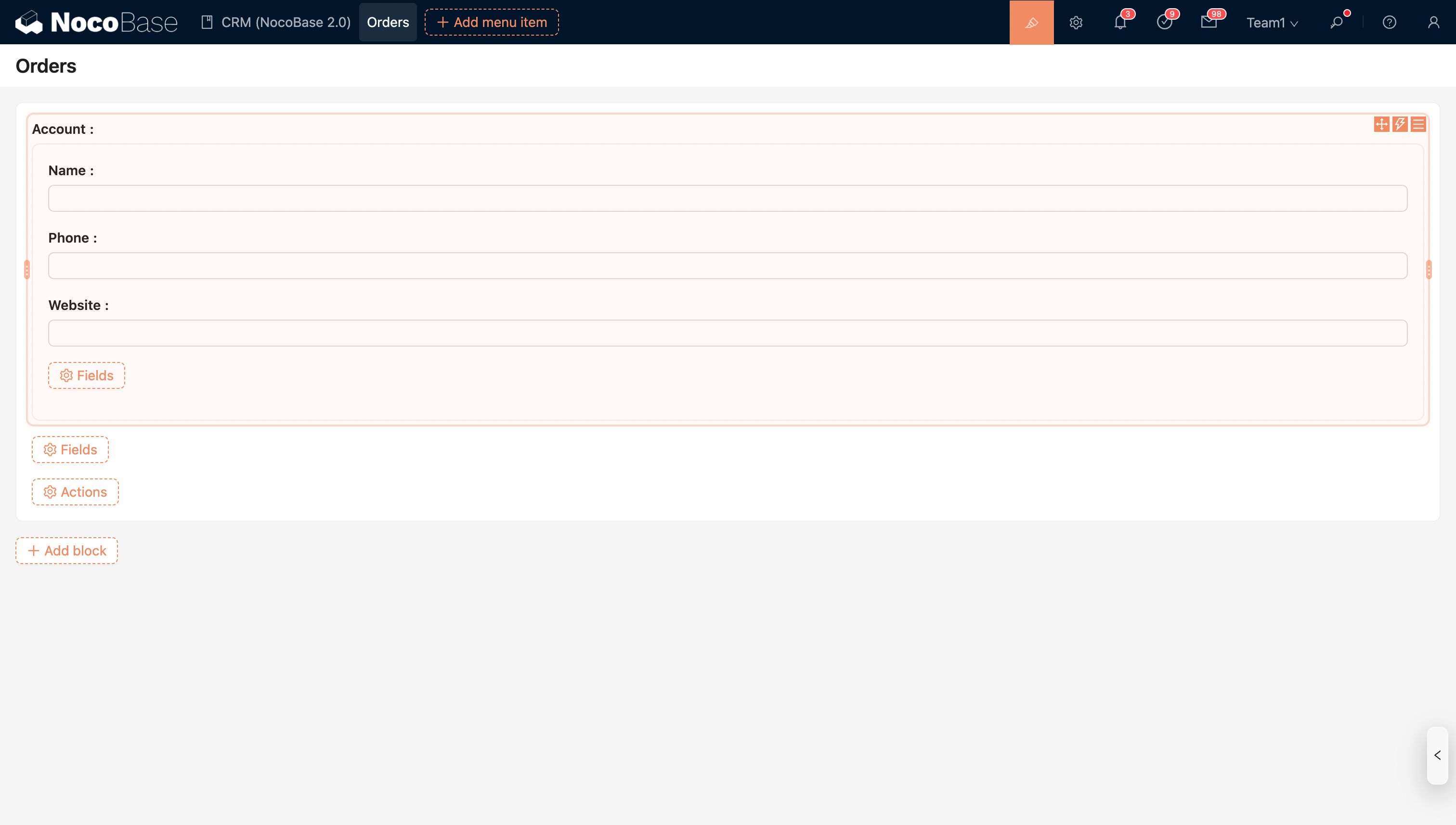
Field components are used to display the content of a field. Some fields have multiple built-in display components. Users can choose the appropriate component according to their actual needs to present the field's value in different ways.
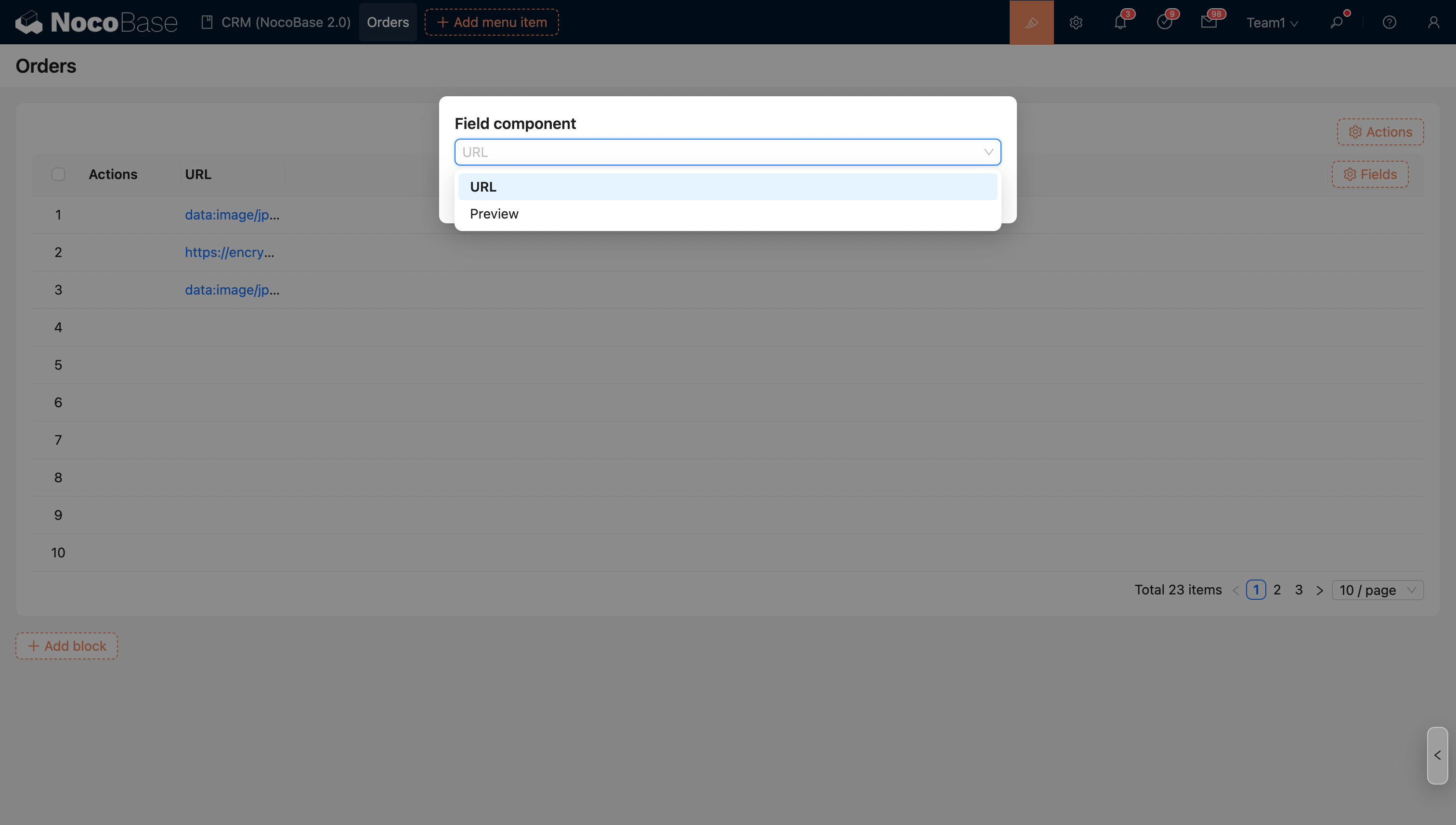
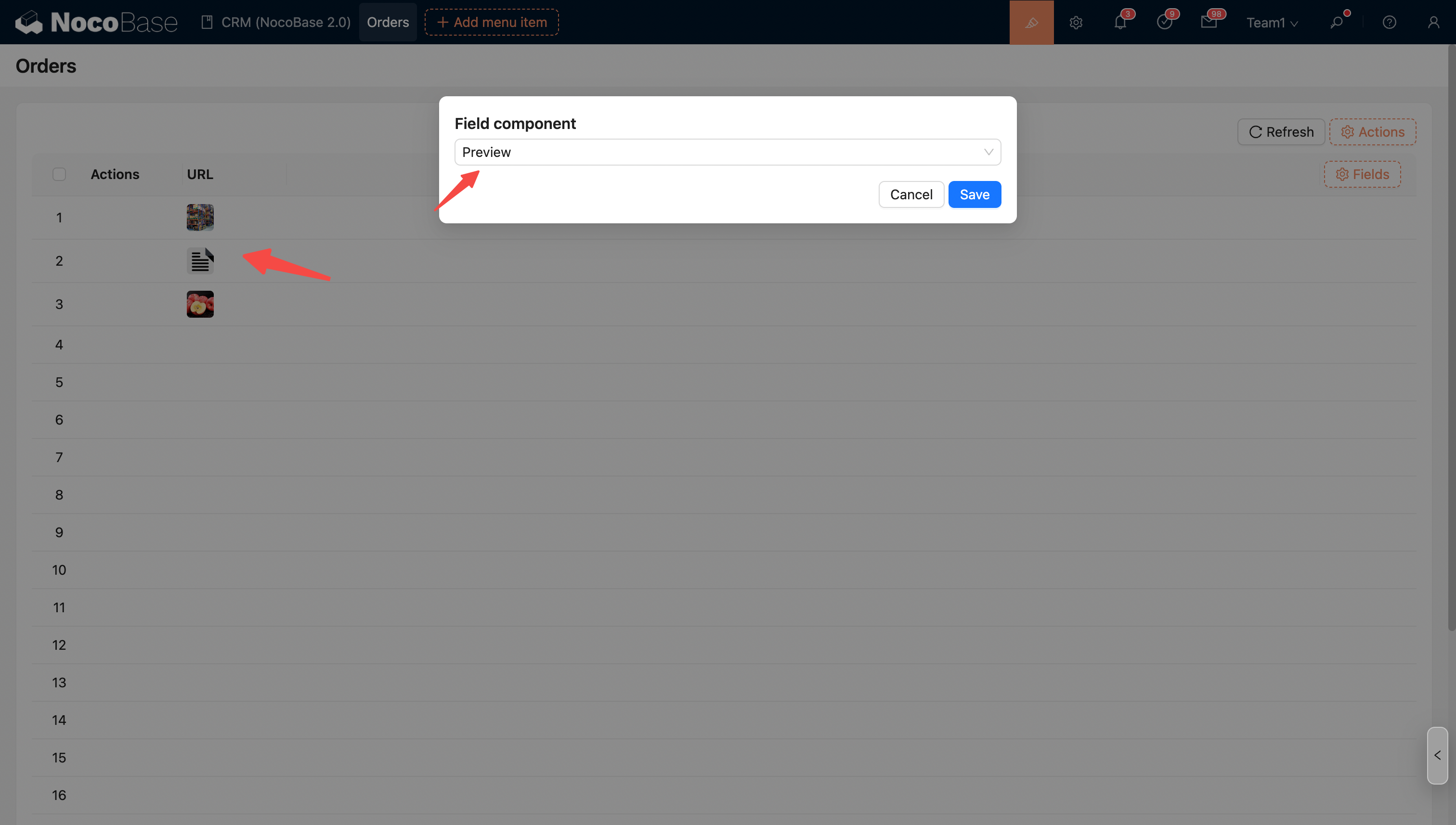
Example: In view mode, a URL field can be switched to a Preview component or a URL component (default).
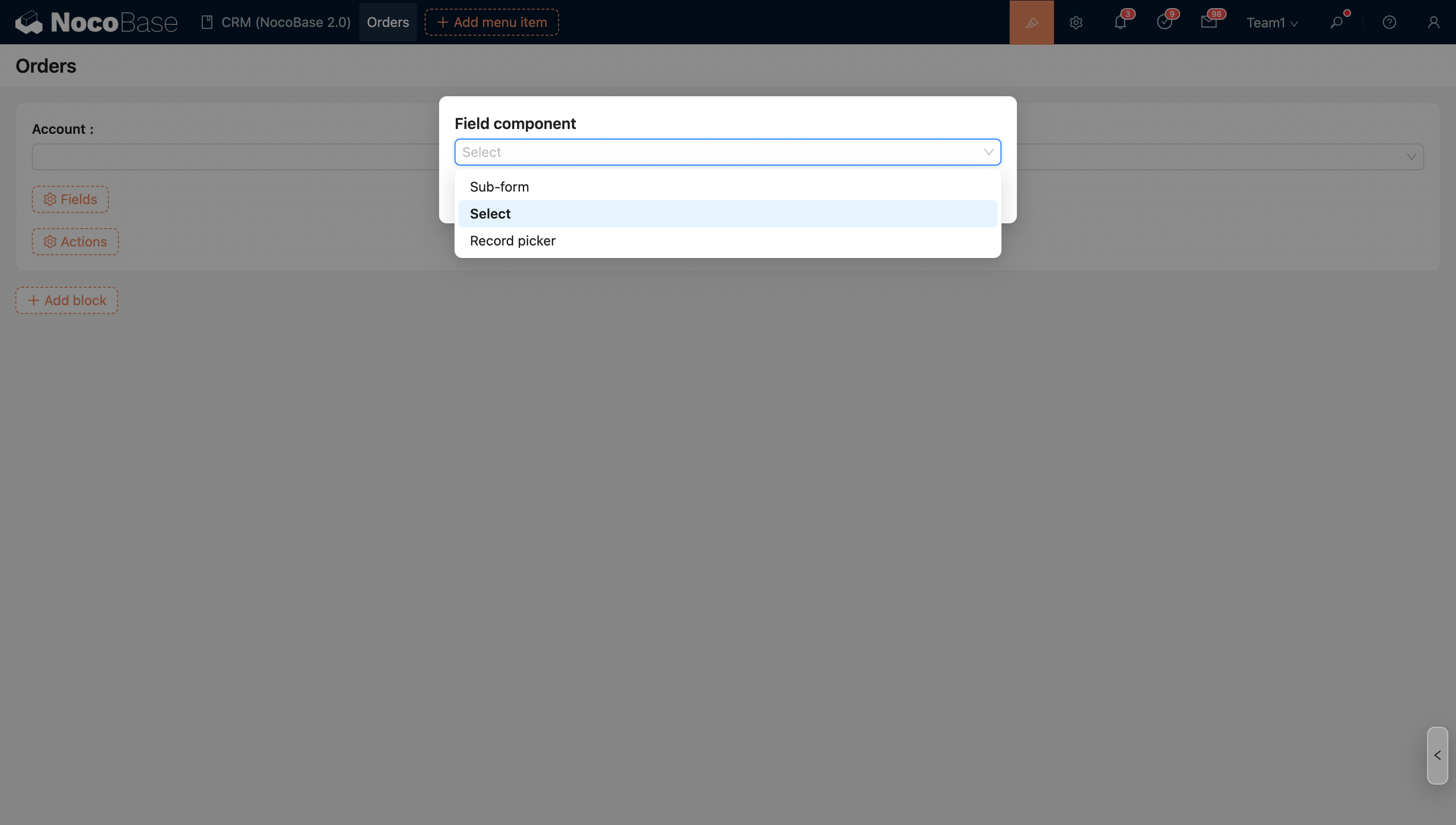
Example: An association field can be switched to a Sub-form, Sub-table (only for to-many associations), Data selector, Dropdown selector (default), or File manager (only when the target collection of the association is a file collection).
Switch to Sub-form: