

Online Write & Run JS
In NocoBase, RunJS provides a lightweight extension method suitable for scenarios of quick experimentation and temporary logic processing. Without creating plugins or modifying source code, you can personalize interfaces or interactions through JavaScript.
Through it, you can directly input JS code in the UI builder to achieve:
- Custom rendering content (fields, blocks, columns, items, etc.)
- Custom interaction logic (button clicks, event linkage)
- Dynamic behavior combined with contextual data
Supported Scenarios
JS Block
Customize block rendering through JS, giving you complete control over the block's structure and styles.
Suitable for displaying custom components, statistical charts, third-party content, and other highly flexible scenarios.
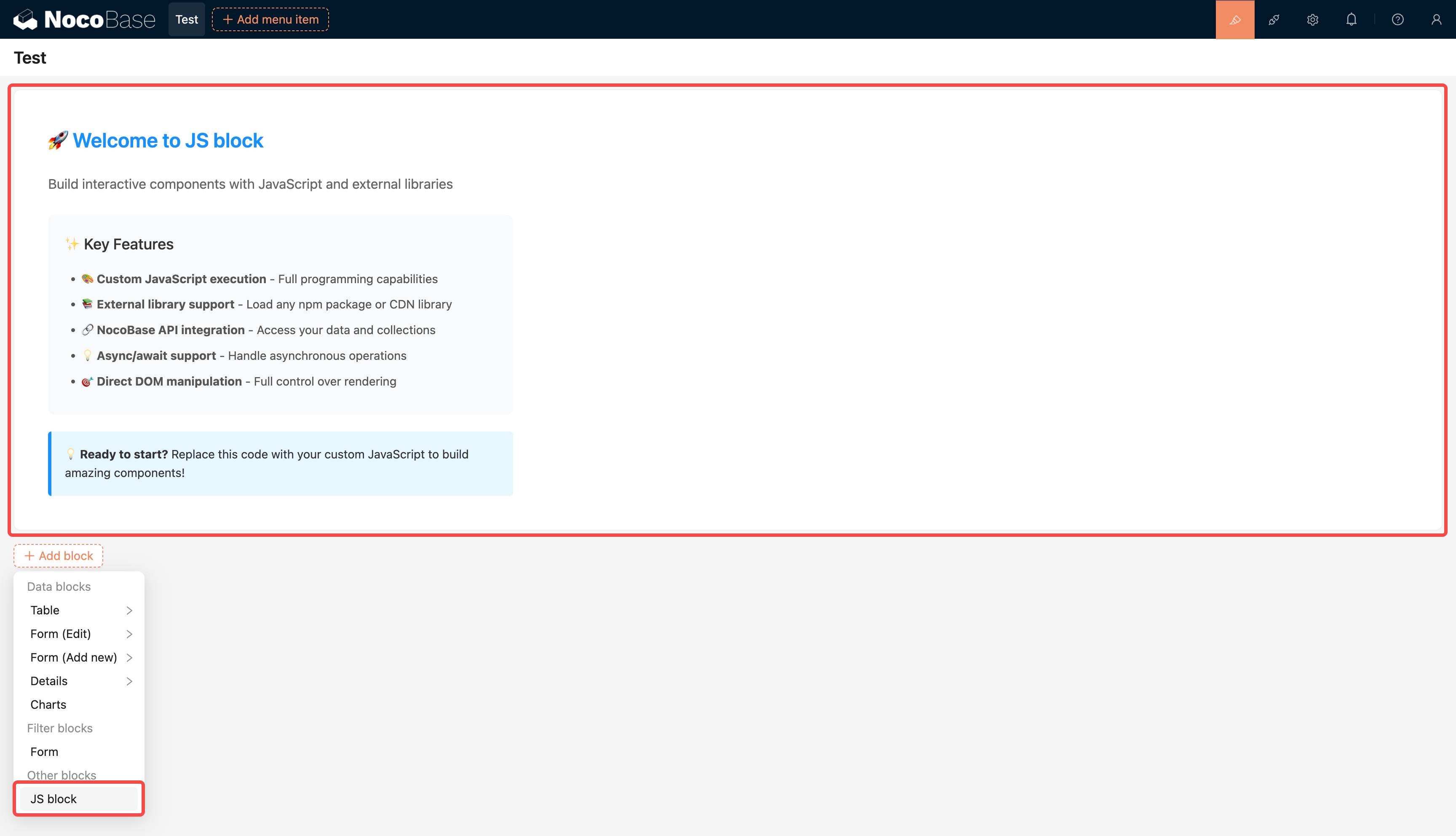
Documentation: JS Block
JS Action
Customize the click logic of action buttons through JS, allowing you to execute any frontend or API request operations.
For example: dynamically calculate values, submit custom data, trigger pop-ups, etc.
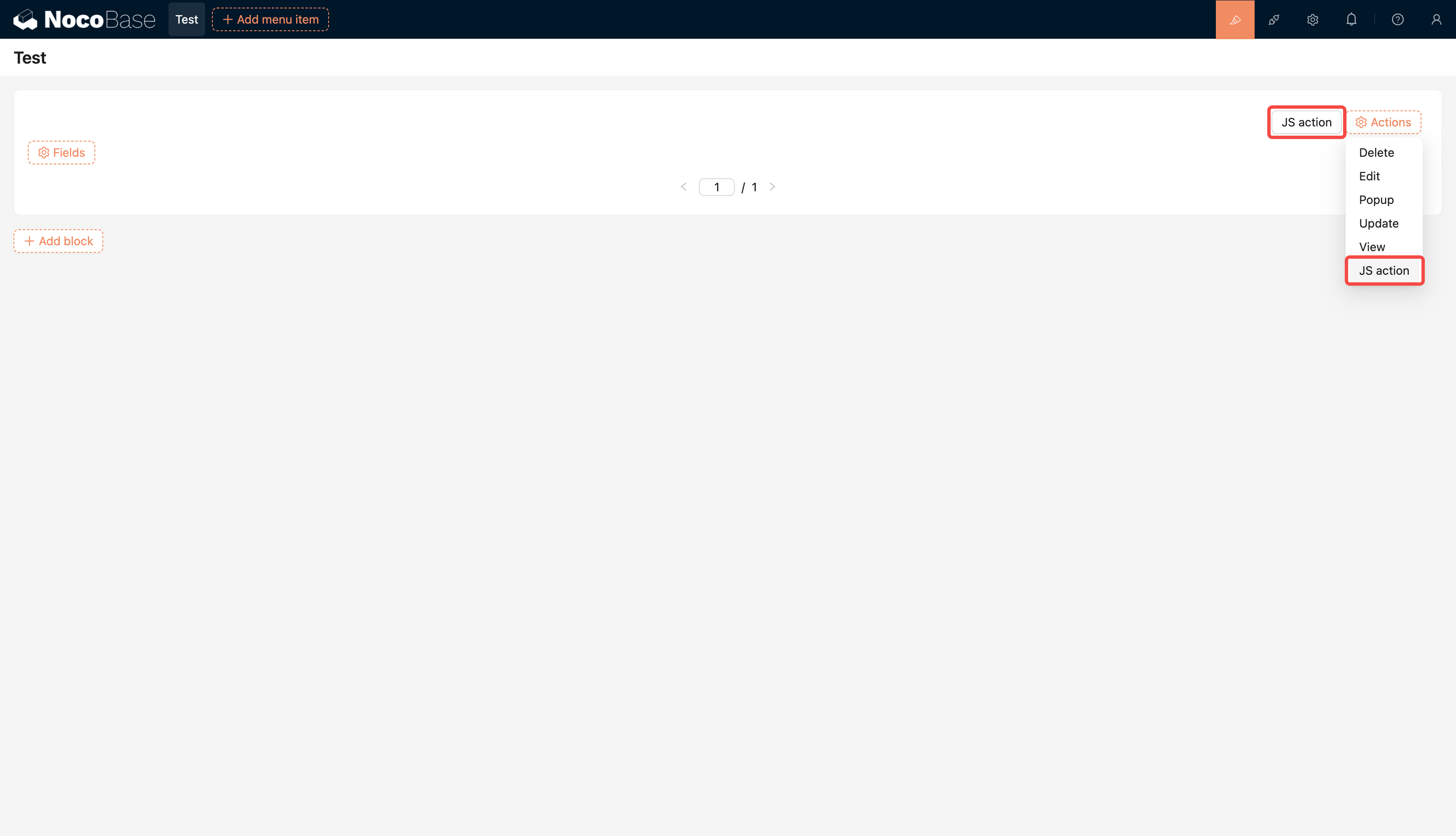
Documentation: JS Action
JS Field
Customize field rendering logic through JS. You can dynamically display different styles, content, or states based on field values.
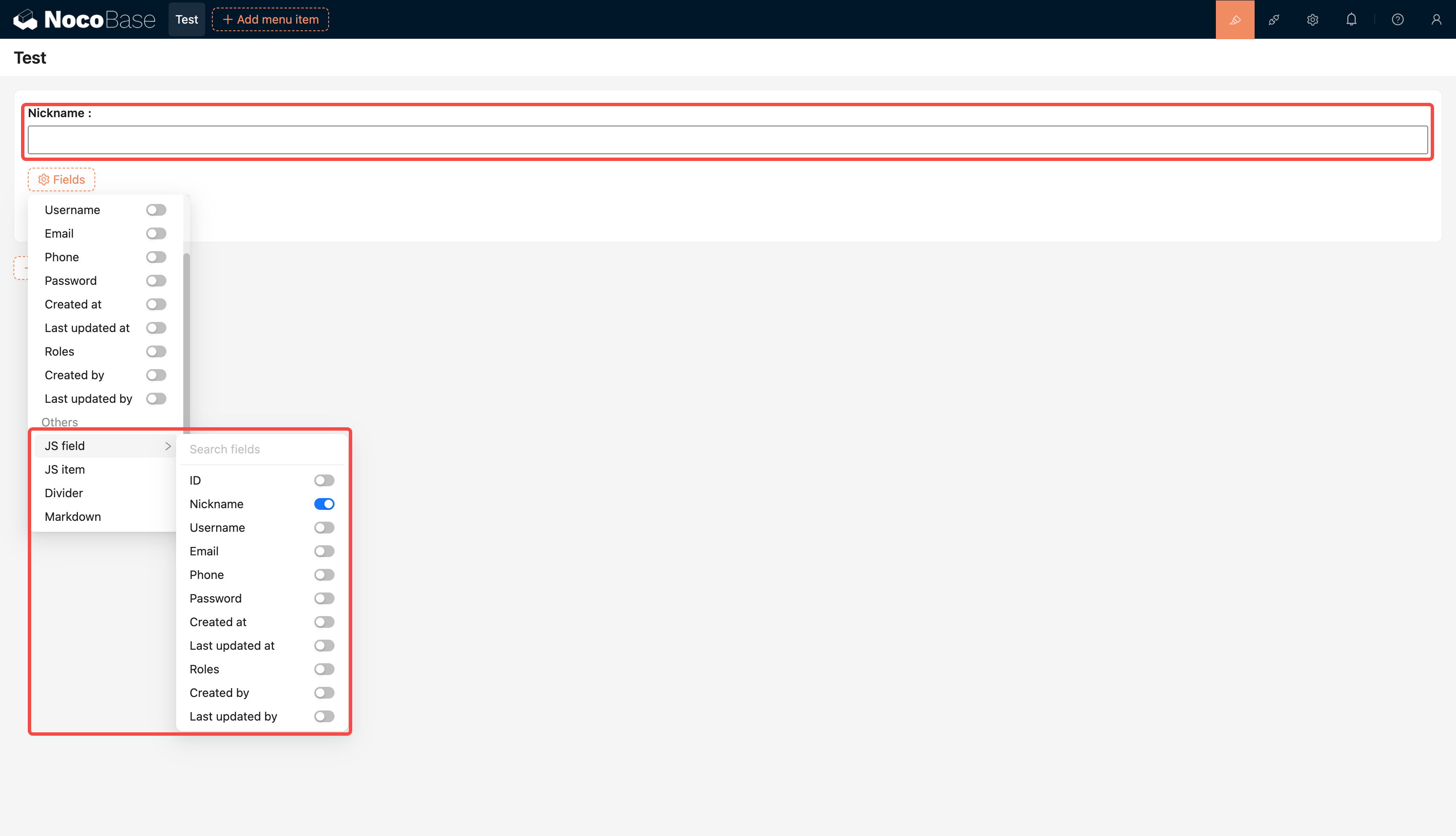
Documentation: JS Field
JS Item
Render independent items through JS without binding to specific fields. Commonly used for displaying custom information blocks.
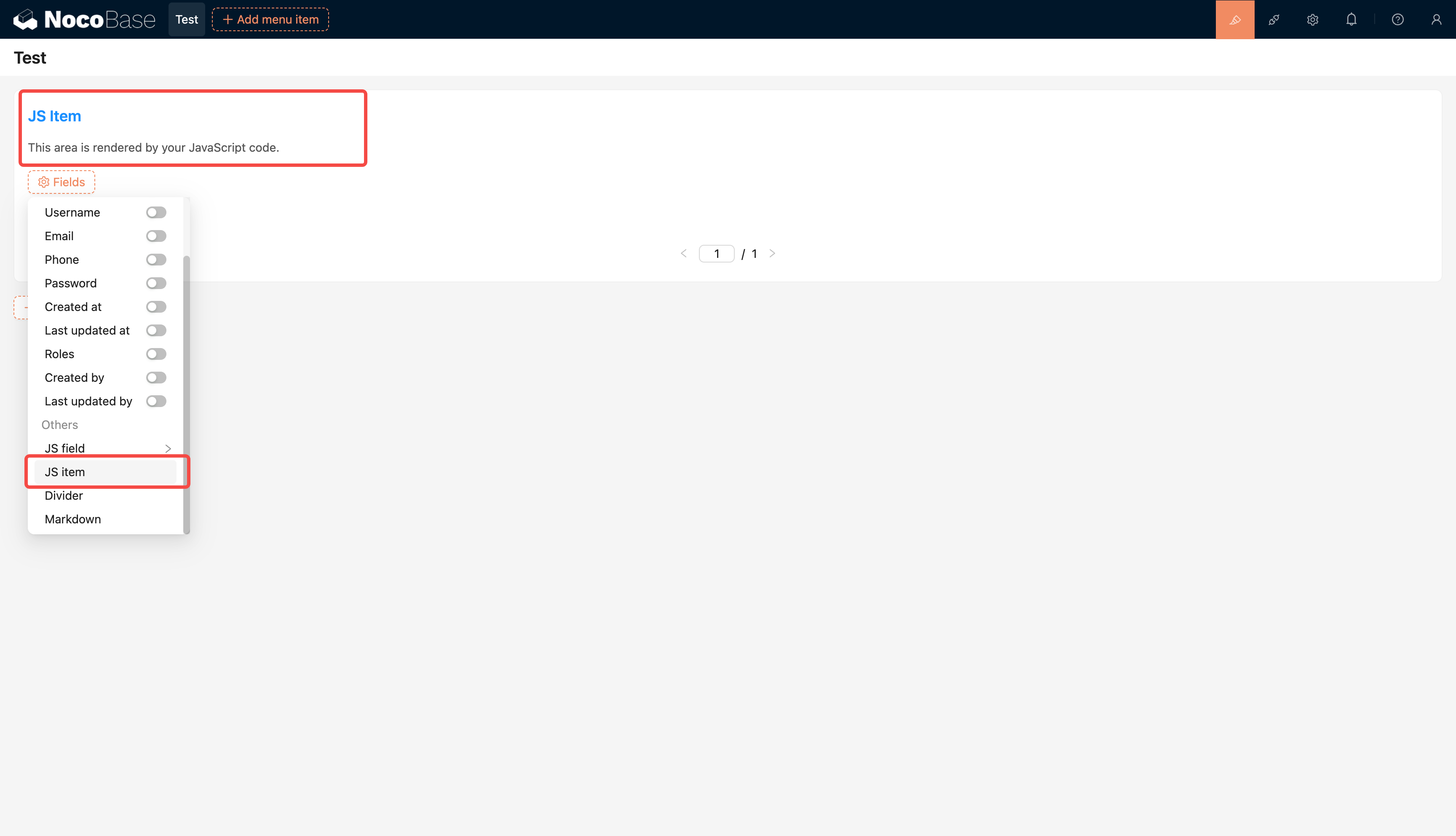
Documentation: JS Item
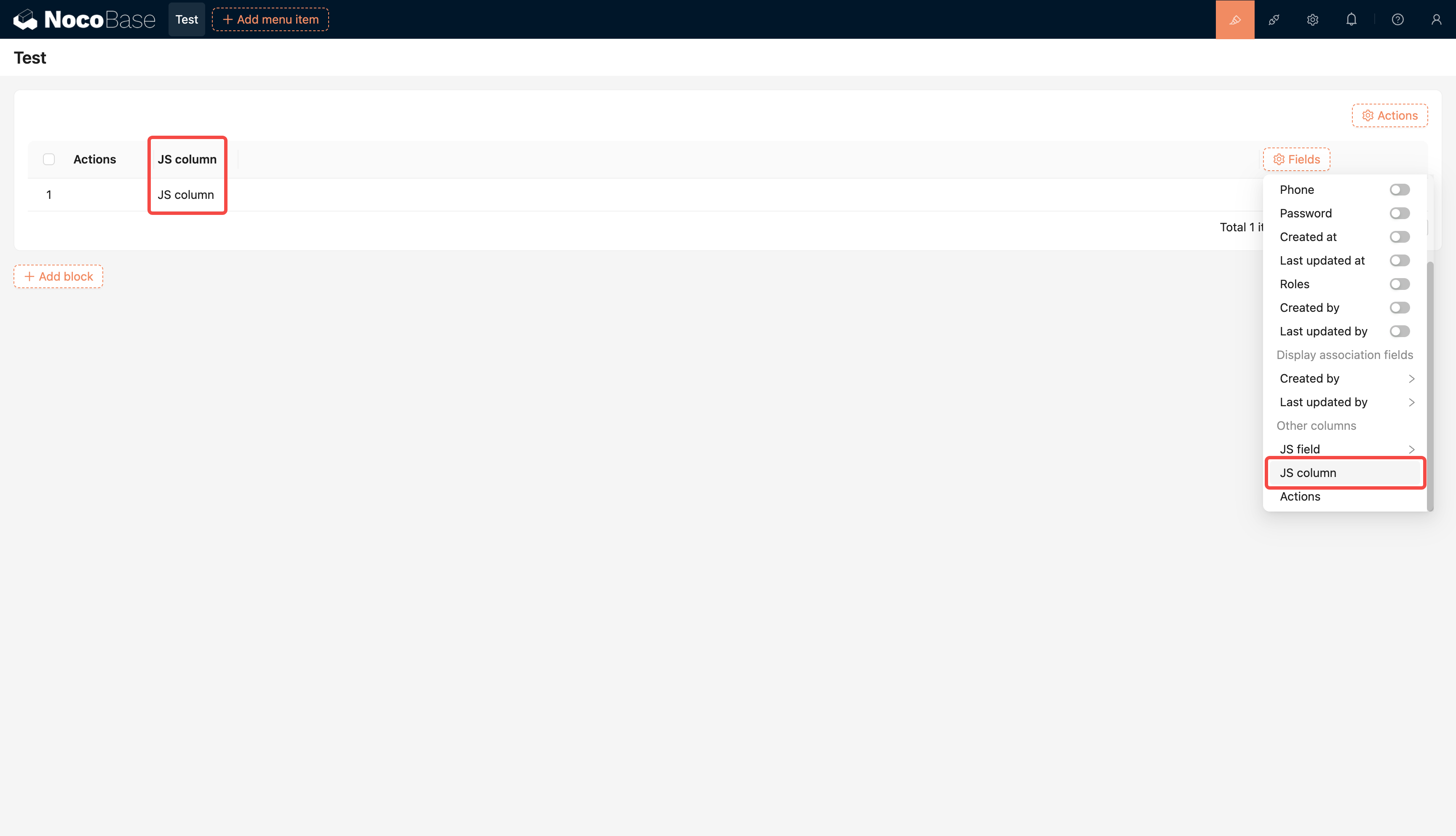
JS Table Column
Customize table column rendering through JS.
Can implement complex cell display logic, such as progress bars, status labels, etc.
Documentation: JS Table Column
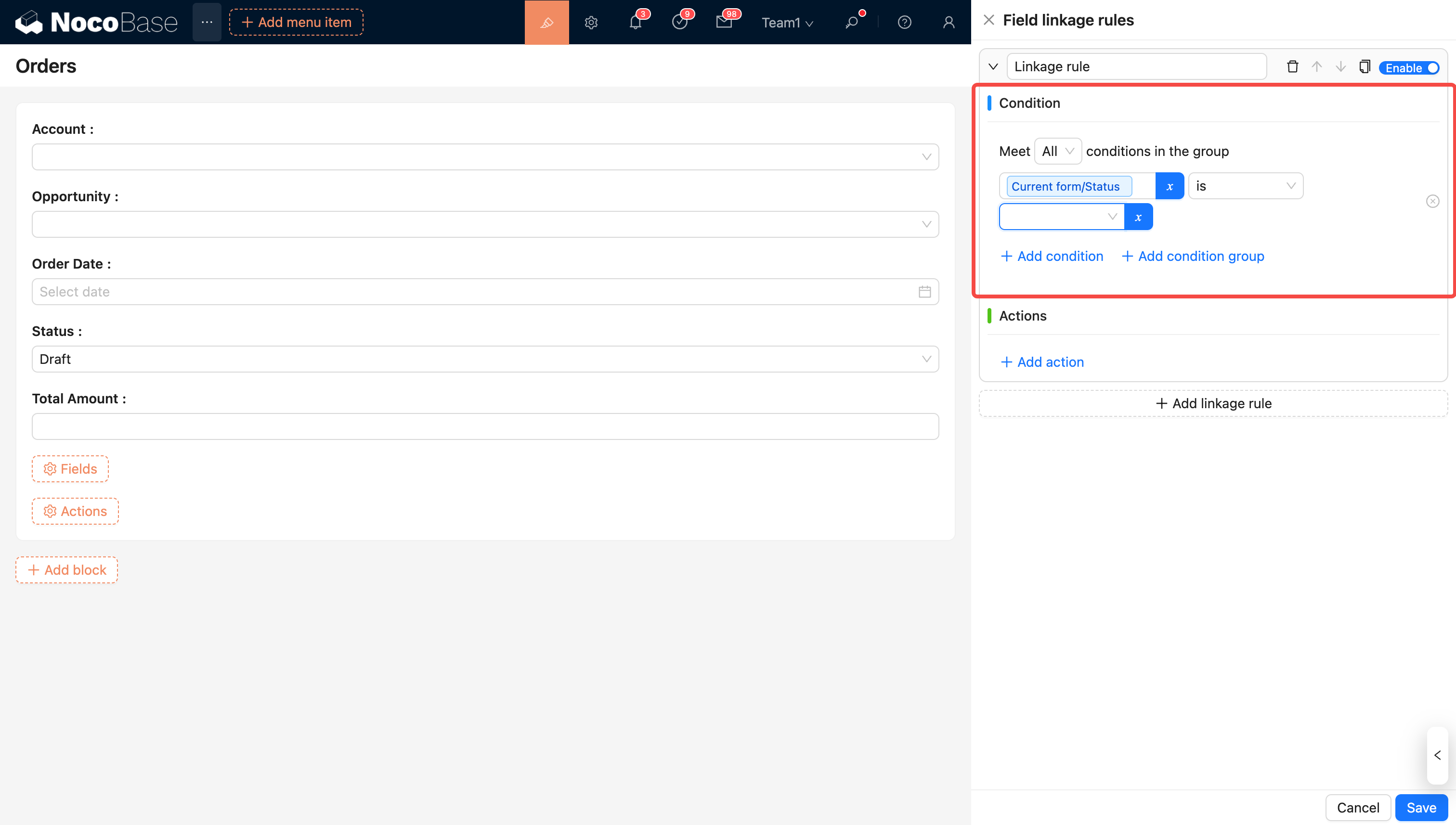
Linkage Rules
Control linkage logic between fields in forms or pages through JS.
For example: when one field changes, dynamically modify another field's value or visibility.
Documentation: Linkage Rules
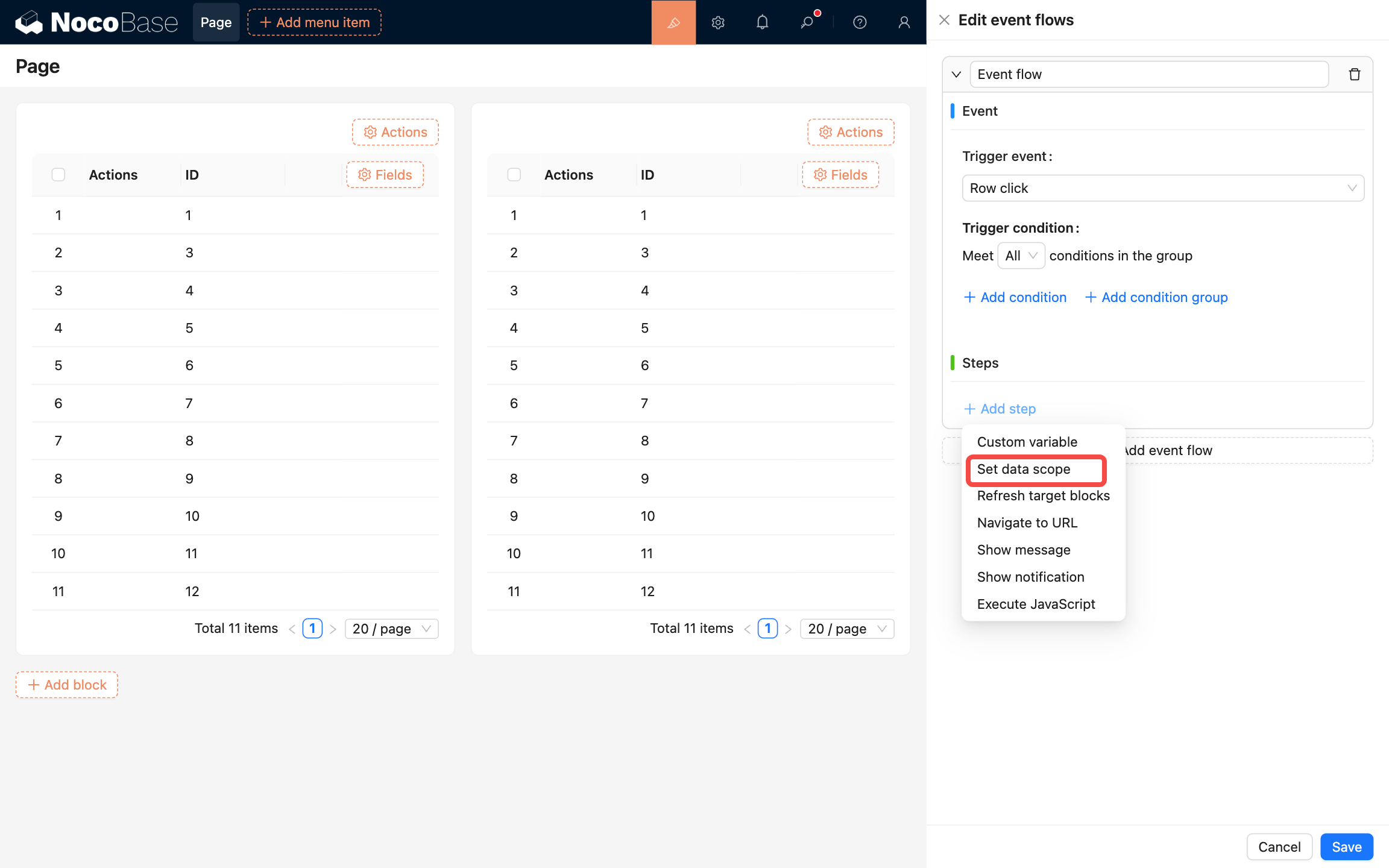
Event Flow
Customize event flow trigger conditions and execution logic through JS to build more complex frontend interaction chains.
Documentation: Event Flow