

Bind Workflow
Introduction
On some action buttons, you can configure a bound workflow to associate the action with a workflow, achieving automated data processing.
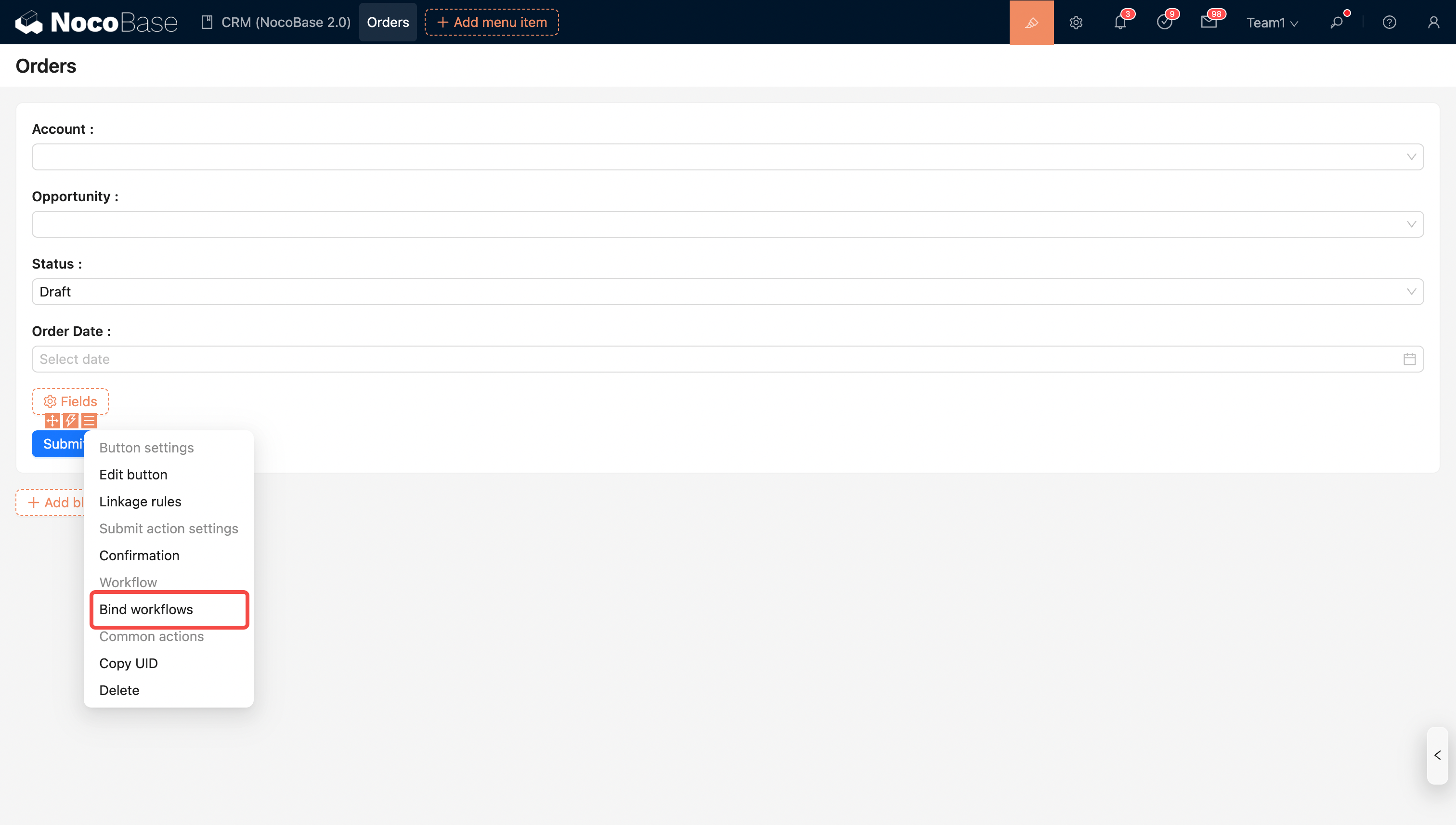
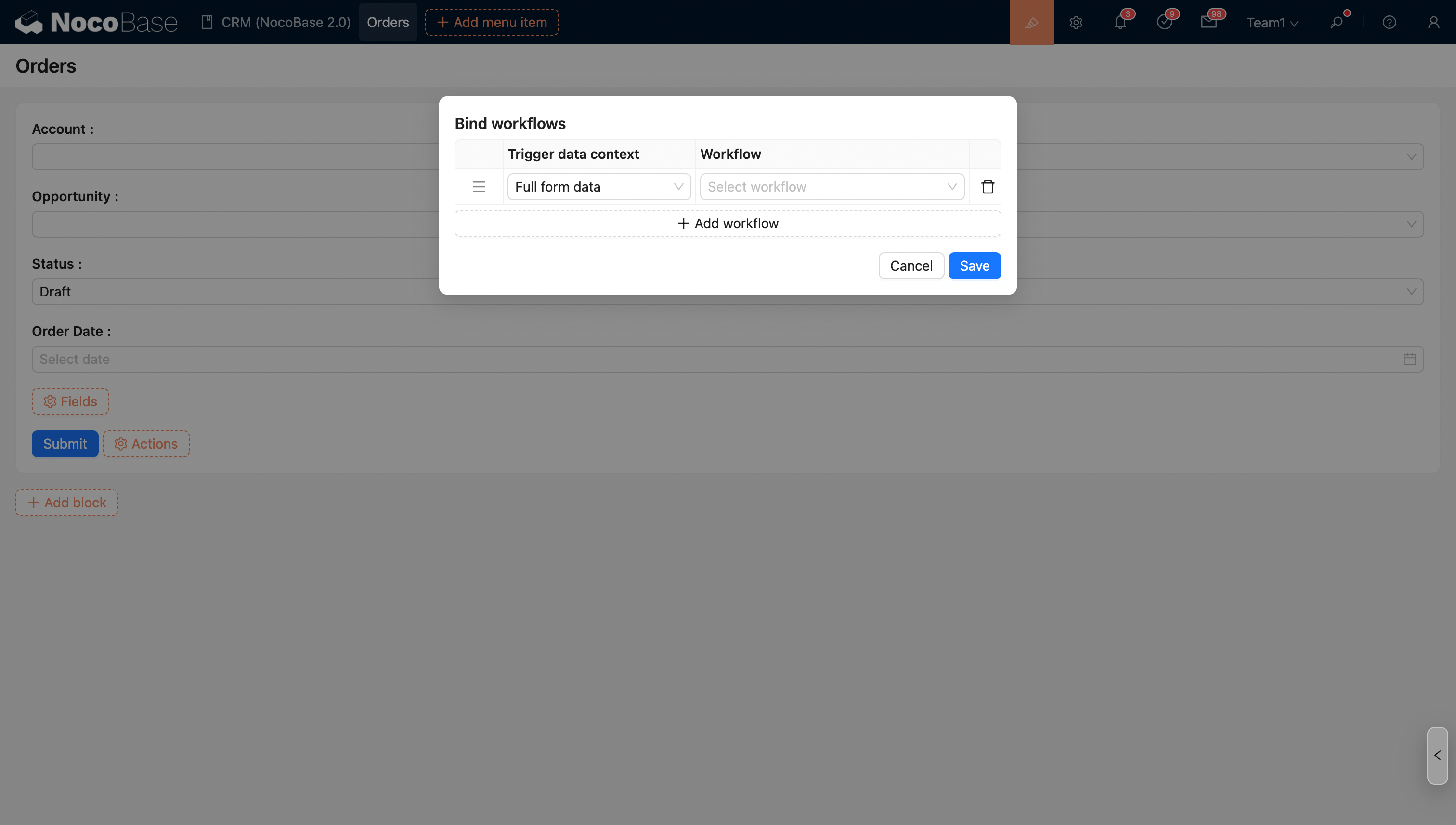
Supported Actions and Workflow Types
The currently supported action buttons and workflow types are as follows:
Binding Multiple Workflows
An action button can be bound to multiple workflows. When multiple workflows are bound, their execution order follows these rules:
- For workflows of the same trigger type, synchronous workflows execute first, followed by asynchronous workflows.
- Workflows of the same trigger type execute in the configured order.
- Between workflows of different trigger types:
- Before action events are always executed before after action and approval events.
- After action and approval events have no specific order, and business logic should not depend on the configuration order.
More
For different workflow event types, refer to the detailed documentation of the relevant plugins:
- [After action event]
- [Before action event]
- [Approval event]
- [Custom action event]