

Export Pro
Action: Export records ProStandard Edition+
This feature is provided by the commercial plugin plugin-action-export-pro. Please check the commercial license for details.
Introduction
The Export Pro plugin provides enhanced features on top of the standard export functionality.
Installation
This plugin depends on the Asynchronous Task Management plugin. You need to enable the Asynchronous Task Management plugin before using it.
Feature Enhancements
- Supports asynchronous export operations, executed in a separate thread, for exporting large amounts of data.
- Supports exporting attachments.
User Guide
Configure Export Mode
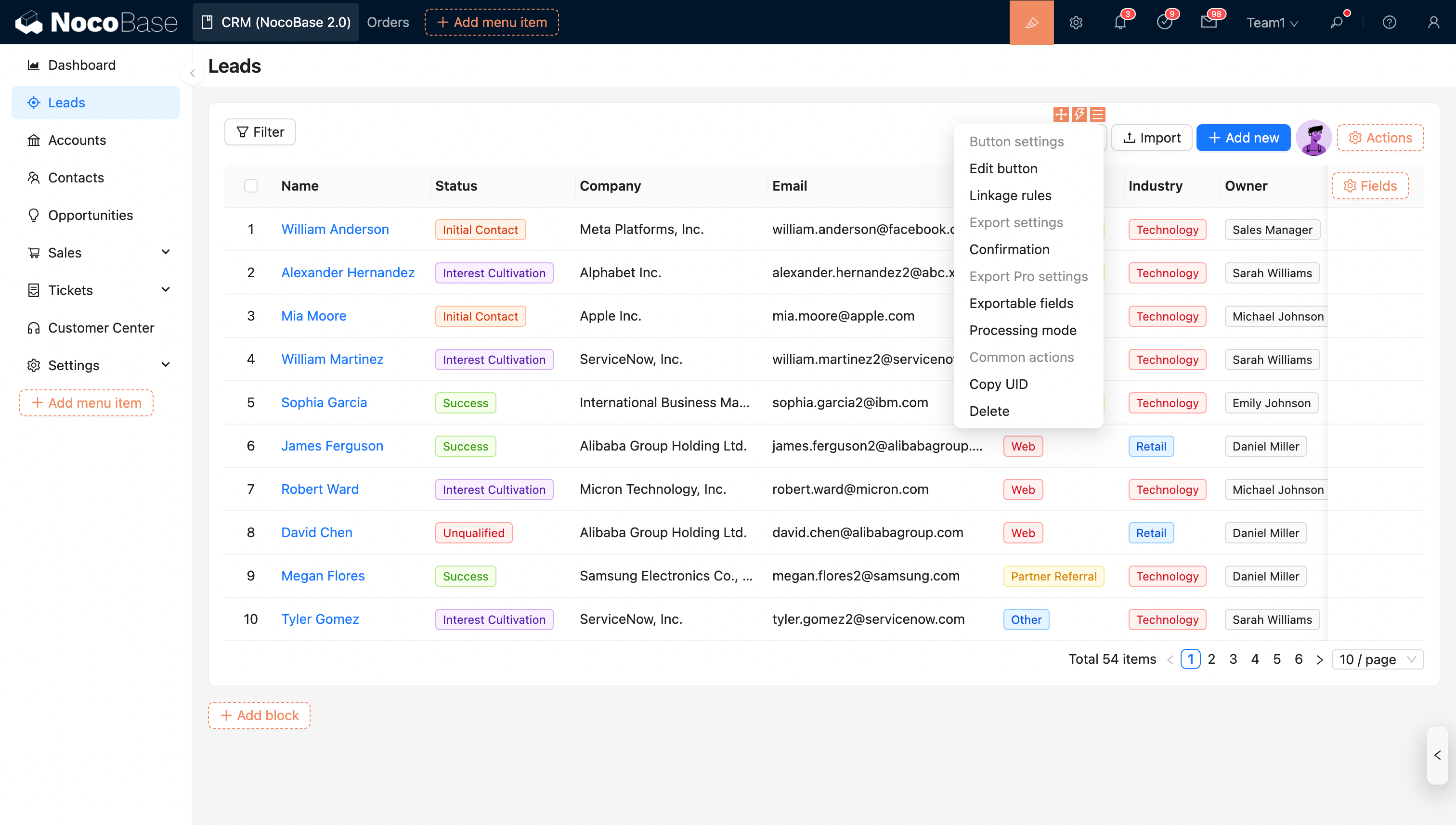
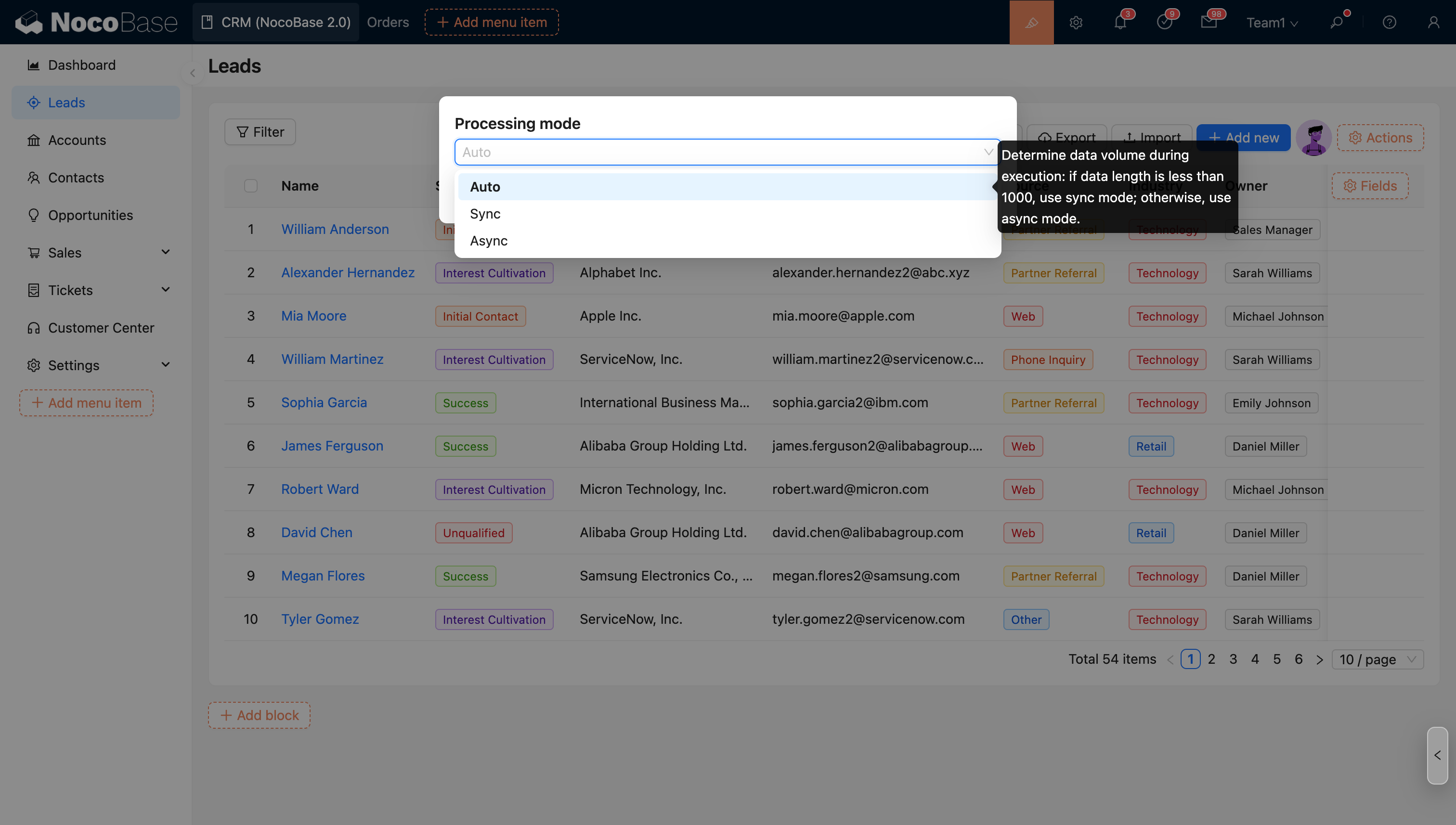
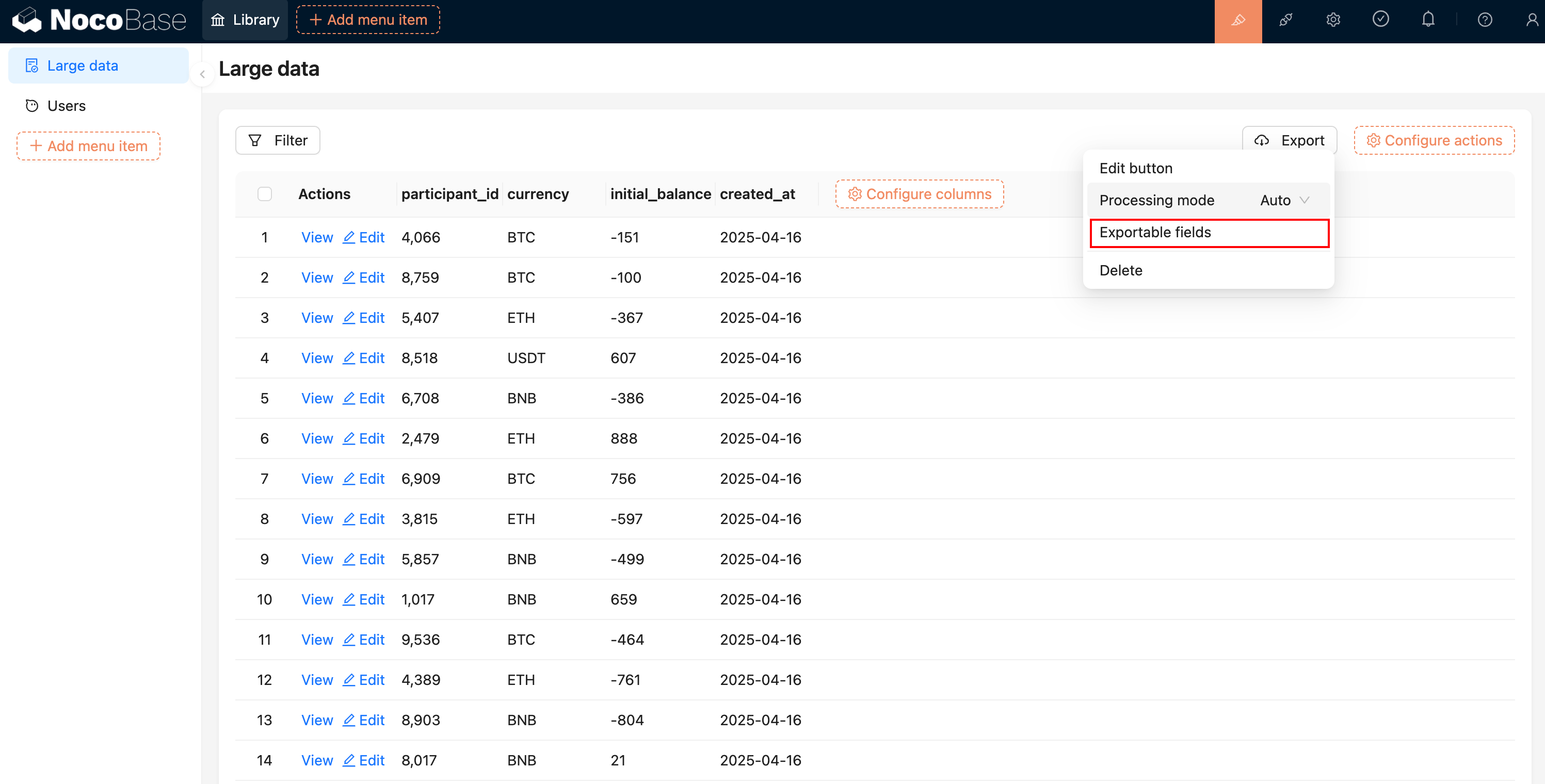
On the export button, you can configure the export mode. There are three optional modes:
- Auto: The export mode is determined by the data volume. If the number of records is less than 1000 (or 100 for attachment exports), synchronous export is used. If it's greater than 1000 (or 100 for attachment exports), asynchronous export is used.
- Synchronous: Uses synchronous export, which runs in the main thread. It is suitable for small-scale data. Exporting large amounts of data in synchronous mode may cause the system to block, freeze, and be unable to handle other user requests.
- Asynchronous: Uses asynchronous export, which runs in a separate background thread and does not block the current system's operation.
Asynchronous Export
After initiating an export, the process will run in a separate background thread without requiring manual user configuration. In the user interface, after starting an export, the currently running export task will be displayed in the upper right corner, showing the real-time progress.
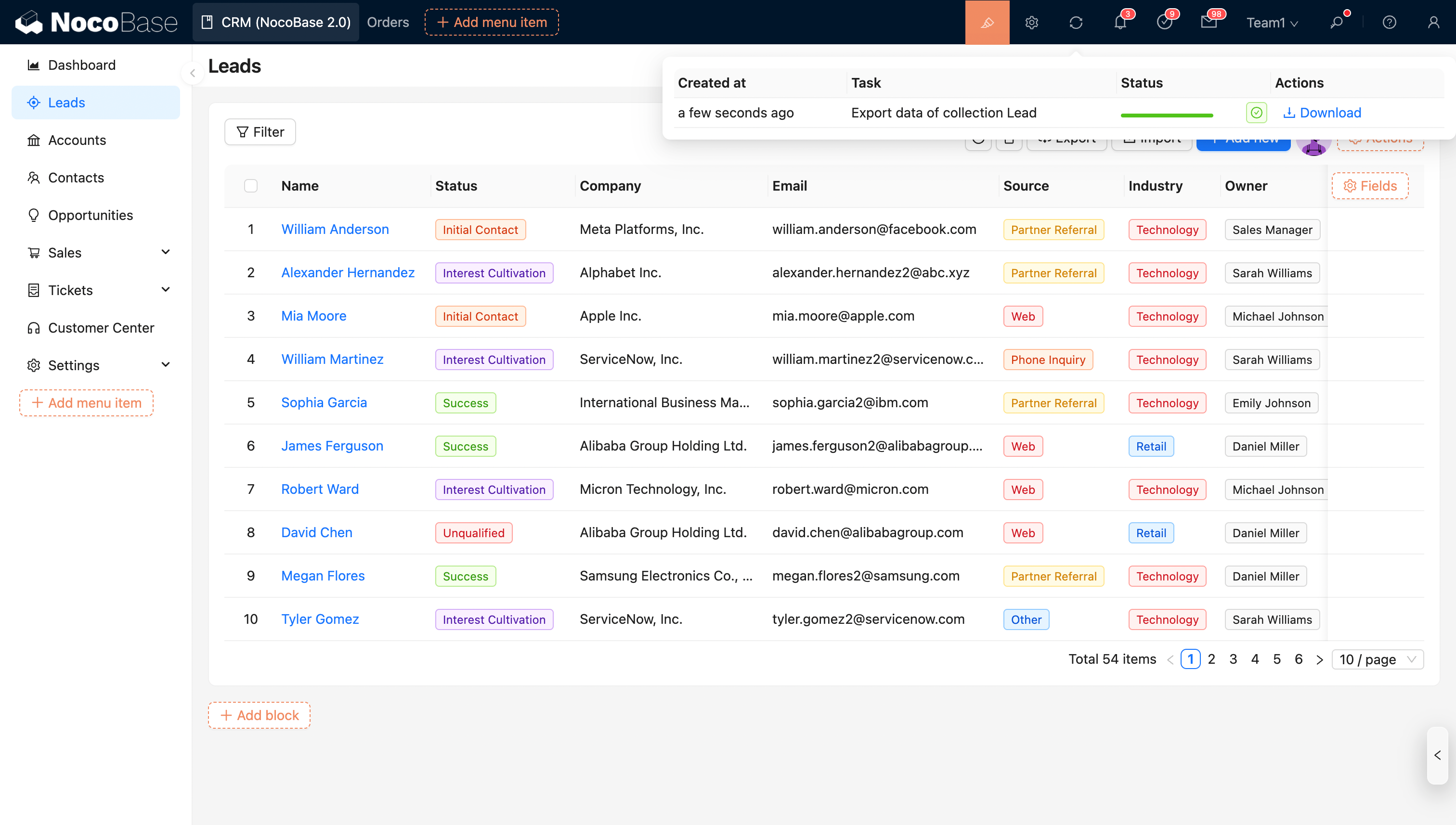
After the export is complete, you can download the exported file from the export tasks.
Concurrent Exports
A large number of concurrent export tasks can be affected by server configuration, leading to slower system response. Therefore, it is recommended that system developers configure the maximum number of concurrent export tasks (default is 3). When the number of concurrent tasks exceeds the configured limit, new tasks will be queued.
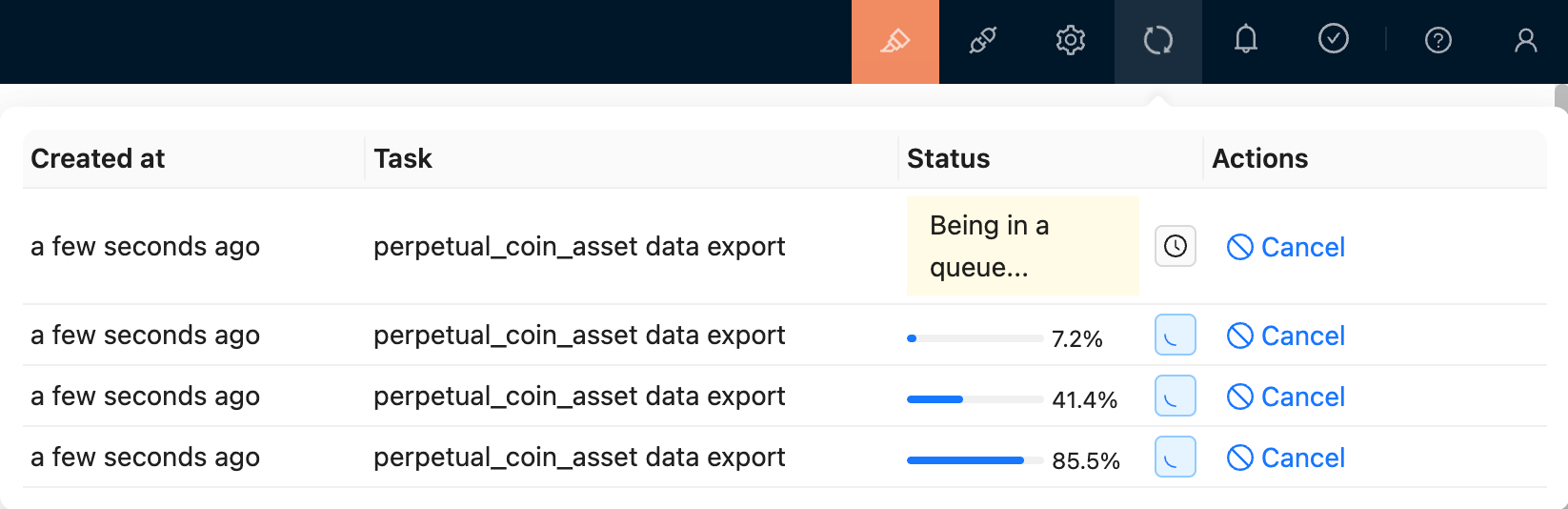
Concurrency configuration method: Environment variable ASYNC_TASK_MAX_CONCURRENCY=concurrency_count
Based on comprehensive testing with different configurations and data complexities, the recommended concurrency counts are:
- 2-core CPU, concurrency count 3.
- 4-core CPU, concurrency count 5.
About Performance
When you find that the export process is abnormally slow (see reference below), it may be a performance issue caused by the collection structure.
To ensure efficient exports, we recommend that you:
- The collection must meet the following conditions:
- Reduce the number of unnecessary fields to be exported, especially association fields (performance issues caused by association fields are still being optimized).
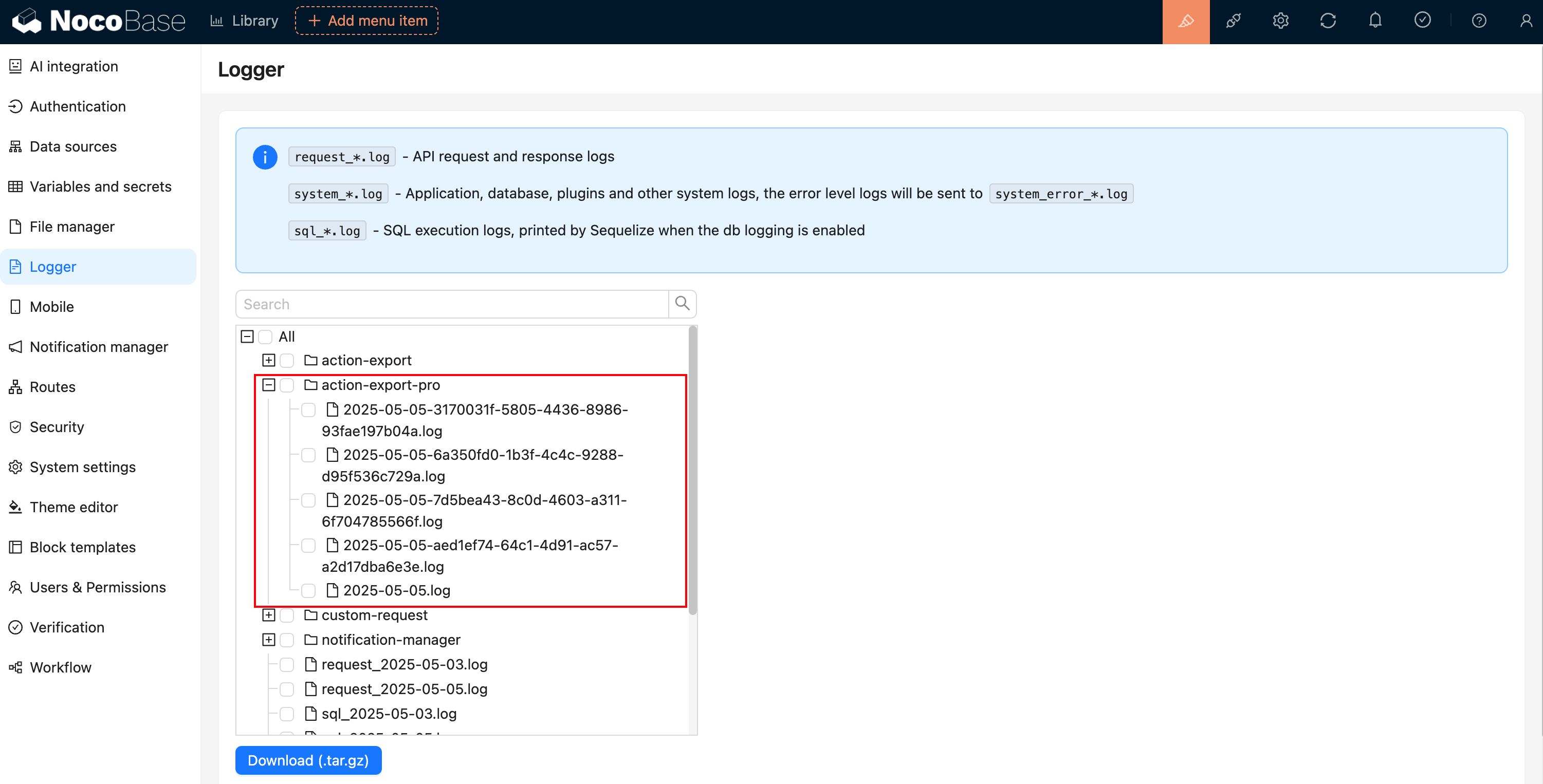
- If the export is still slow after meeting the above conditions, you can analyze the logs or provide feedback to the official team.
- Linkage Rule: Dynamically show/hide the button;
- Edit button: Edit the button's title, type, and icon;