Form Block
Introduction
The Form block is an essential block for building data entry and editing interfaces. It is highly customizable and uses corresponding components to display the required fields based on the data model. Through event flows such as linkage rules, the Form block can dynamically display fields. Additionally, it can be combined with workflows to achieve automated process triggering and data processing, further improving work efficiency or implementing logic orchestration.
Add Form Block
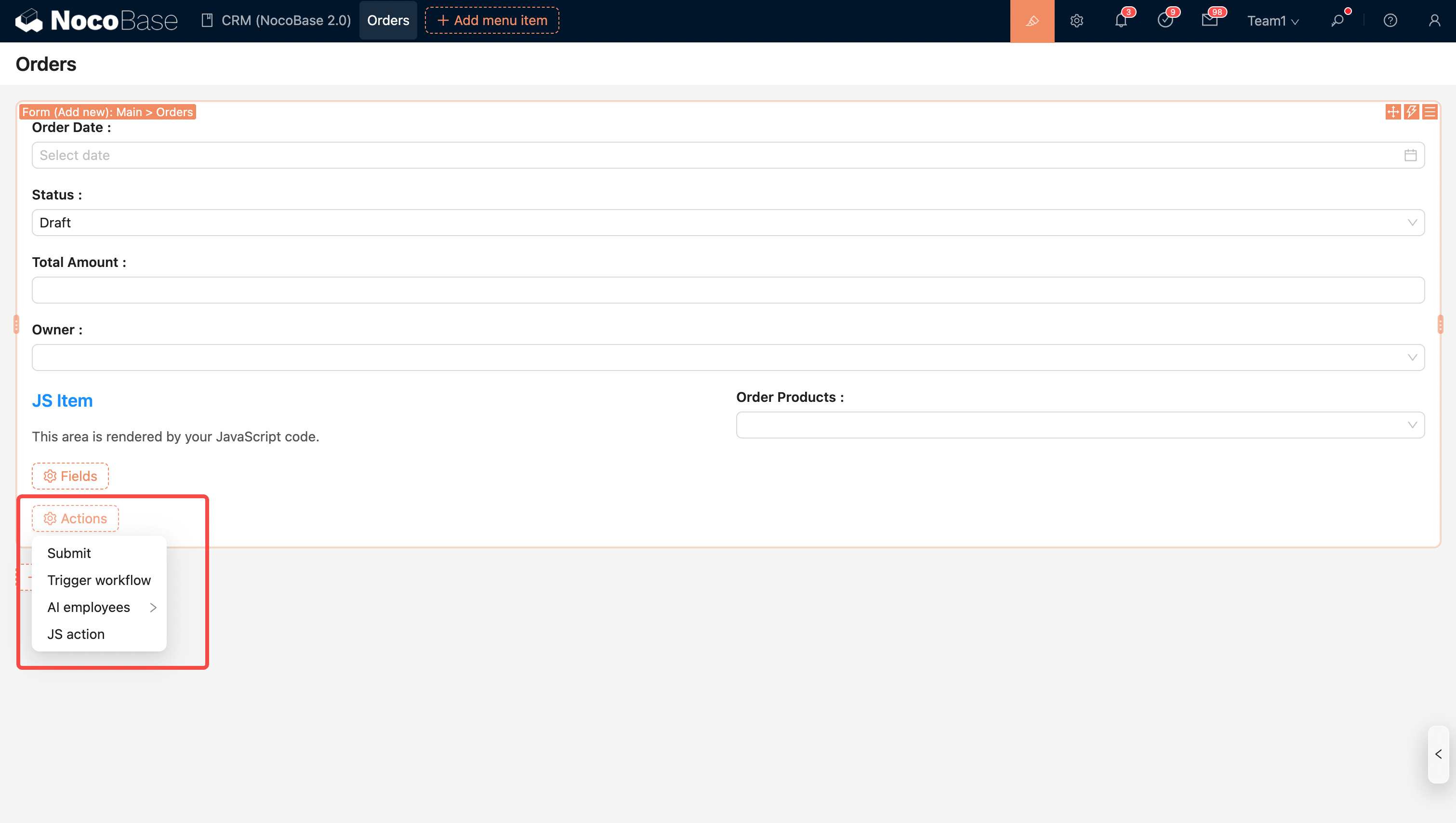
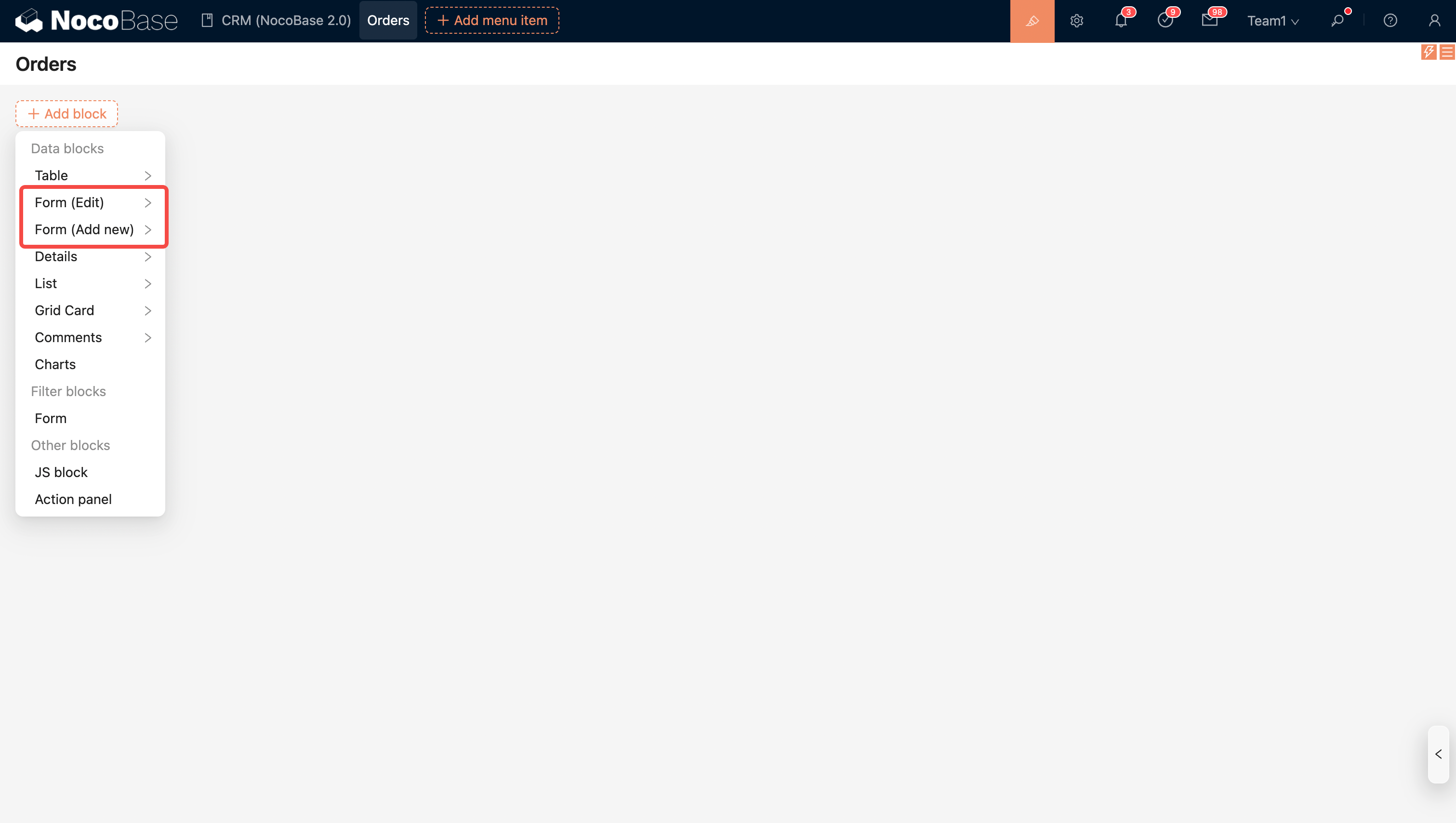
- Edit form: Used to modify existing data.
- Add form: Used to create new data entries.
Block Configuration
Block Linkage Rule
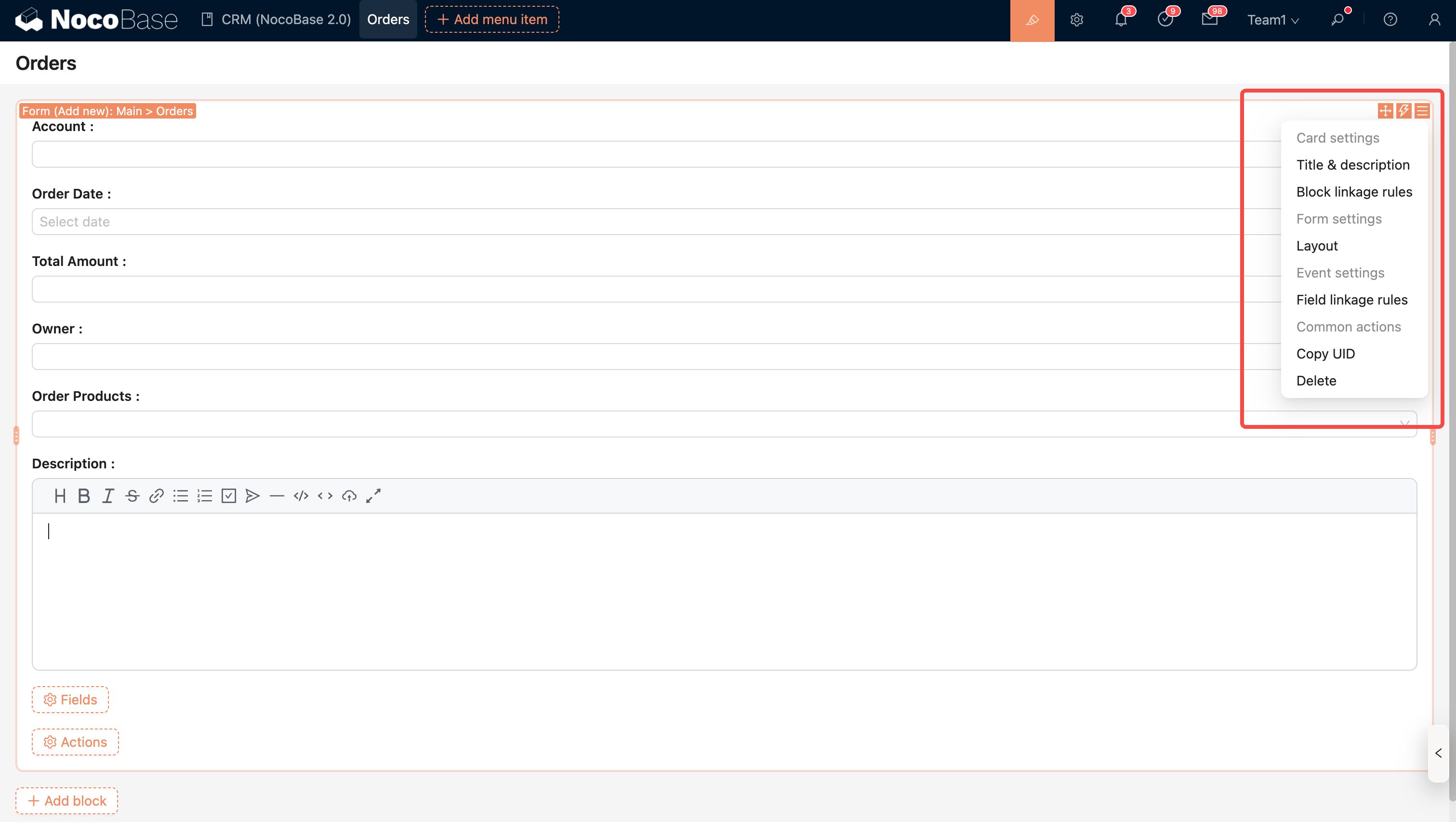
Control block behavior (such as whether to display it or execute JavaScript) through linkage rules.
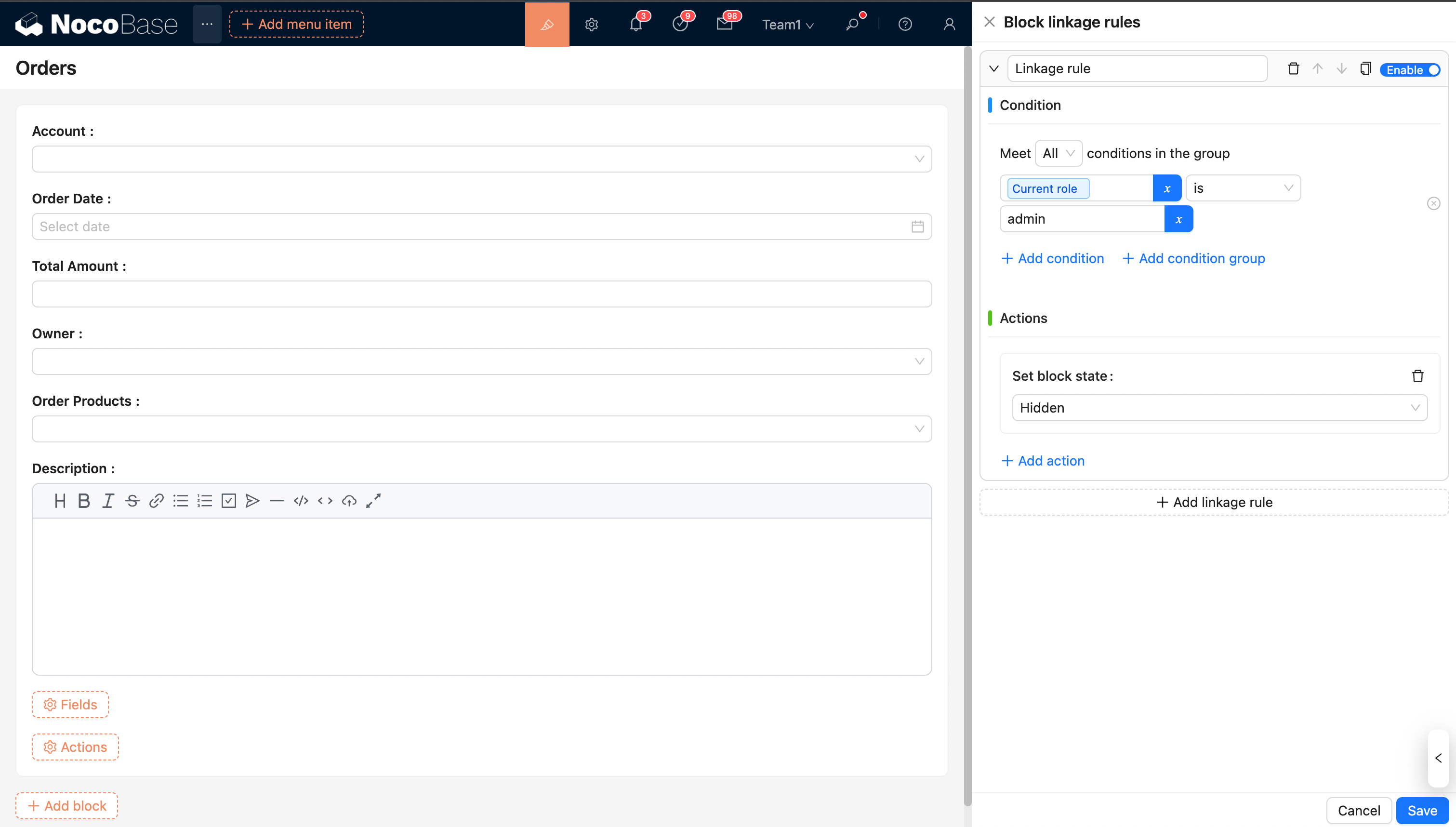
For more details, see Block Linkage Rule
Field Linkage Rule
Control form field behavior through linkage rules.
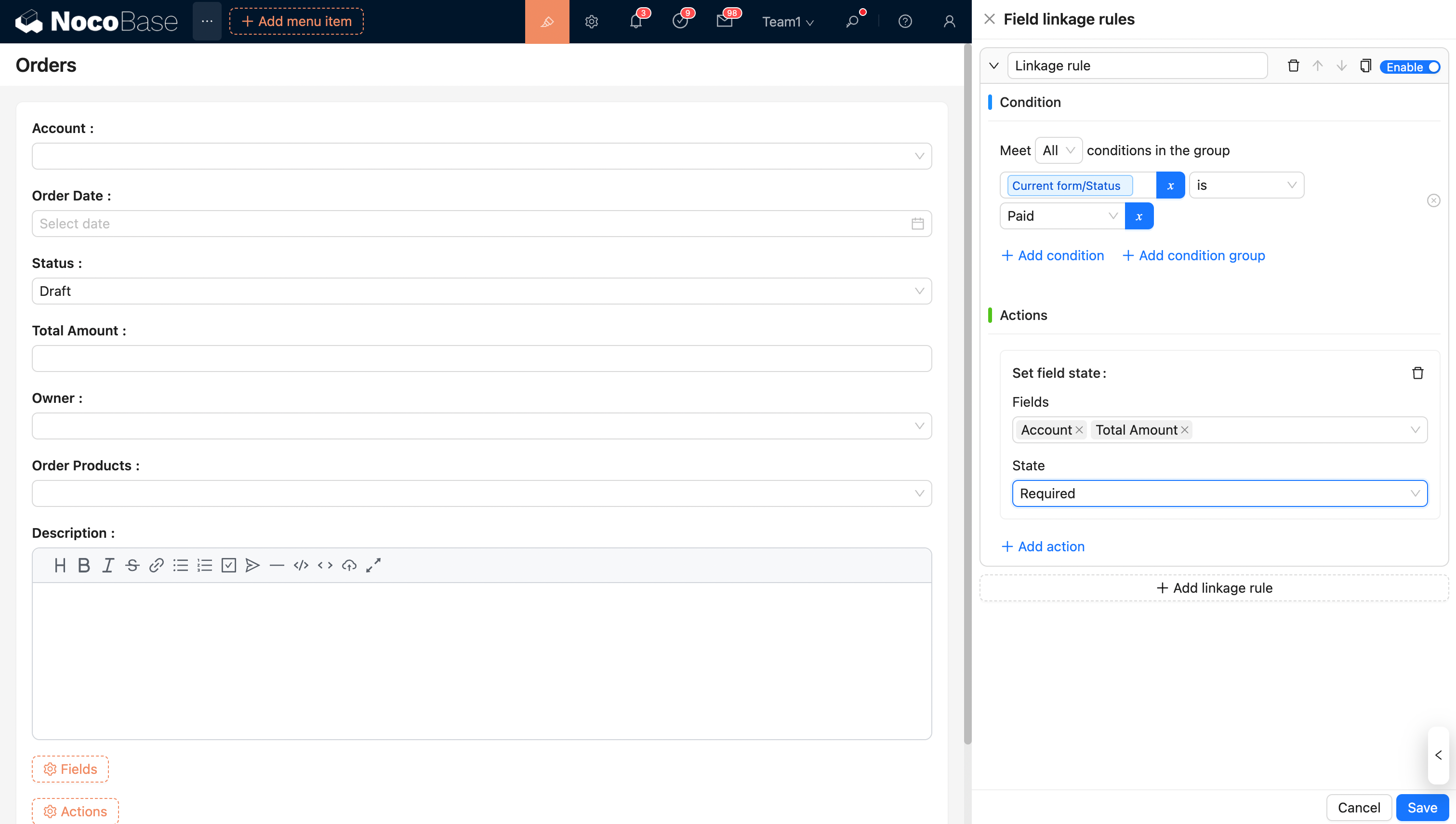
For more details, see Field Linkage Rule
Layout
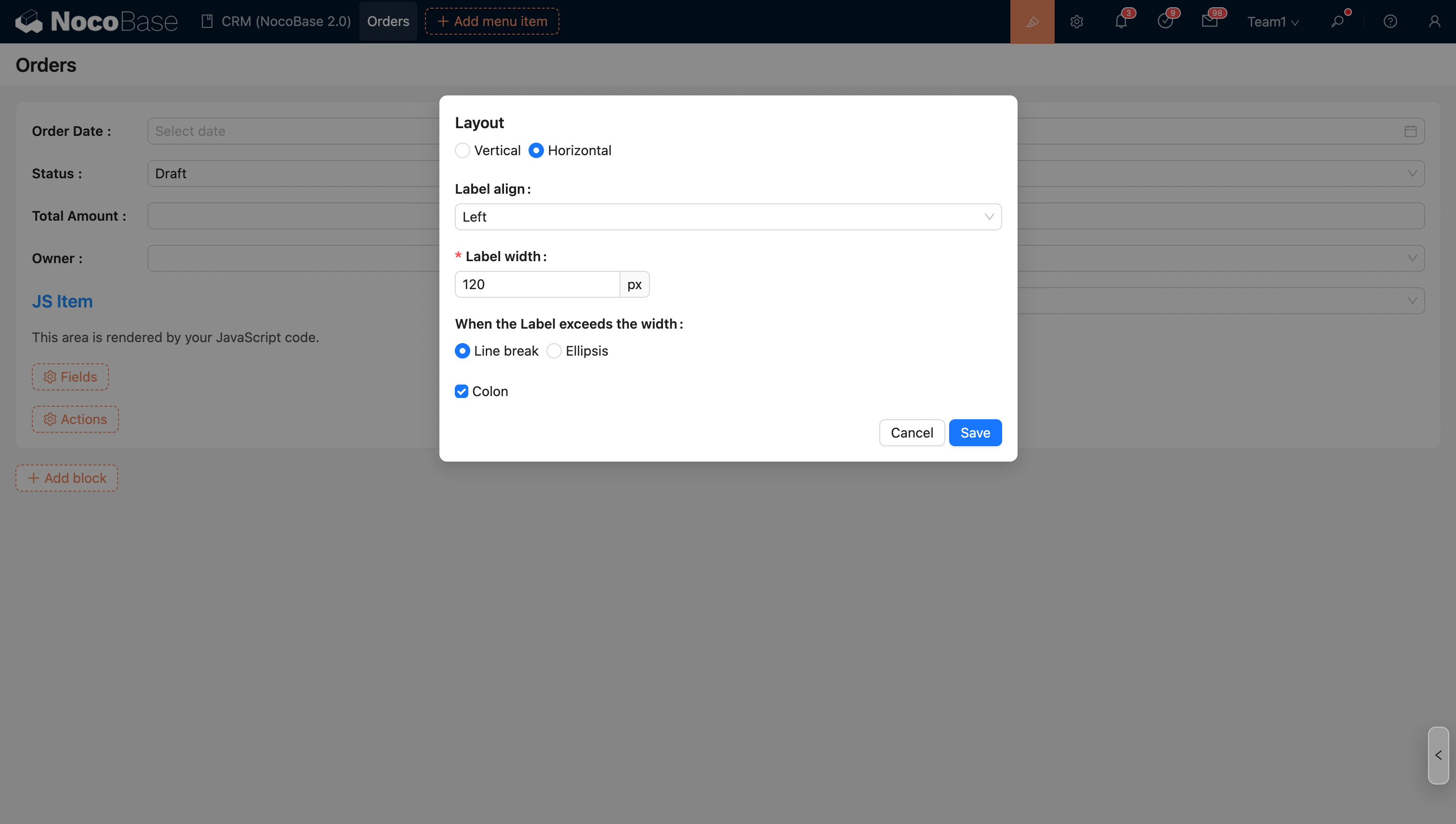
The Form block supports two layout modes, which can be set via the layout attribute:
- horizontal: This layout displays the label and content in a single line, saving vertical space, suitable for simple forms or cases with less information.
- vertical (default): The label is placed above the field. This layout makes the form easier to read and fill out, especially for forms with multiple fields or complex input items.
Configure Fields
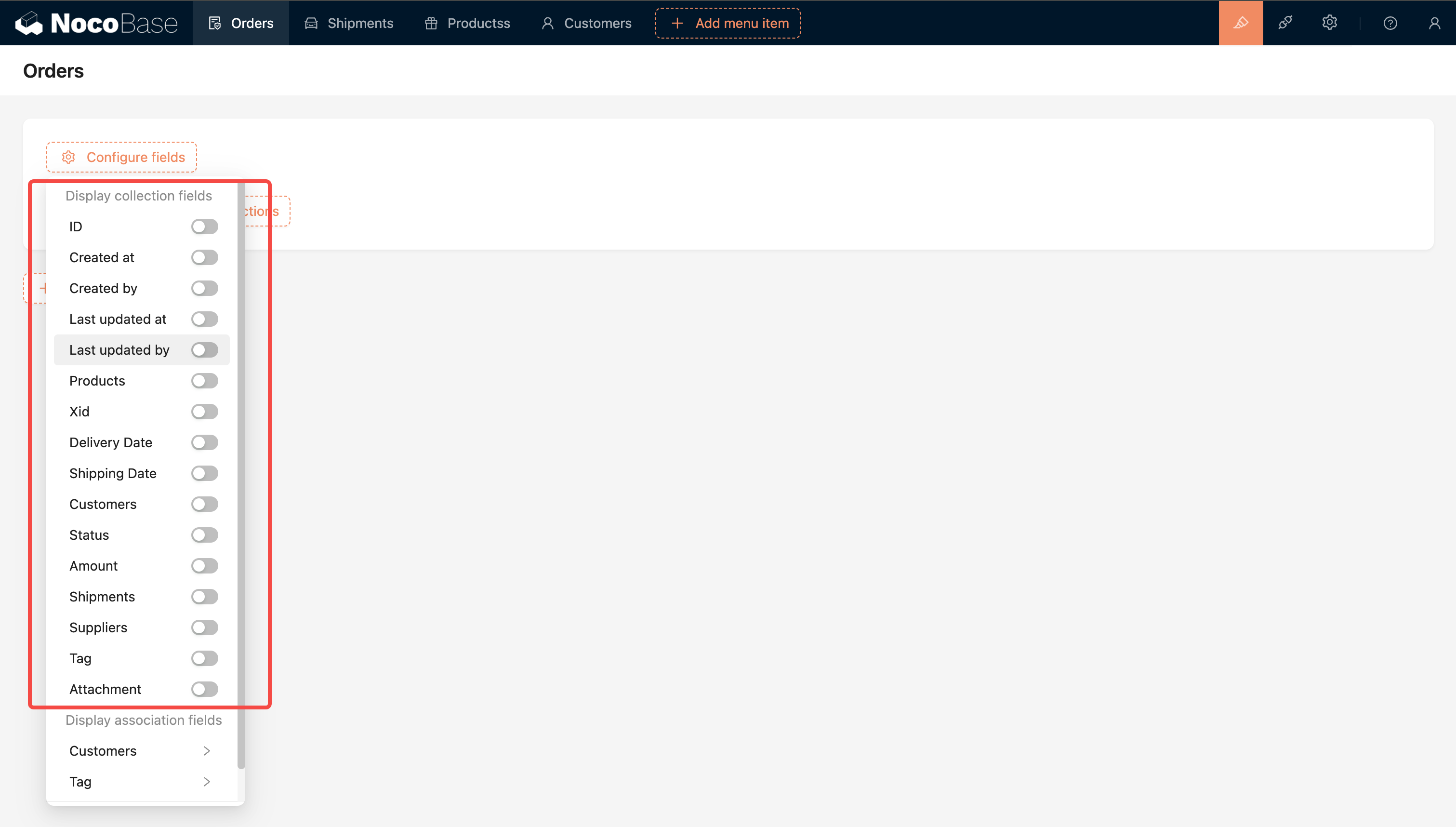
Fields of this Collection
Note: Fields from inherited collections (i.e., parent collection fields) are automatically merged and displayed in the current field list.
Association Collection Fields
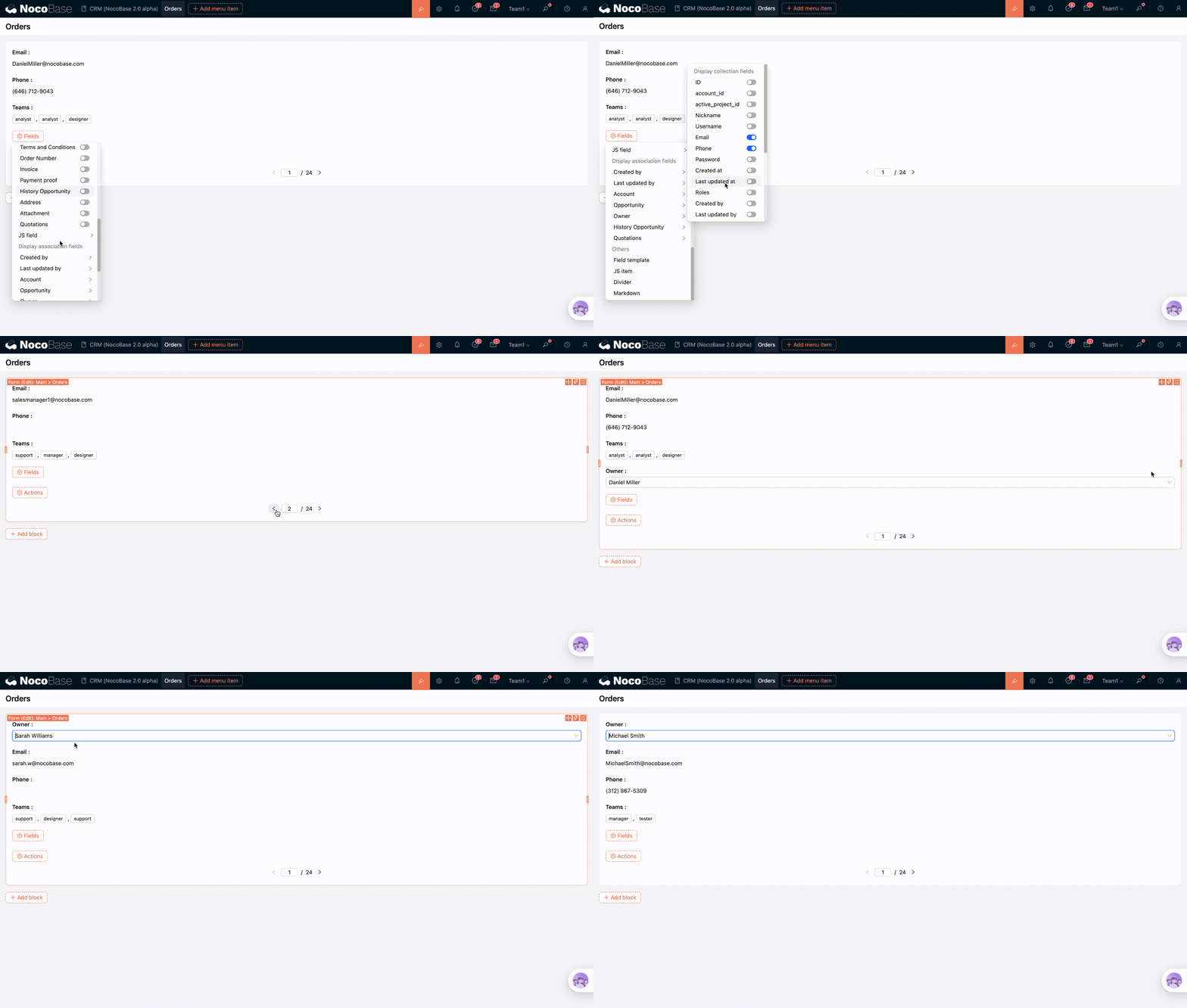
Association collection fields are read-only in the form and are typically used in conjunction with association fields to display multiple field values of the related data.
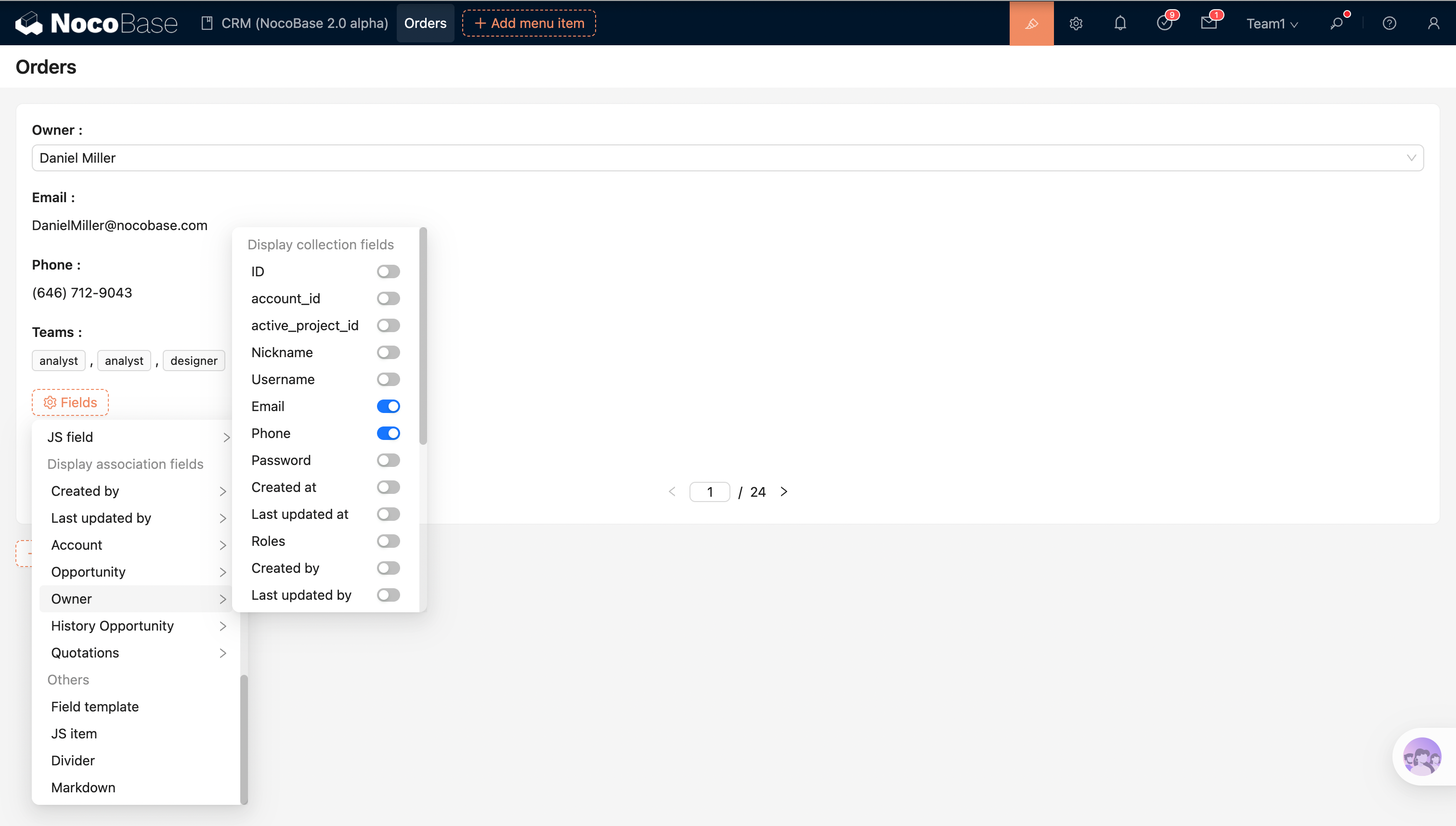
- Currently, only to-one relationships (such as belongsTo / hasOne, etc.) are supported.
- It is usually used with association fields (used to select related records): the association field component is responsible for selecting/changing the related record, while the association collection field is responsible for displaying more information about that record (read-only).
Example: After selecting a "Manager", the manager's phone number, email, and other information are displayed in the form.
In the edit form, even if the association field "Manager" is not configured, the corresponding association information can still be displayed. When the association field "Manager" is configured, changing the manager will update the corresponding association information to the new record.
Other Fields
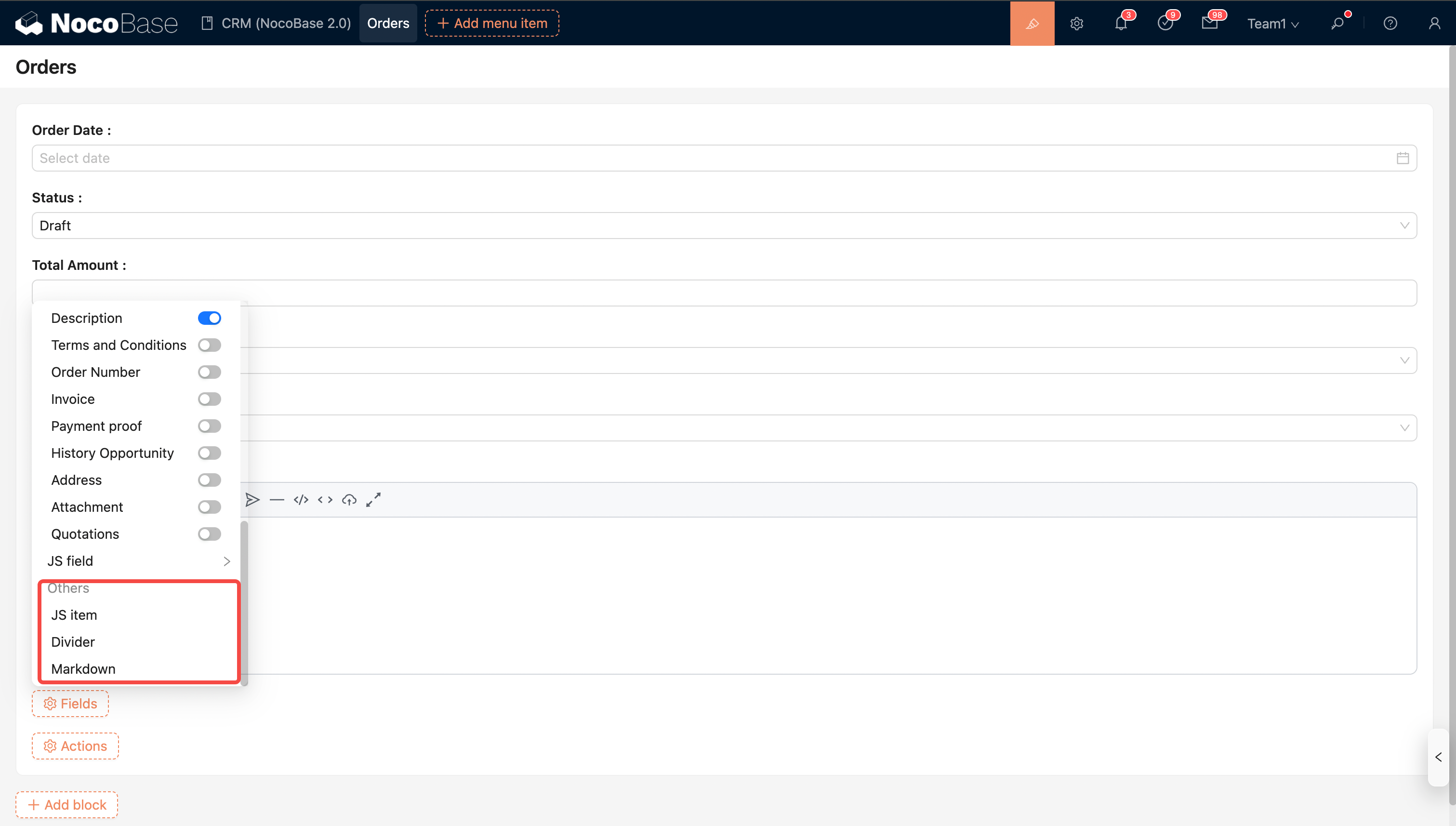
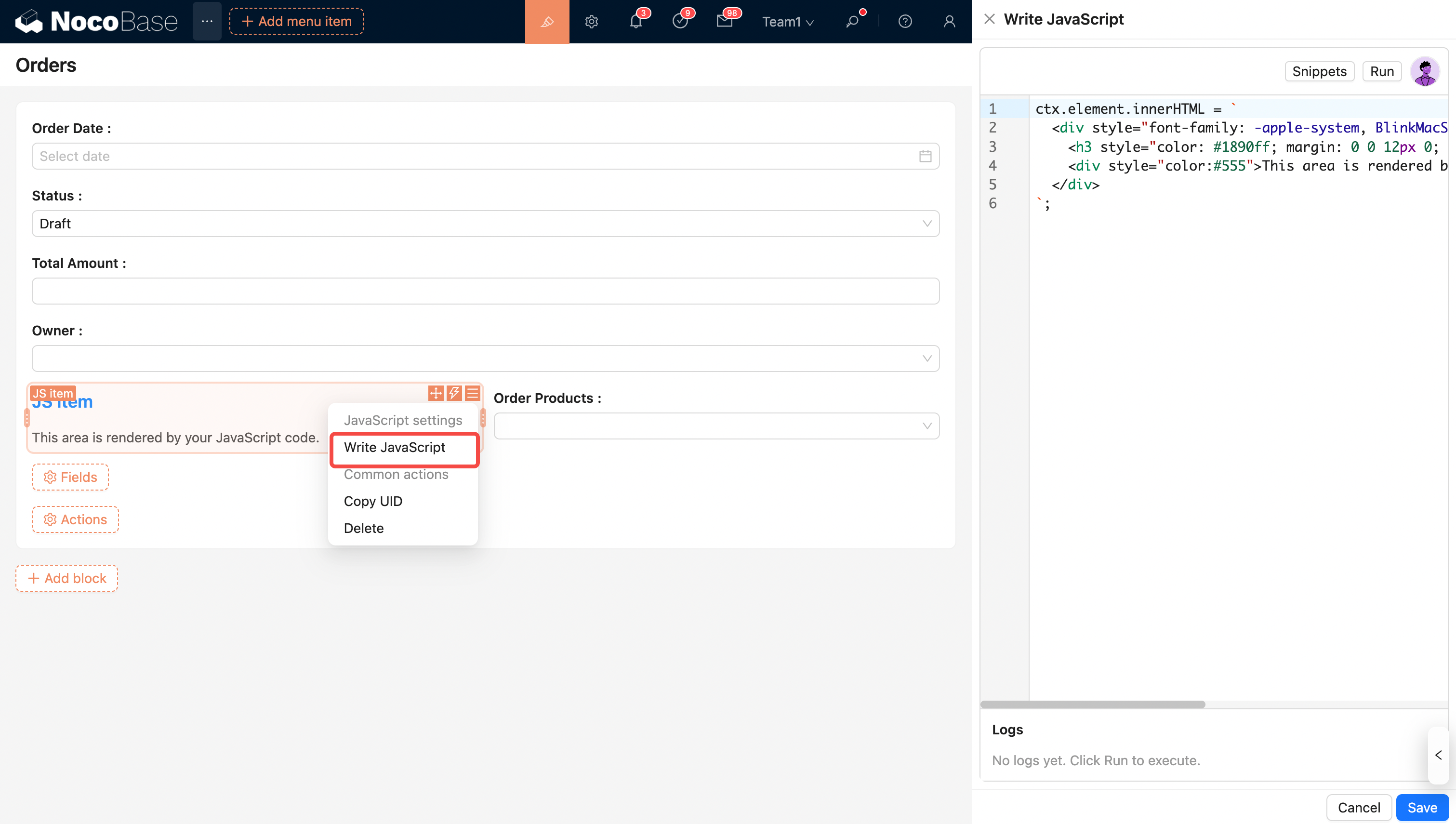
- Writing JavaScript can achieve custom display content and show complex information.
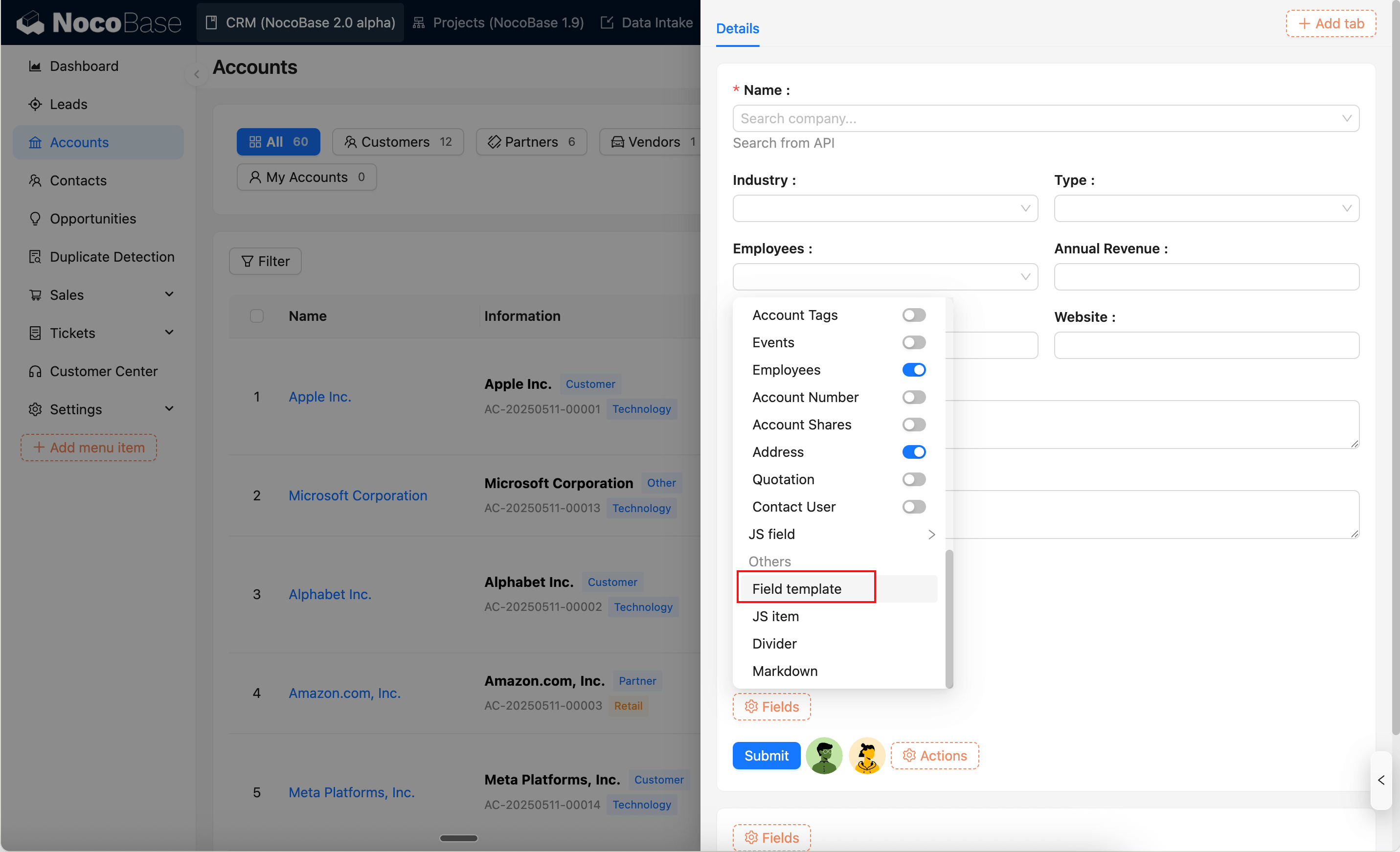
Field Template
Field templates are used to reuse field area configurations in Form blocks. For details, see Field Template.
Configure Actions