Import

Action: Import recordsCommunity Edition+

Introduction

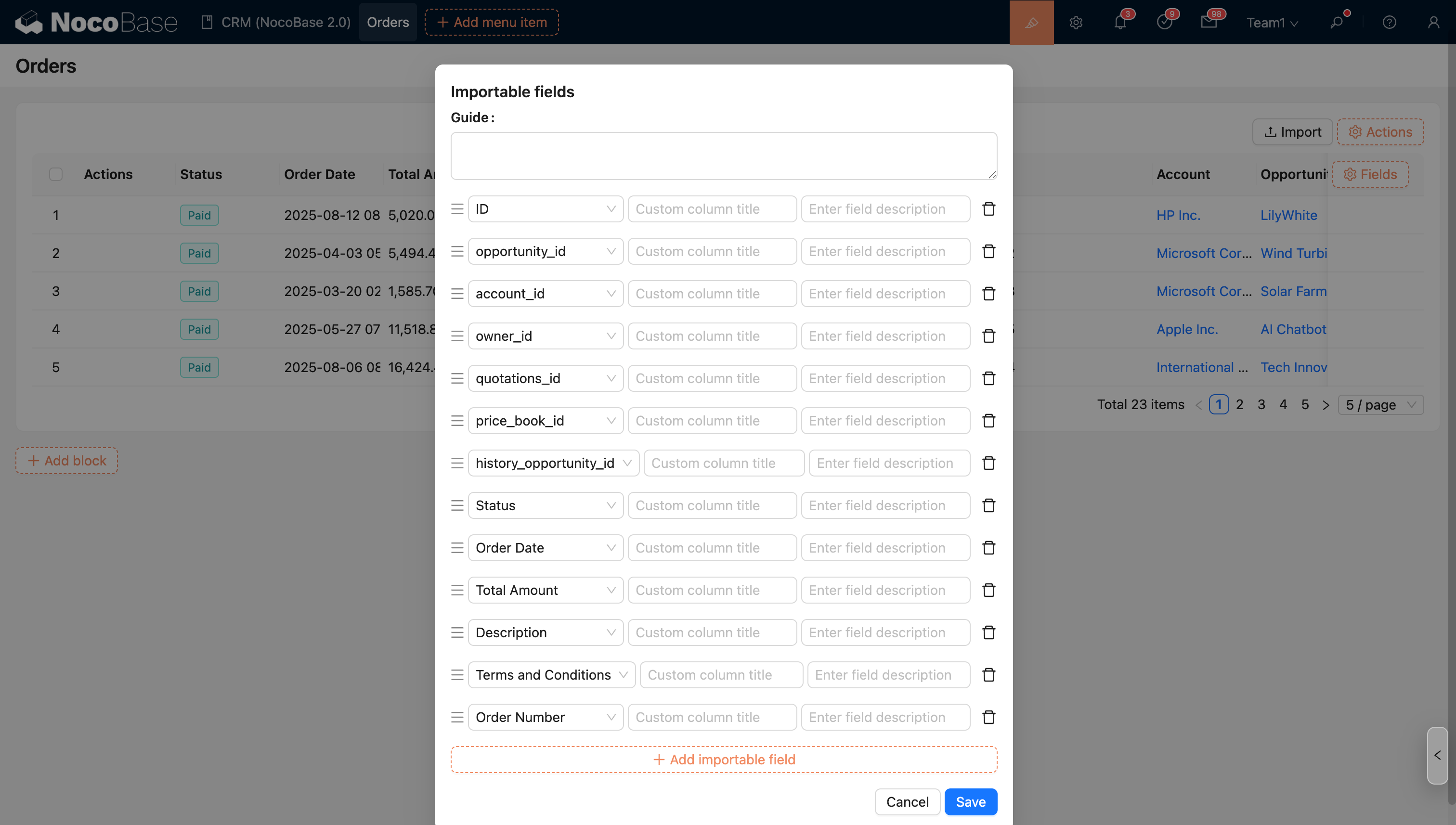
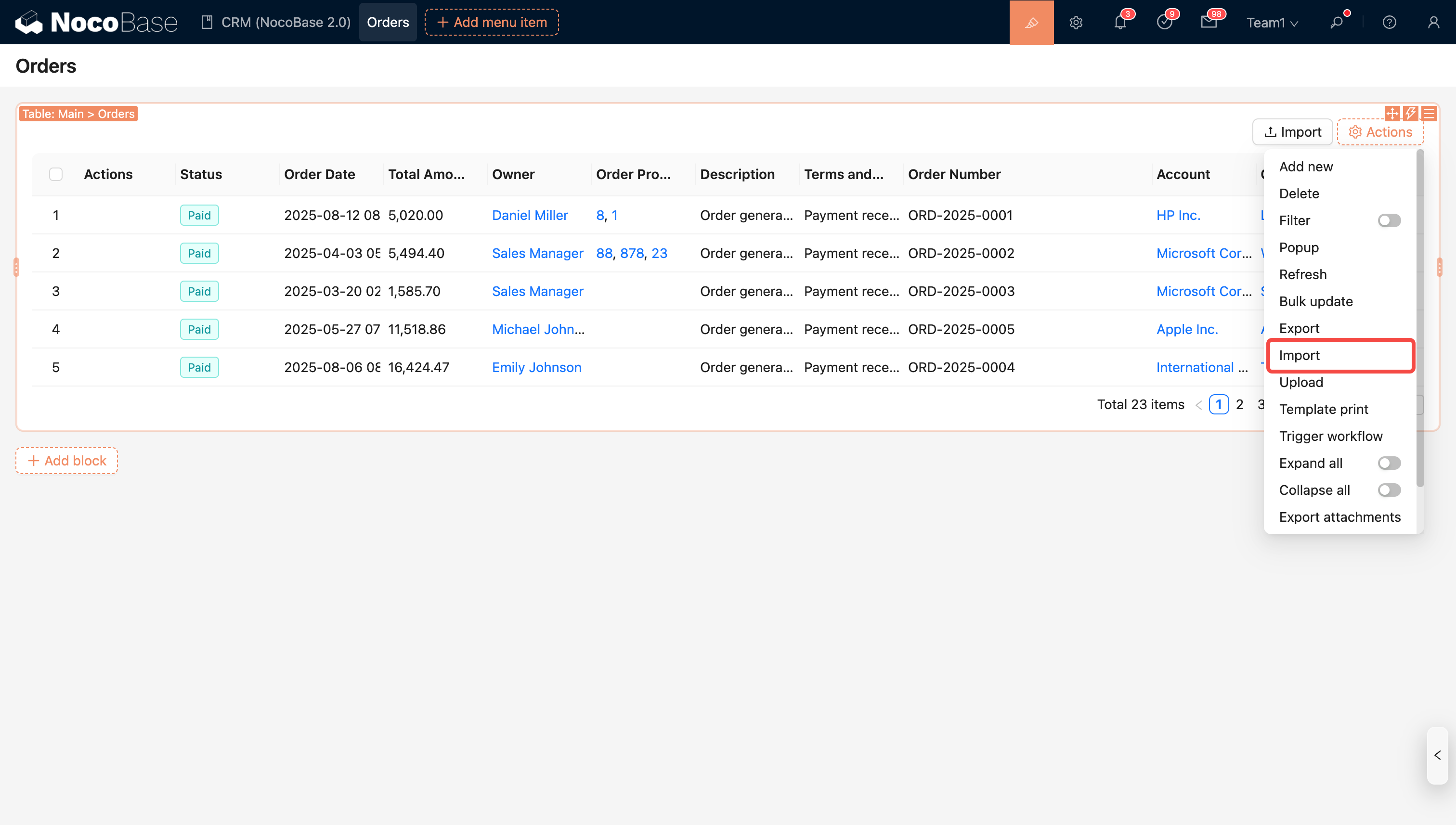
Import data using an Excel template. You can configure which fields to import, and the template will be generated automatically.
20251029165818

Import Instructions

Number Type Fields

Supports numbers and percentages. Text like N/A or - will be filtered out.

Number1PercentageNumber2Number3
12325%N/A-

After converting to JSON:

{
  "Number1": 123,
  "Percentage": 0.25,
  "Number2": null,
  "Number3": null
}

Boolean Type Fields

Supported input text (English is case-insensitive):

  • Yes, Y, True, 1
  • No, N, False, 0
Field1Field2Field3Field4Field5
NoYesYtrue0

After converting to JSON:

{
  "Field1": false,
  "Field2": true,
  "Field3": true,
  "Field4": true,
  "Field5": false
}

Date Type Fields

DateOnlyLocal(+08:00)GMT
2023-01-18 22:22:222023-01-18 22:22:222023-01-18 22:22:22

After converting to JSON:

{
  "DateOnly": "2023-01-18T00:00:00.000Z",
  "Local(+08:00)": "2023-01-18T14:22:22.000Z",
  "GMT": "2023-01-18T22:22:22.000Z"
}

Select Type Fields

Both option values and option labels can be used as import text. Multiple options are separated by commas (, ,) or enumeration commas ().

For example, the options for the Priority field include:

Option ValueOption Label
lowLow
mediumMedium
highHigh

Both option values and option labels can be used as import text.

Priority
High
low

After converting to JSON:

[{ "Priority": "high" }, { "Priority": "low" }]

China Administrative Division Fields

Region1Region2
北京市/市辖区天津市/市辖区

After converting to JSON:

{
  "Region1": ["11", "1101"],
  "Region2": ["12", "1201"]
}

Attachment Fields

After converting to JSON:

{
  "Attachment": [
    {
      "filename": "logo.png",
      "title": "logo.png",
      "extname": ".png",
      "url": "https://www.nocobase.com/images/logo.png"
    }
  ]
}

Relationship Type Fields

Multiple data entries are separated by commas (, ,) or enumeration commas ().

Department/NameCategory/Title
Development TeamCategory1, Category2

After converting to JSON:

{
  "Department": [1], // 1 is the record ID for the department named "Development Team"
  "Category": [1, 2] // 1,2 are the record IDs for categories titled "Category1" and "Category2"
}

JSON Type Fields

JSON1
{"key":"value"}

After converting to JSON:

{
  "JSON": { "key": "value" }
}

Map Geometry Types

PointLinePolygonCircle
1,2(1,2),(3,4)(1,2),(3,4),(1,2)1,2,3

After converting to JSON:

{
  "Point": [1, 2],
  "Line": [[1, 2], [3, 4]],
  "Polygon": [[1, 2], [3, 4], [1, 2]],
  "Circle": [1, 2, 3]
}

Custom Import Format

Register a custom ValueParser via the db.registerFieldValueParsers() method, for example:

import { BaseValueParser } from '@nocobase/database';

class PointValueParser extends BaseValueParser {
  async setValue(value) {
    if (Array.isArray(value)) {
      this.value = value;
    } else if (typeof value === 'string') {
      this.value = value.split(',');
    } else {
      this.errors.push('Value invalid');
    }
  }
}

const db = new Database();

// When importing a field of type=point, the data will be parsed by PointValueParser
db.registerFieldValueParsers({
  point: PointValueParser,
});

Import Example

Point
1,2

After converting to JSON:

{
  "Point": [1, 2]
}

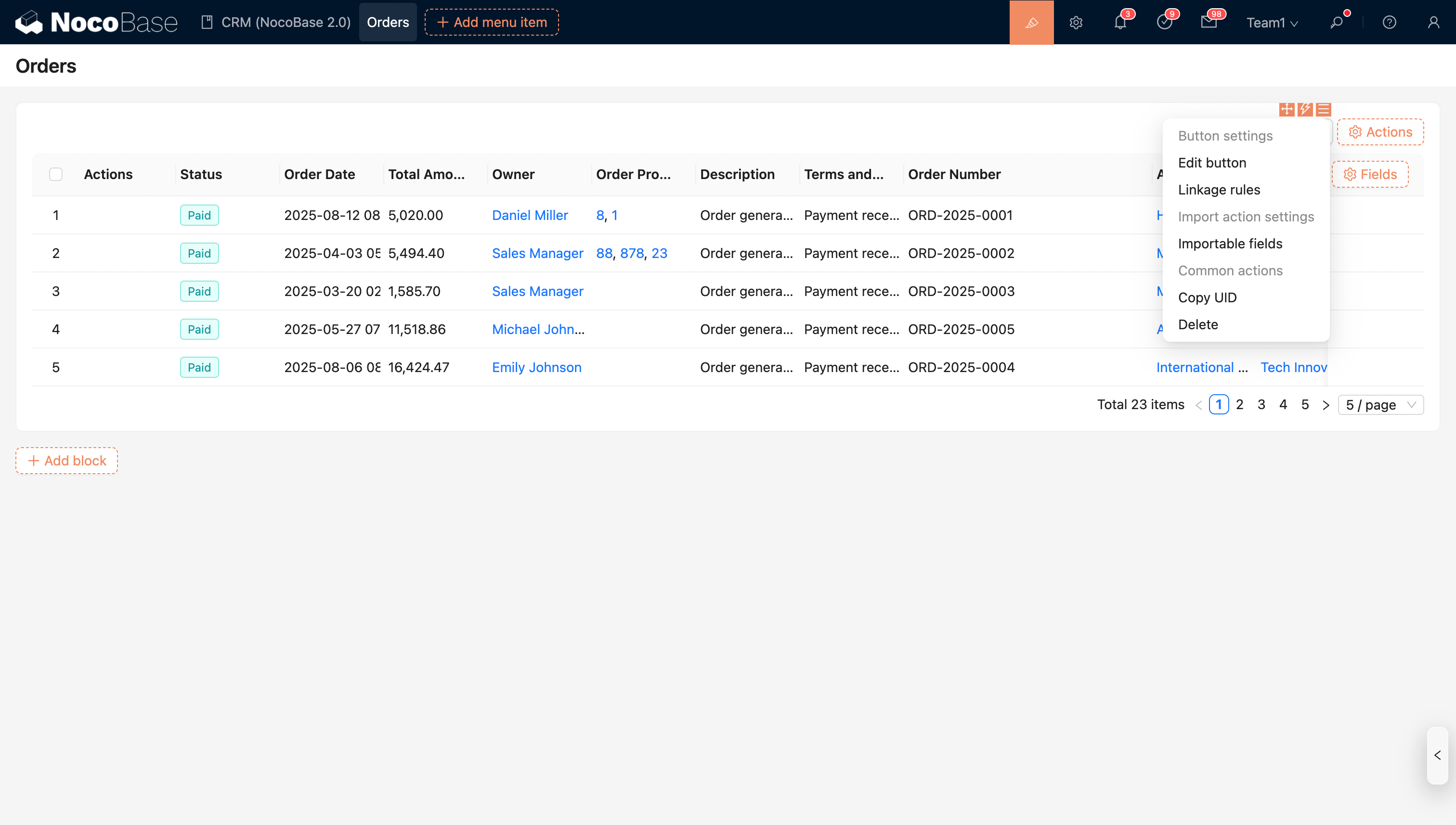
Action Settings

20251029170959

  • Configure importable fields

20251029171036