

JS Item
Introduction
JS Item is used for "custom items" (not bound to a field) in a form. You can use JavaScript/JSX to render any content (such as tips, statistics, previews, buttons, etc.) and interact with the form and record context. It is suitable for scenarios like real-time previews, instructional tips, and small interactive components.
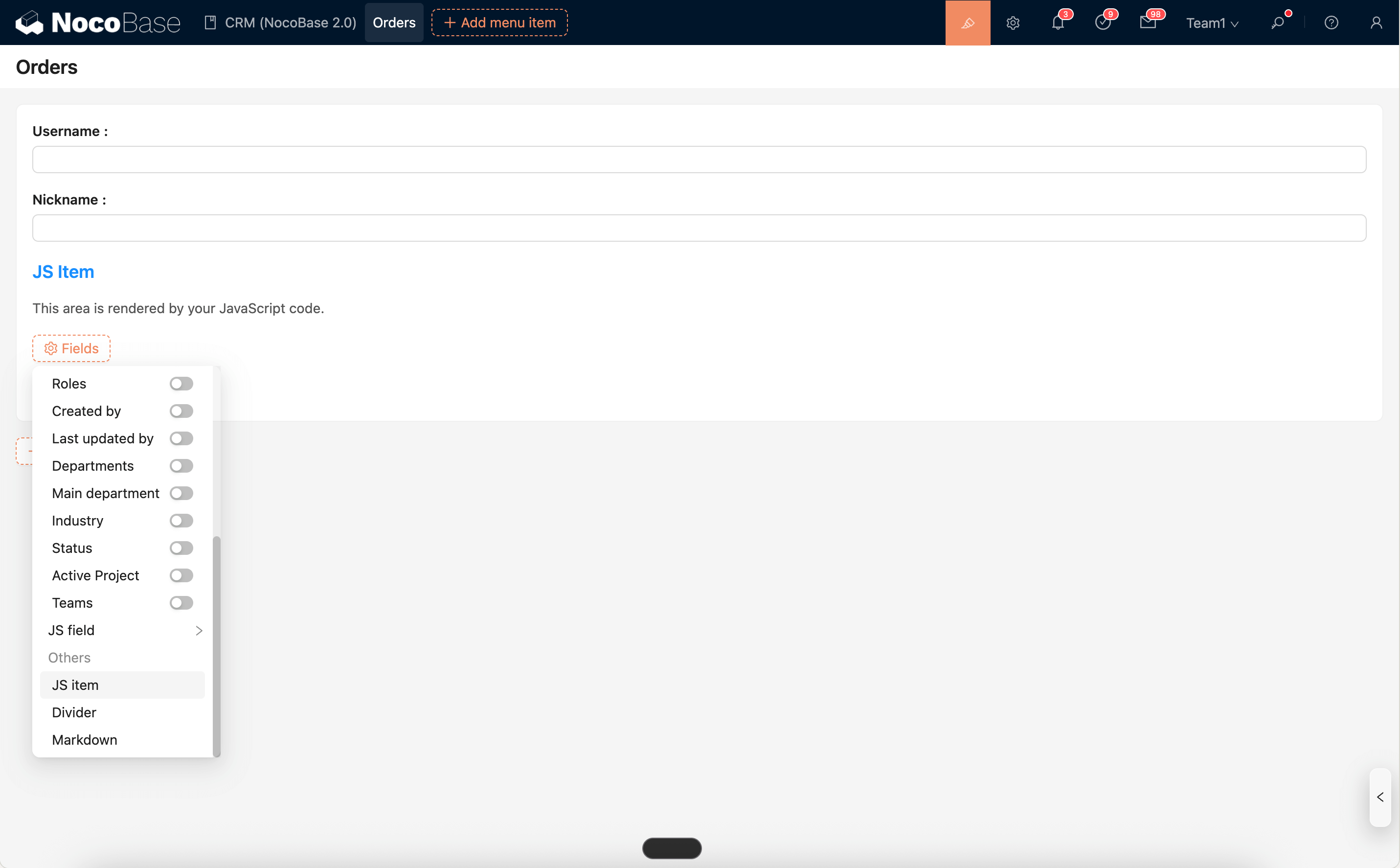
Runtime Context API (Commonly Used)
ctx.element: The DOM container (ElementProxy) of the current item, supportinginnerHTML,querySelector,addEventListener, etc.ctx.form: The AntD Form instance, allowing operations likegetFieldValue / getFieldsValue / setFieldsValue / validateFields, etc.ctx.blockModel: The model of the form block it belongs to, which can listen toformValuesChangeto implement linkage.ctx.record/ctx.collection: The current record and collection metadata (available in some scenarios).ctx.requireAsync(url): Asynchronously load an AMD/UMD library by URL.ctx.importAsync(url): Dynamically import an ESM module by URL.ctx.openView(viewUid, options): Open a configured view (drawer/dialog/page).ctx.message/ctx.notification: Global message and notification.ctx.t()/ctx.i18n.t(): Internationalization.ctx.onRefReady(ctx.ref, cb): Render after the container is ready.ctx.libs.React/ctx.libs.ReactDOM/ctx.libs.antd/ctx.libs.antdIcons/ctx.libs.dayjs/ctx.libs.lodash/ctx.libs.math/ctx.libs.formula: Built-in React, ReactDOM, Ant Design, Ant Design icons, dayjs, lodash, math.js, and formula.js libraries for JSX rendering, date-time utilities, data manipulation, and mathematical operations. (ctx.React/ctx.ReactDOM/ctx.antdare kept for compatibility.)ctx.render(vnode): Renders a React element/HTML/DOM to the default containerctx.element. Multiple renders will reuse the Root and overwrite the existing content of the container.
Editor and Snippets
Snippets: Opens a list of built-in code snippets, allowing you to search and insert them at the current cursor position with one click.Run: Executes the current code directly and outputs the execution logs to theLogspanel at the bottom. It supportsconsole.log/info/warn/errorand error highlighting.
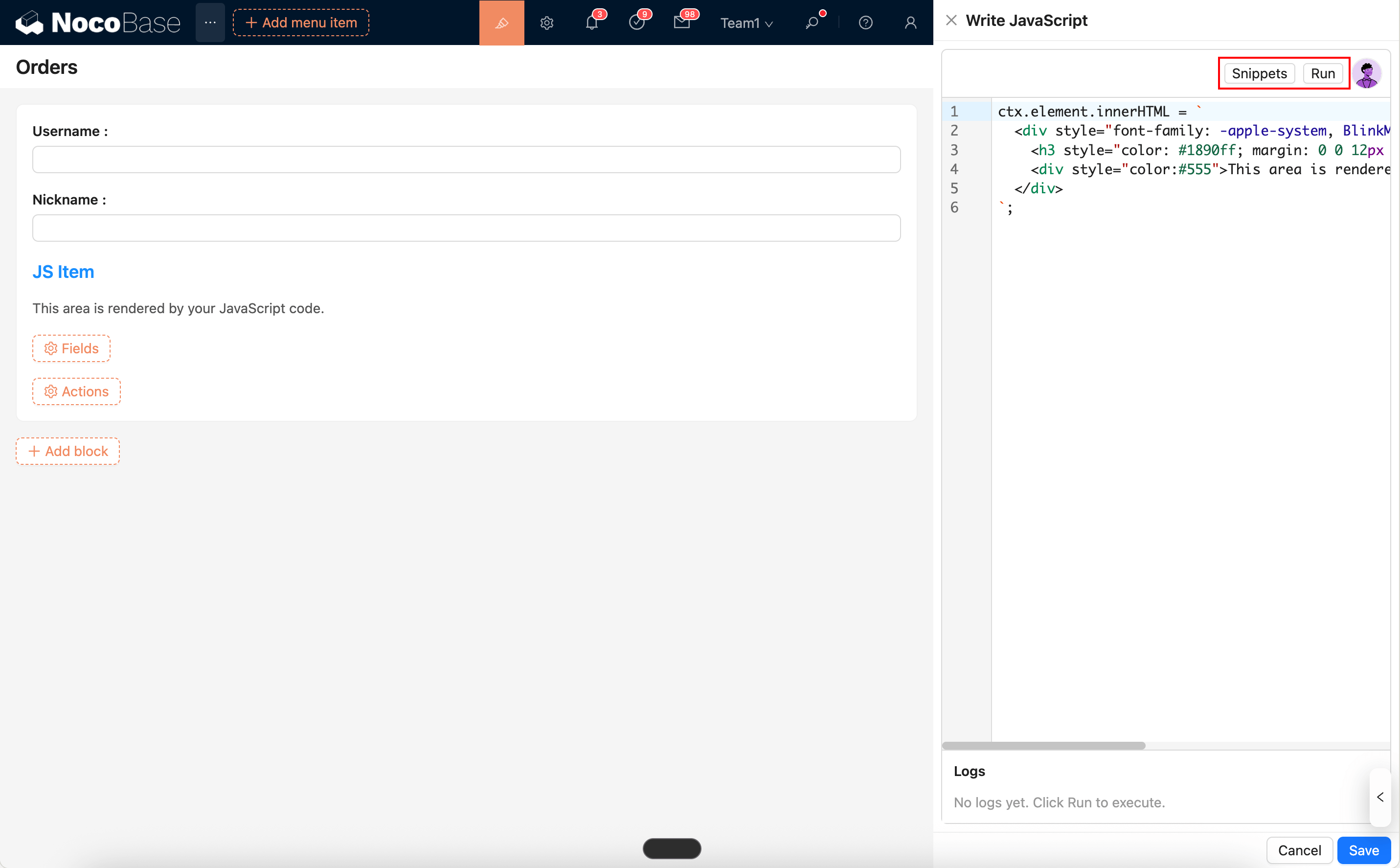
- Can be used with AI Employee to generate/modify scripts: AI Employee · Nathan: Frontend Engineer
Common Usage (Simplified Examples)
1) Real-time Preview (Reading Form Values)
2) Open a View (Drawer)
3) Load and Render External Libraries
Notes
- It is recommended to use a trusted CDN for loading external libraries, and to have a fallback for failure scenarios (e.g.,
if (!lib) return;). - It is recommended to prioritize using
classor[name=...]for selectors and avoid using fixedids to prevent duplicateids in multiple blocks/popups. - Event cleanup: Frequent changes in form values will trigger multiple renders. Before binding an event, it should be cleaned up or deduplicated (e.g.,
removebeforeadd, use{ once: true }, or use adatasetattribute to prevent duplicates).