

Layout
Introduction
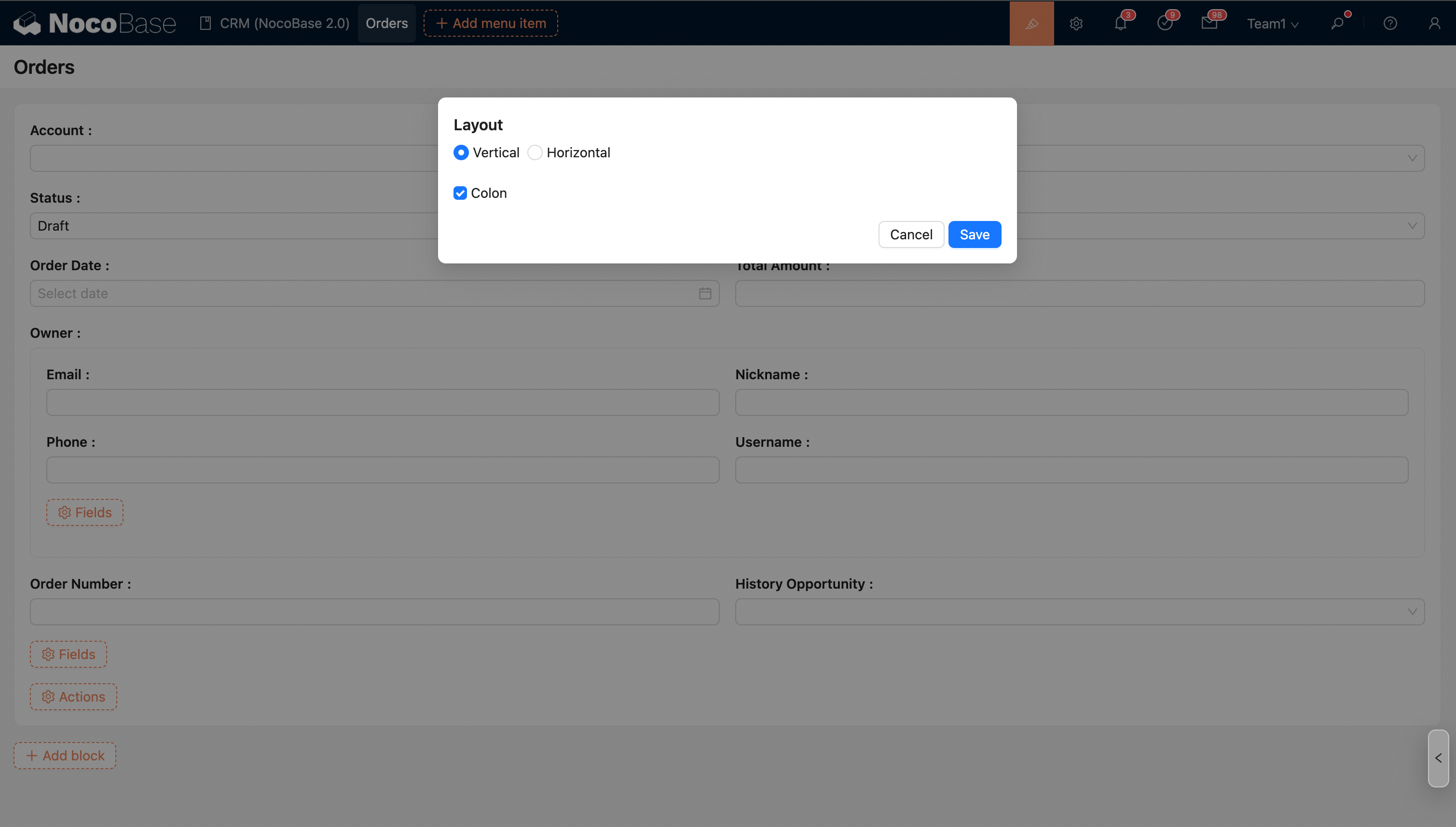
Form-like blocks such as Form blocks, Details blocks, and List blocks support layout settings. Layout options include vertical layout (labels and input fields are arranged row by row) and horizontal layout (labels and input fields are placed side by side). Users can adjust the block field layout according to specific needs to ensure that information input or viewing is both clear and efficient.
Vertical (Default)
The default layout is vertical.
Horizontal
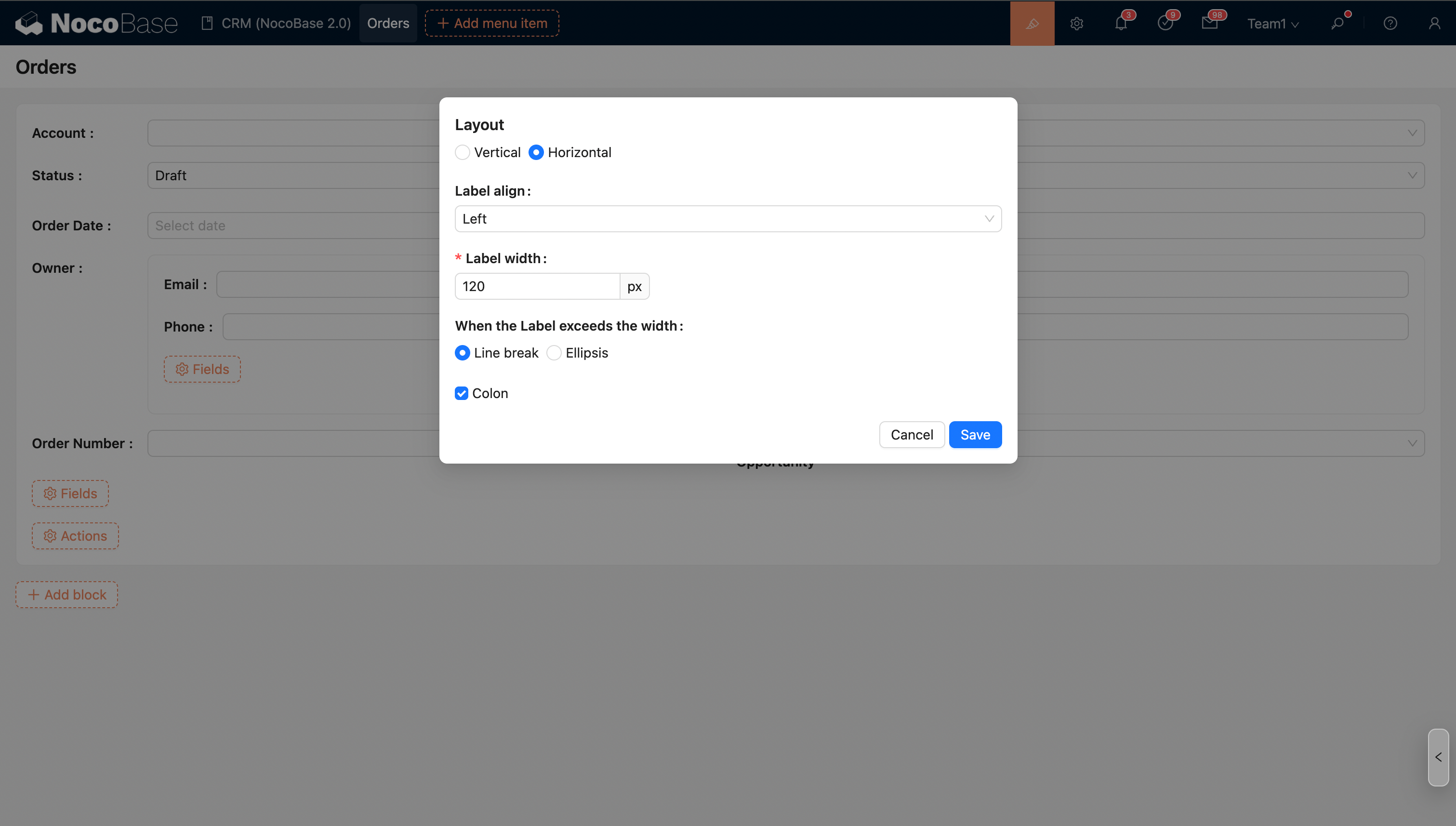
The horizontal layout displays labels and input fields side-by-side, which effectively saves space. For fields with long titles, you can choose to set them to wrap or show an ellipsis to ensure a clean and aesthetically pleasing interface.
Field Title Alignment
- Left align (default)
- Right align
Field Title Width
- The default width is 120px, with a minimum width of 50px.
Handling for Field Titles Exceeding Width
- Wrap
- Ellipsis
Show Colon
You can choose whether to display a colon after the field title.