

UI Builder
WYSIWYG
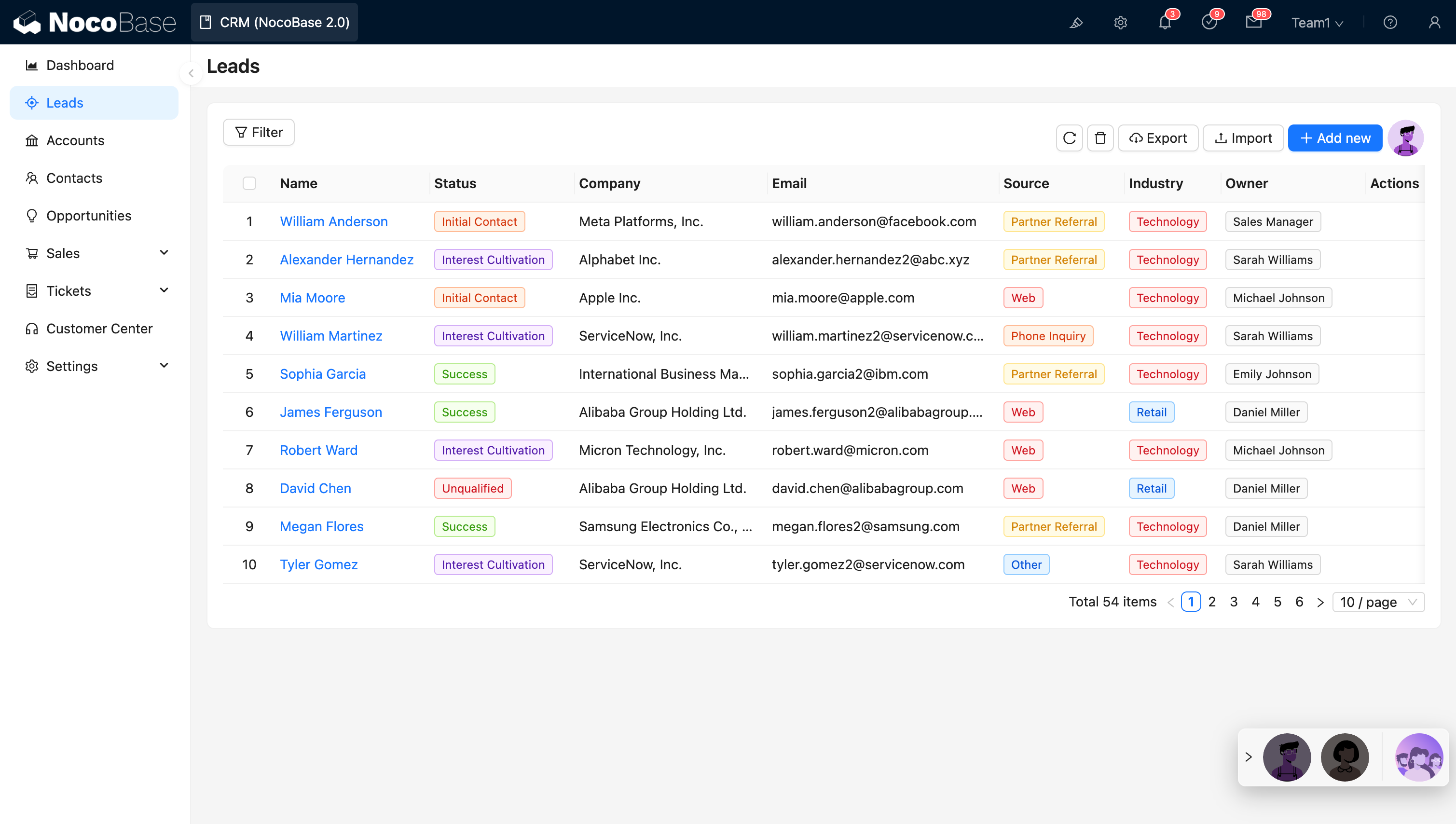
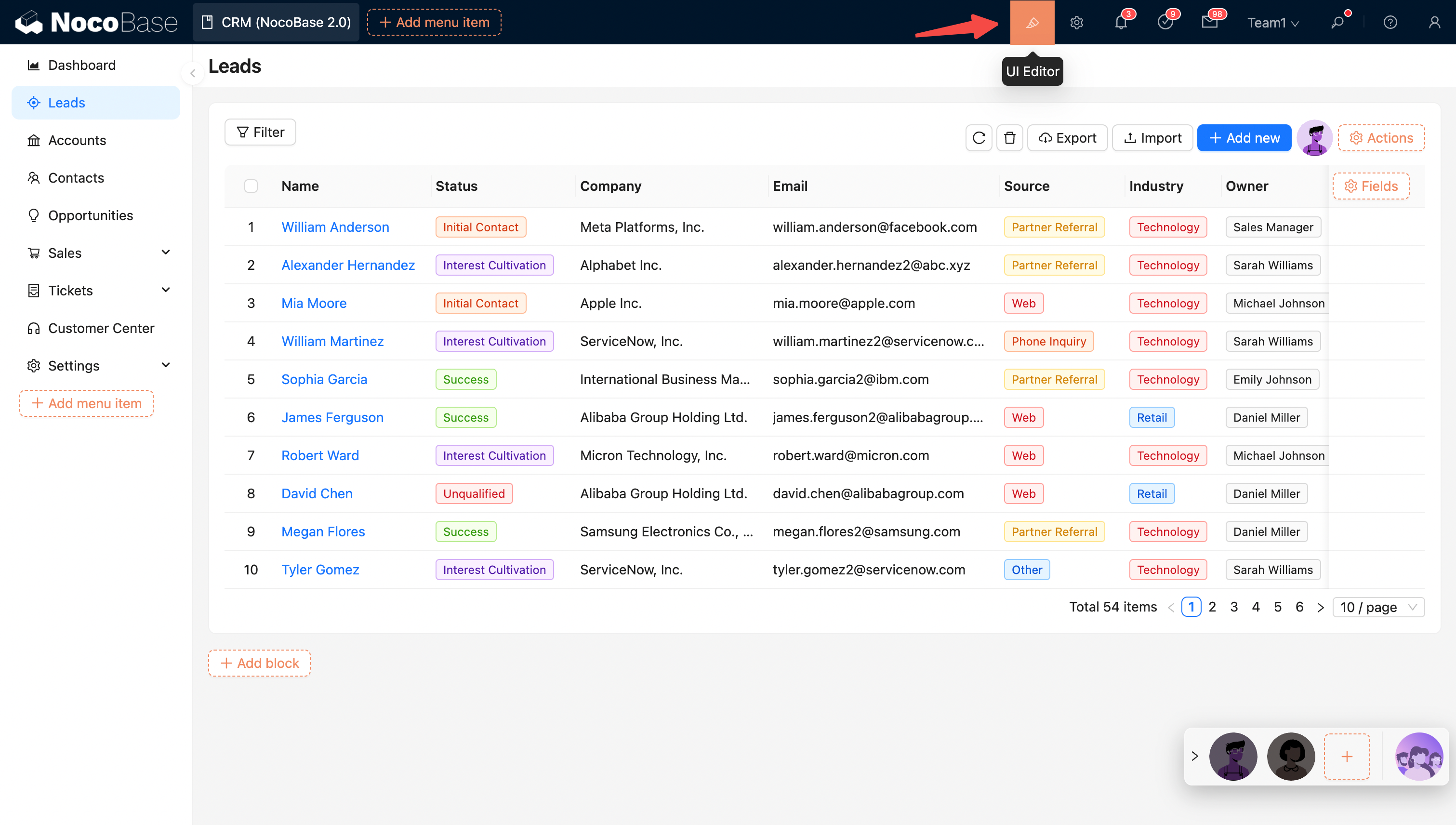
NocoBase provides a WYSIWYG UI building experience. Click the UI Builder button to toggle between Edit mode and View mode.
View mode:
Edit mode:
UI Layout
NocoBase provides desktop and mobile layouts. The desktop layout works well for standard administration and adapts its navigation and page content on phones. The mobile layout provides separate mobile navigation and page configuration. See UI Layout for details.
Configuration Options
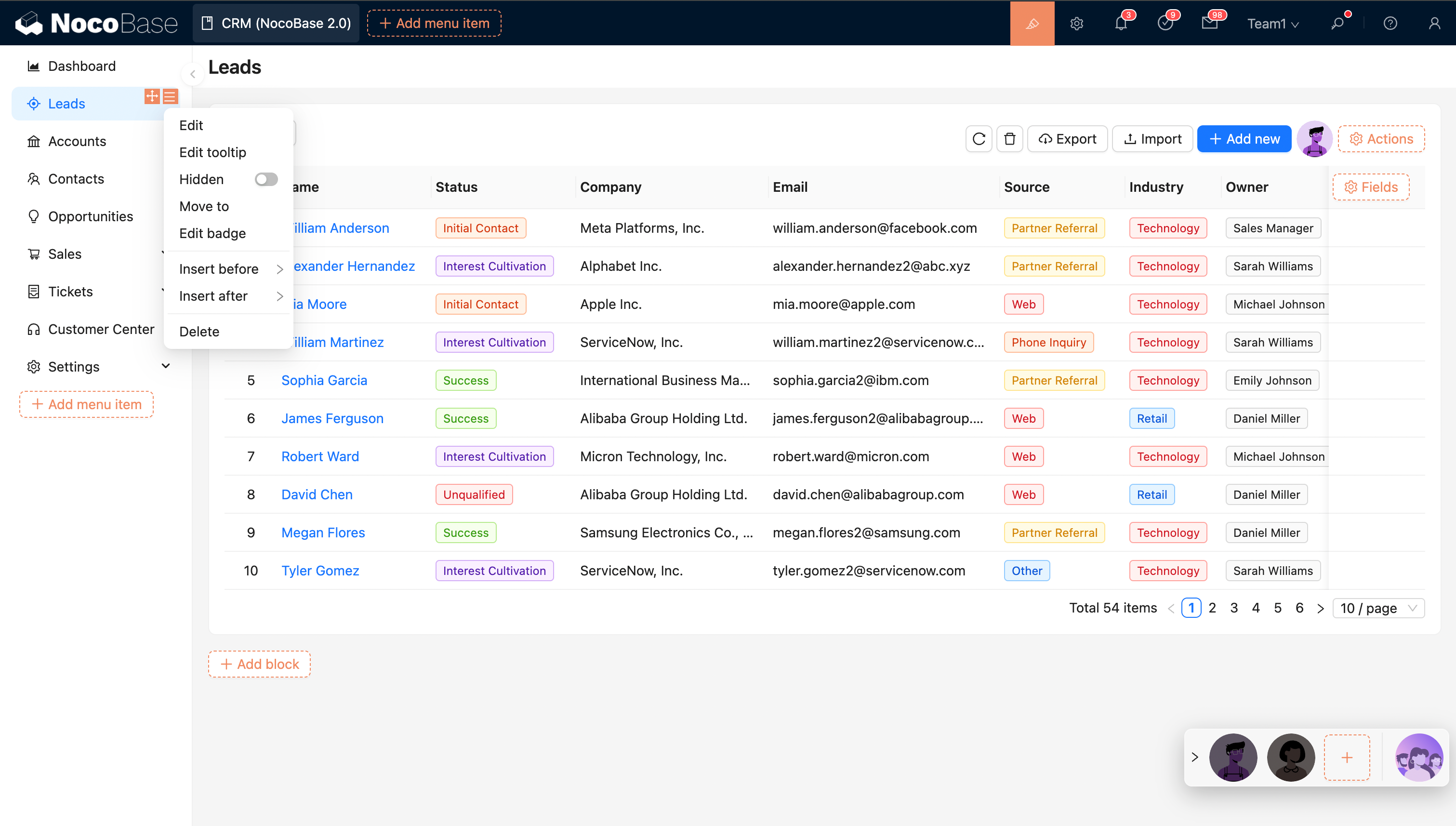
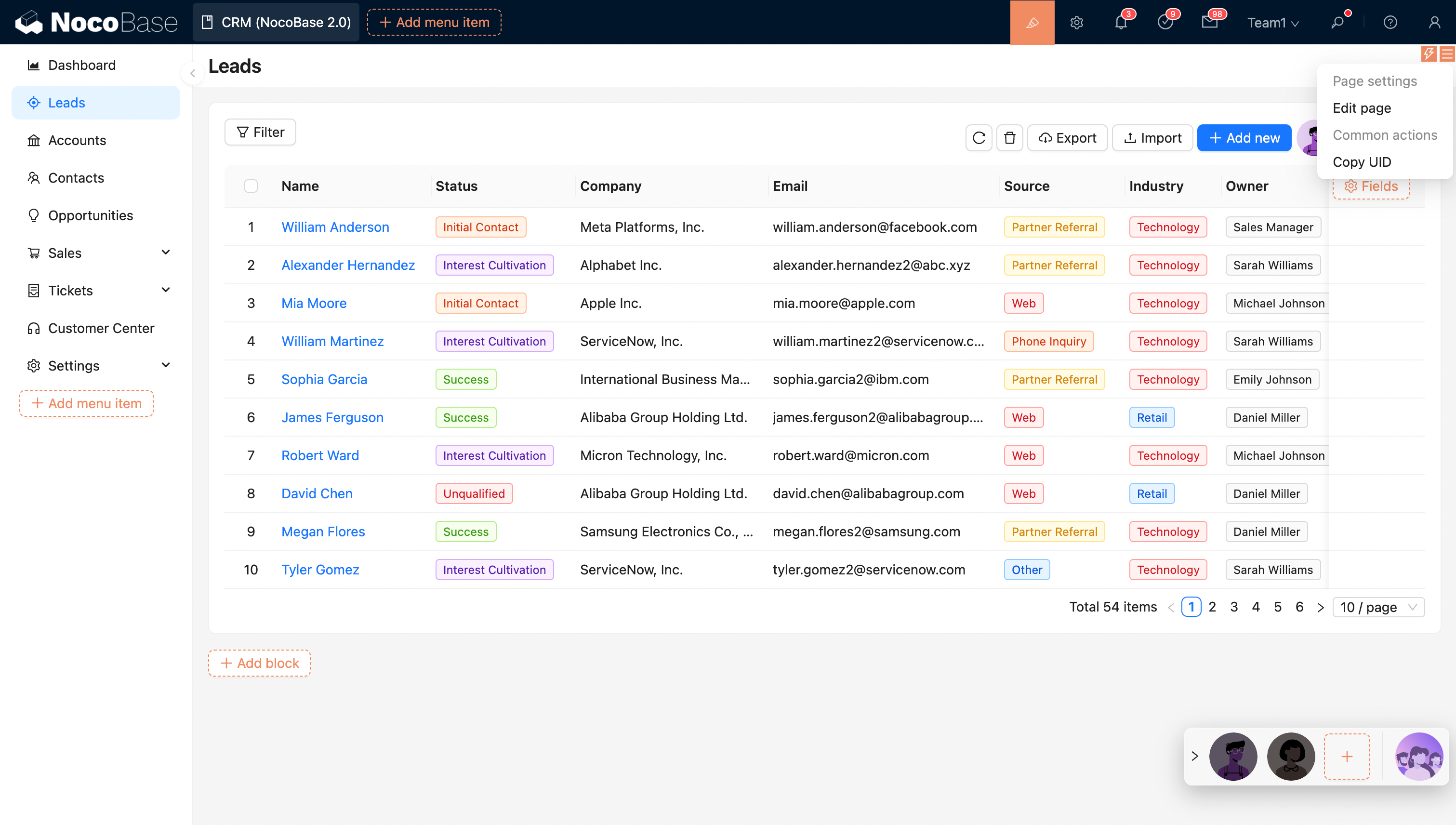
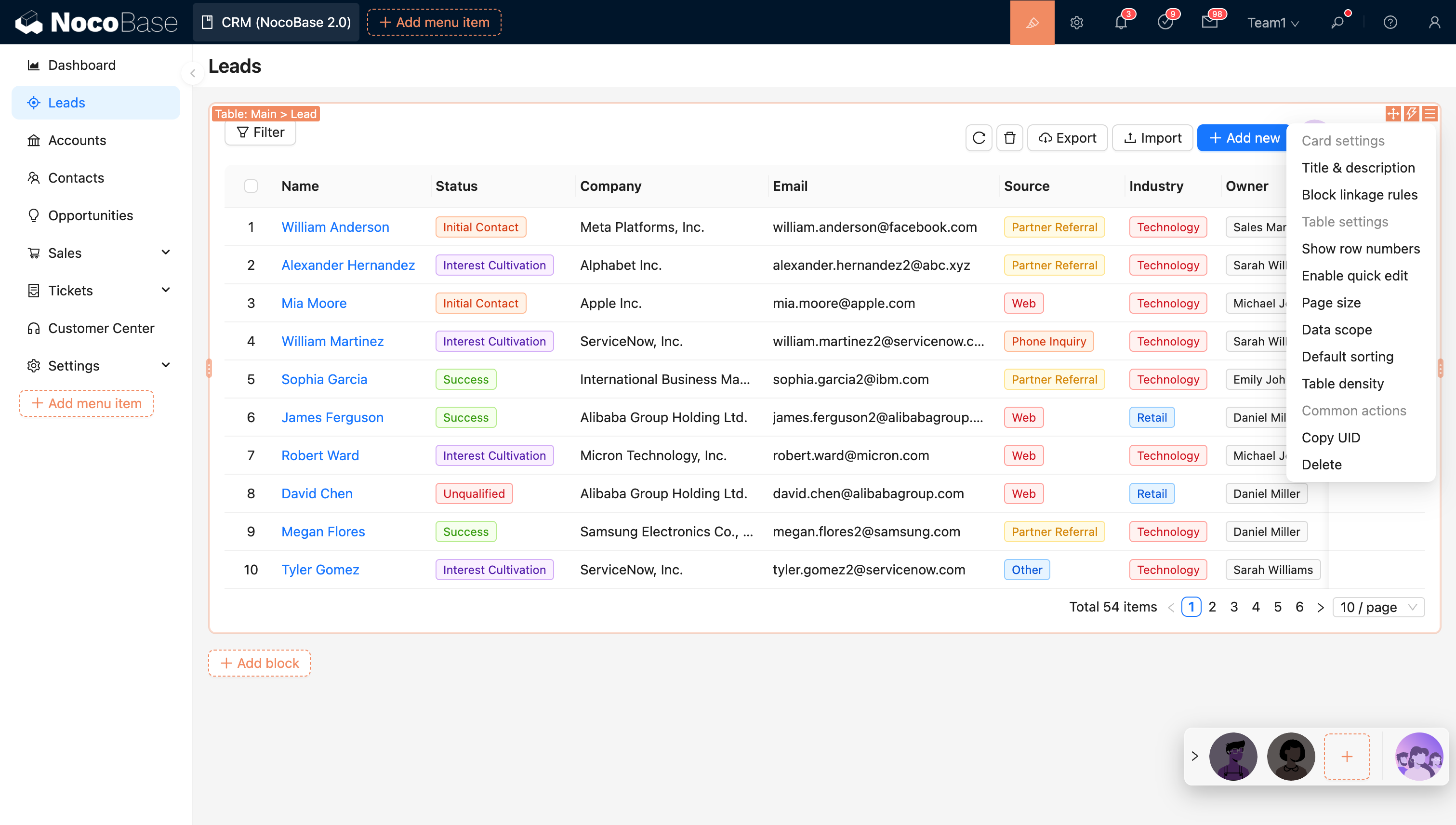
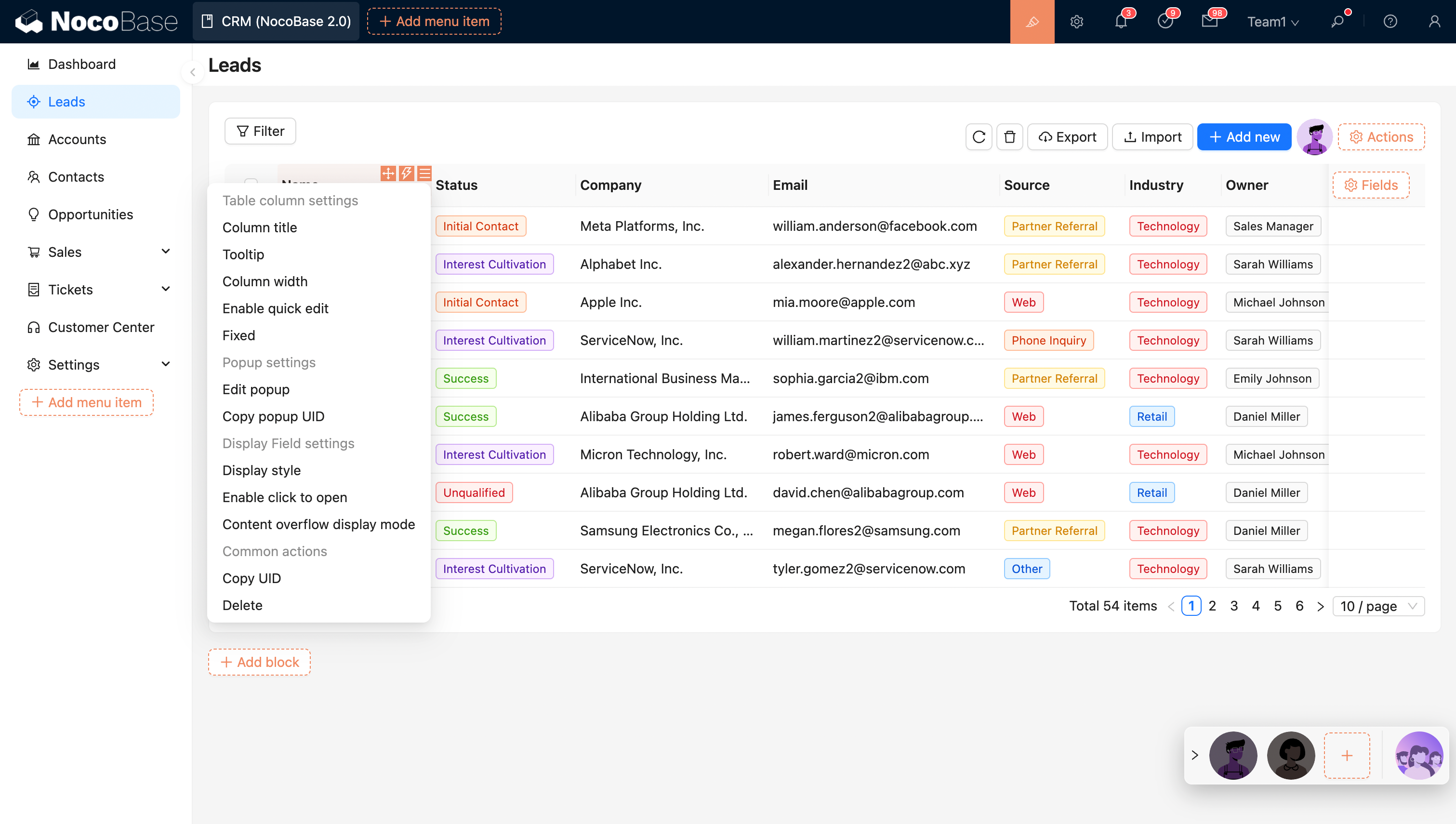
In Edit mode, orange markers indicate configurable elements. The entry point for an element’s settings is usually in its top‑right corner. Most elements support real‑time configuration with instant preview. Examples:
Menu configuration options:
Page configuration options:
Block configuration options:
Action configuration options:
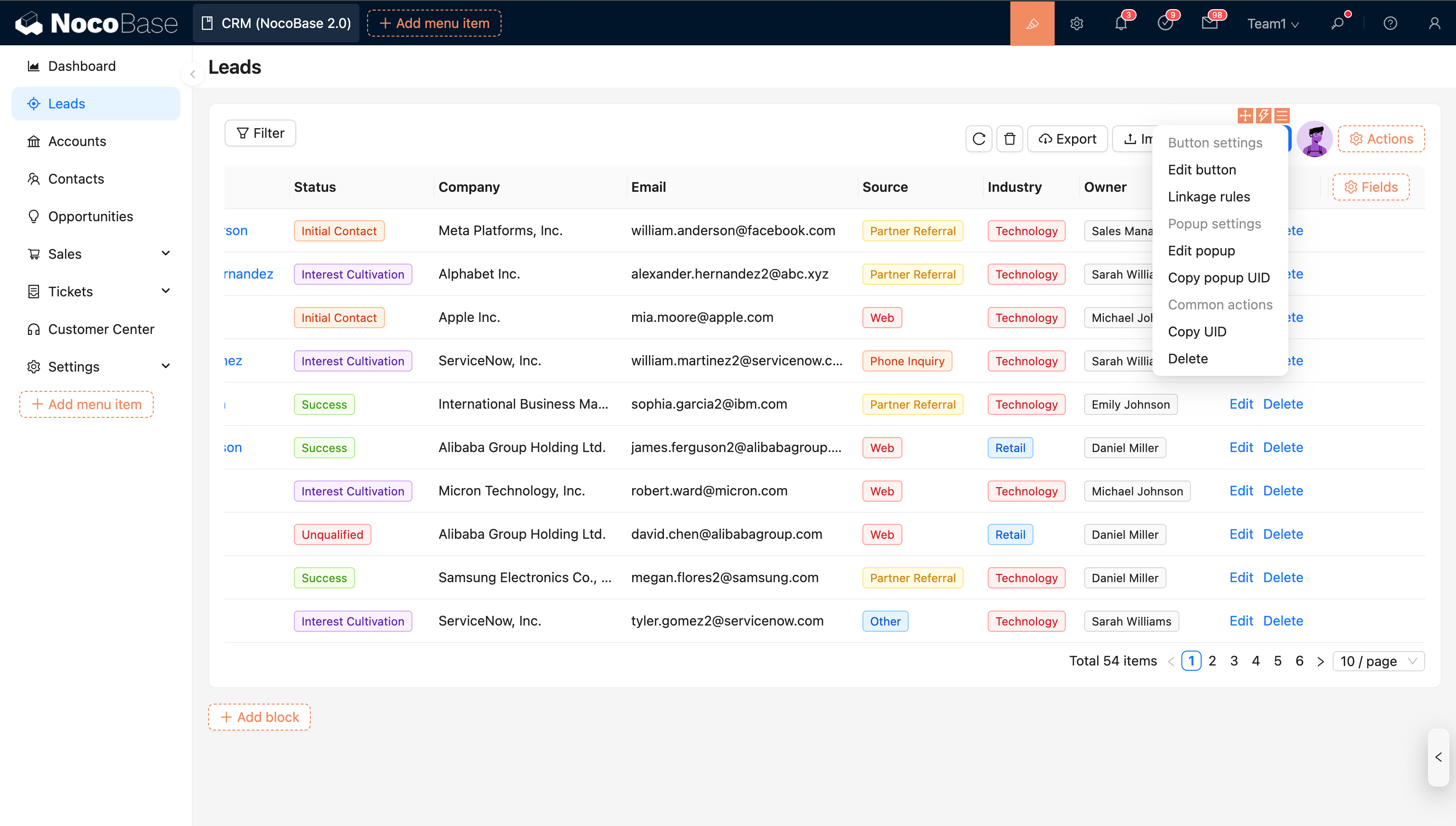
Table column configuration options:
Related links
- UI Layout — Learn about desktop and mobile layouts