

UI Layout
NocoBase provides desktop and mobile layouts. Both layouts support UI building, so you can create pages and configure blocks, fields, and actions within them.
The desktop layout is the default choice and works well for everyday administration and data processing on a computer. If you need dedicated navigation and pages for mobile devices, you can build a mobile layout as well.
Desktop layout
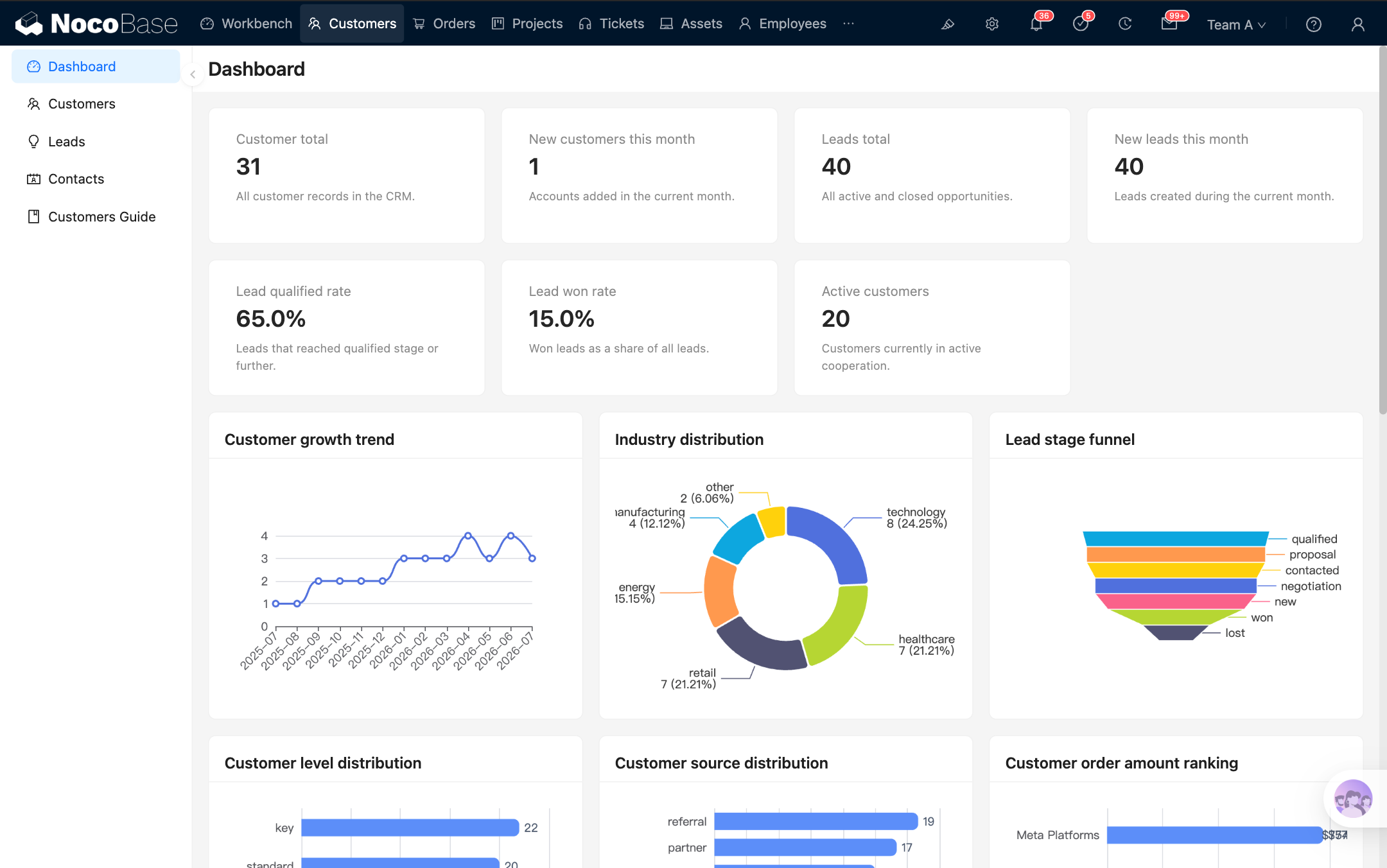
The desktop layout is available at /admin by default. It consists of top navigation, side navigation, and a page content area, making it suitable for common business scenarios such as managing tables, entering form data, and viewing records.
The desktop layout also supports responsive behavior on narrow screens. When a page is displayed on a smaller screen, the navigation, spacing, and common components adjust to fit while continuing to use the existing desktop menus and pages.
Mobile layout
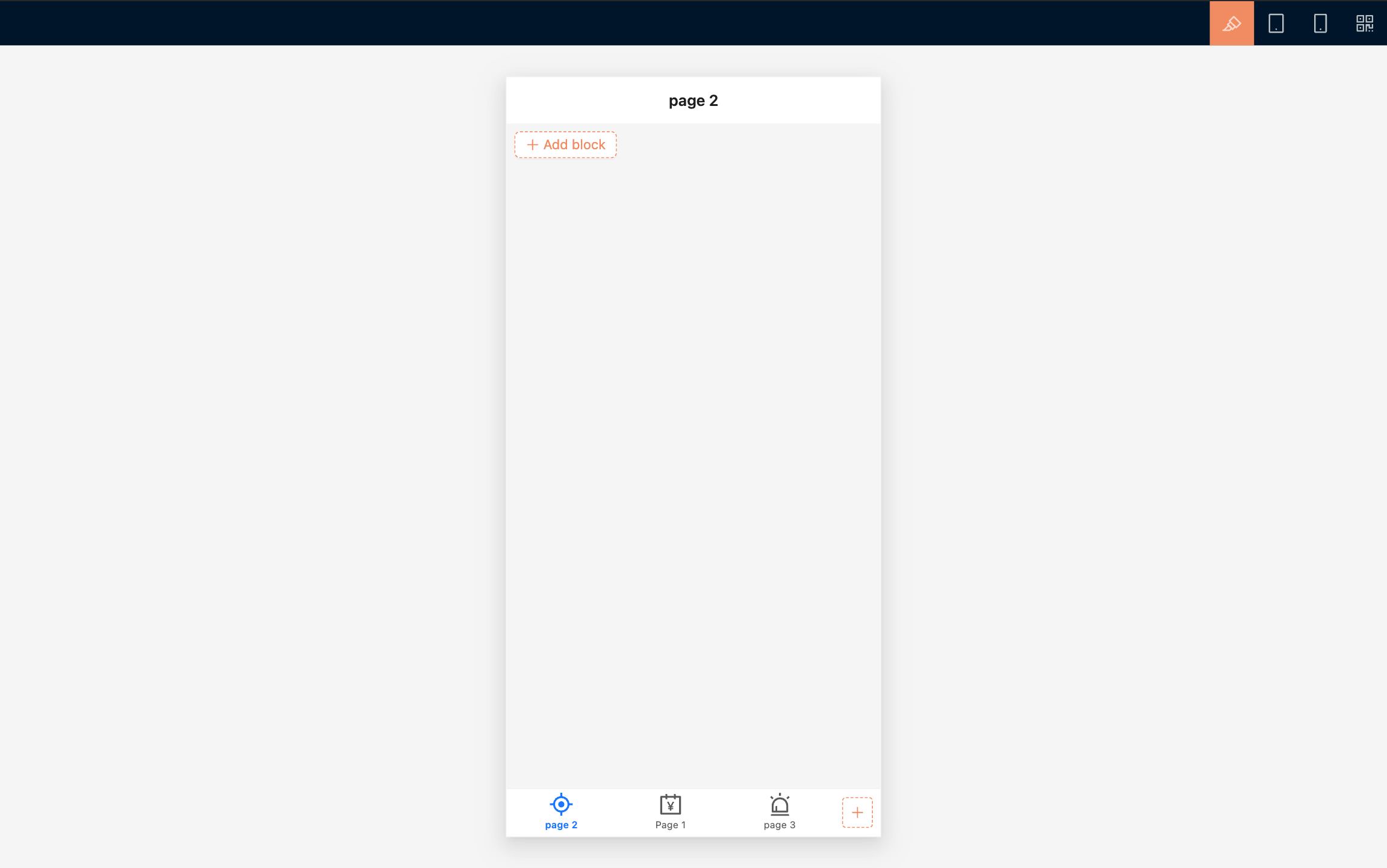
The mobile layout is available at /mobile by default. It uses a bottom tab bar for primary navigation and provides separate mobile pages, links, and page tabs.
The mobile layout works well for frequent phone-based tasks such as on-site data entry, mobile approvals, task processing, and data lookup. You can build and preview pages in a desktop browser, then use a QR code to check the result on a physical device.
Which layout should I use?
Use the desktop layout by default.
How the configurations relate
The desktop and mobile layouts use the same data sources and business data. You can use the same data table to build separate pages for different devices.
Menus, routes, and page configurations are maintained separately. Changes to a desktop page do not automatically update its mobile counterpart, and changes to mobile navigation do not affect desktop navigation. Route access permissions also need to be configured separately for each layout.
Related links
- Desktop layout — Build desktop pages and learn how they behave on narrow screens
- Mobile layout — Build separate mobile navigation and pages
- Route Manager — Manage desktop and mobile pages, links, and menus
- Permission configuration — Control which menus and pages each role can access